Postpix vs Ideogram: Adding Text to Blog Banners
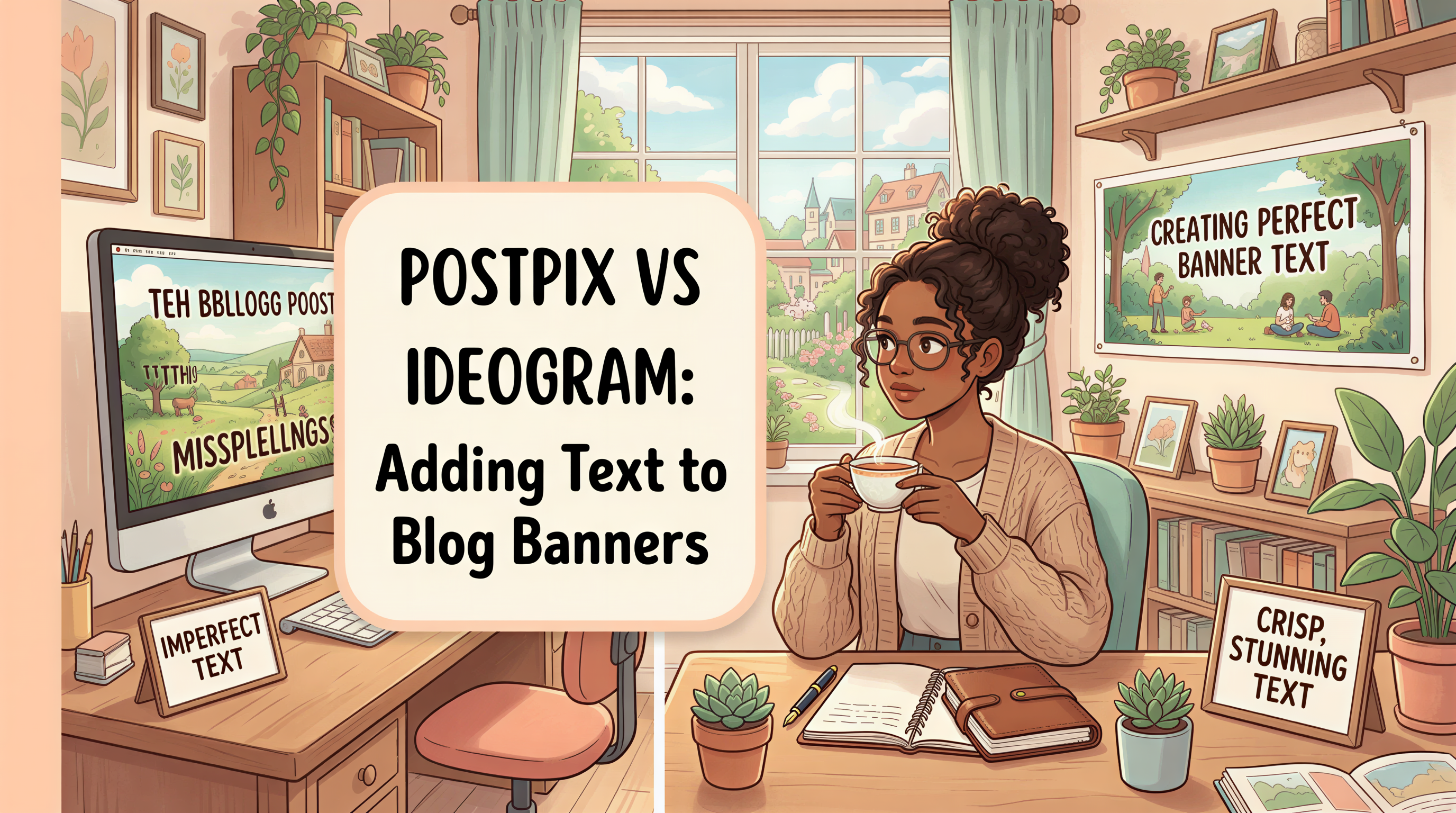
Want a banner with your post title baked into the image?
Ideogram is the obvious answer. It does text-in-image better than almost anyone.
Then why use Postpix? Because text-in-image isn't the whole job.
Table of Contents
- Ideogram's Strength: Text Rendering
- Where Text-In-Image Hurts You
- Where Text-In-Image Helps
- What Postpix Does Differently
- Side-by-Side: Same Brief
- When Each Tool Wins
- A Hybrid Workflow That Works
- Cost Math
- What People Get Wrong
- The Honest Verdict
Ideogram's Strength: Text Rendering
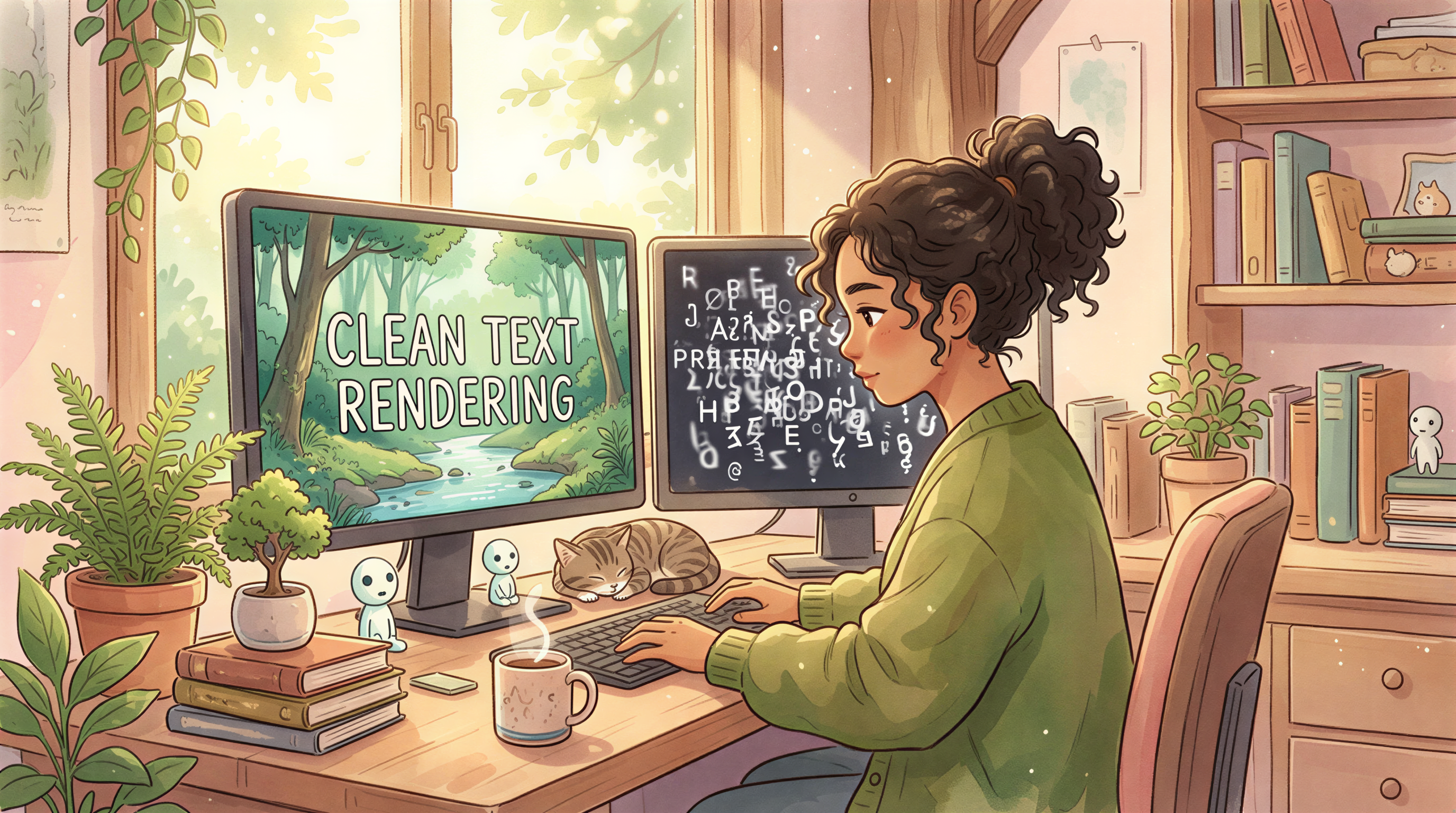
If you've watched AI image tools for the last two years, you've seen them all struggle with text. Misspelled words. Ghost letters. Random symbols.
Ideogram fixed it earlier than the others. As of 2026, it's still the most reliable for:
- Title text inside the image
- Logo-style typography
- Word-art compositions
- Sticker-with-text aesthetics
If you want text in the image, Ideogram is the right pick.
Where Text-In-Image Hurts You
Counterintuitive but true: most blog banners shouldn't have text in the image.
Reasons:
- Localization - text inside the image can't be translated
- Mobile crops - text positioned at edges gets clipped
- Accessibility - text in images doesn't get read by screen readers
- Reuse - you can't reuse the image for a different post
Strong recommendation: blog title belongs in the H1, not the banner. The banner sets the mood.

Where Text-In-Image Helps
Some cases where it's right:
- Newsletter or email headers where the title doesn't render outside the image
- Pinterest pins (text-on-image is the format)
- Twitter / LinkedIn share graphics where you want a "callout"
- Quote graphics
For these, Ideogram is excellent.

What Postpix Does Differently
Postpix optimizes for the blog-publishing loop:
- Paste post → generate header
- Locked-style mode for consistency across many posts
- Output at standard blog sizes
- In-browser, no chat or design app

Side-by-Side: Same Brief
Brief: Header for "5 Lessons from My First Year of Daily Writing"
Ideogram path
- Open Ideogram
- Write a prompt with the title text
- Generate
- Pick the best version (text-rendered correctly)
- Crop to 1200x630 if needed
= ~3-5 minutes.
Postpix path
- Paste title
- Generate header (no text in image - title goes in H1 above)
- Download
= ~30 seconds.
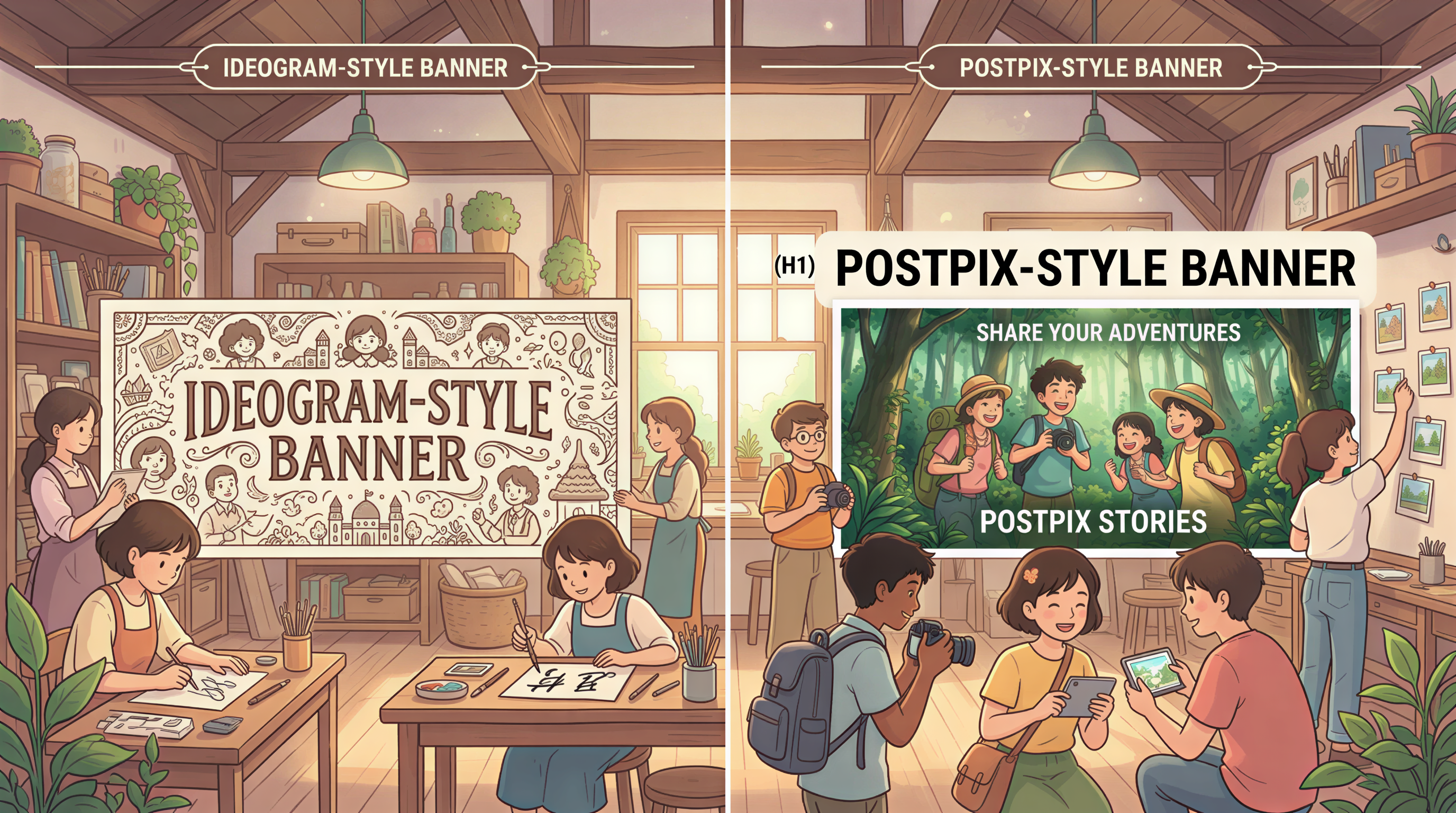
The output looks different - Ideogram's includes the title visually, Postpix's relies on the H1.
When Each Tool Wins
Use Ideogram when:
- You need text inside the image
- You're making Pinterest pins
- You're making quote graphics
- You're making sticker-style assets
Use Postpix when:
- You're making blog post headers
- You publish on a cadence
- You want one locked style across 50+ posts
- You don't want to crop after generating
A Hybrid Workflow That Works
Some teams use both:
- Postpix for the actual blog header (no text)
- Ideogram for the Pinterest/Twitter share graphic of the same post (with text)
Two graphics, two purposes. Both used.
Cost Math
| Tool | Plan | Notes |
|---|---|---|
| Ideogram | Free / $7-20 paid tiers | Strong free tier |
| Postpix | See pricing | Blog-tuned |
Both reasonable. Different jobs.
What People Get Wrong
Three traps:
- Defaulting to Ideogram for blog banners just because it can do text - text usually shouldn't be there
- Generating the same header 5 times to "fix" the text rendering - costs more than the time saved
- Forgetting the title H1 is a free, accessible, localizable place for the title - use it
The Honest Verdict
Different tools, different jobs.
- Ideogram: best text-in-image rendering. Use for share graphics, pins, posters.
- Postpix: best blog-aware workflow. Use for blog headers, inline images, newsletter.
If you publish weekly and don't run a Pinterest channel, Postpix covers it. If you do, both belong in your stack.
Try Postpix. Pricing when ready.
Generate Your First Blog Banner
Join thousands of content creators who save hours every week with AI-generated blog images.
Pay for credits when you need them. No monthly fees.
Use your credits whenever you need them. No rush.
Use images for any project—personal or commercial.