Ecommerce Blog Visuals: Selling Without the Sales Photos
Open any DTC brand's blog. Scroll the posts.
Every header is a product shot. Every inline image is a product shot. The blog reads like a catalog with paragraphs glued between the photos.
Readers tune it out. Search engines tune it out. Then the team wonders why the blog doesn't drive sales.
Here's the fix - and the math behind it.
Table of Contents
- Why Product Shots Tank Editorial Posts
- What Editorial Visuals Do Instead
- The Mix Strategy
- Generate Editorial, Skip the Photoshoot
- What "On-Brand" Editorial Looks Like
- CTR Pattern We've Seen
- When Product Shots Still Belong
- A Practical Setup for an Ecommerce Team
- The Black Friday / Holiday Trap
- Cross-Channel Reuse
- Try the Mix Strategy on Your Next 4 Posts
Why Product Shots Tank Editorial Posts
Product shots are great in three places:
- The product page
- Email campaign headers
- Ads
They're bad on:
- "How to" guides
- Comparison posts
- Industry trend pieces
- Personal stories
- Educational content
Why? Reader expectation. They came for an article. A catalog spread says "I'm being sold to." They bounce.
What Editorial Visuals Do Instead
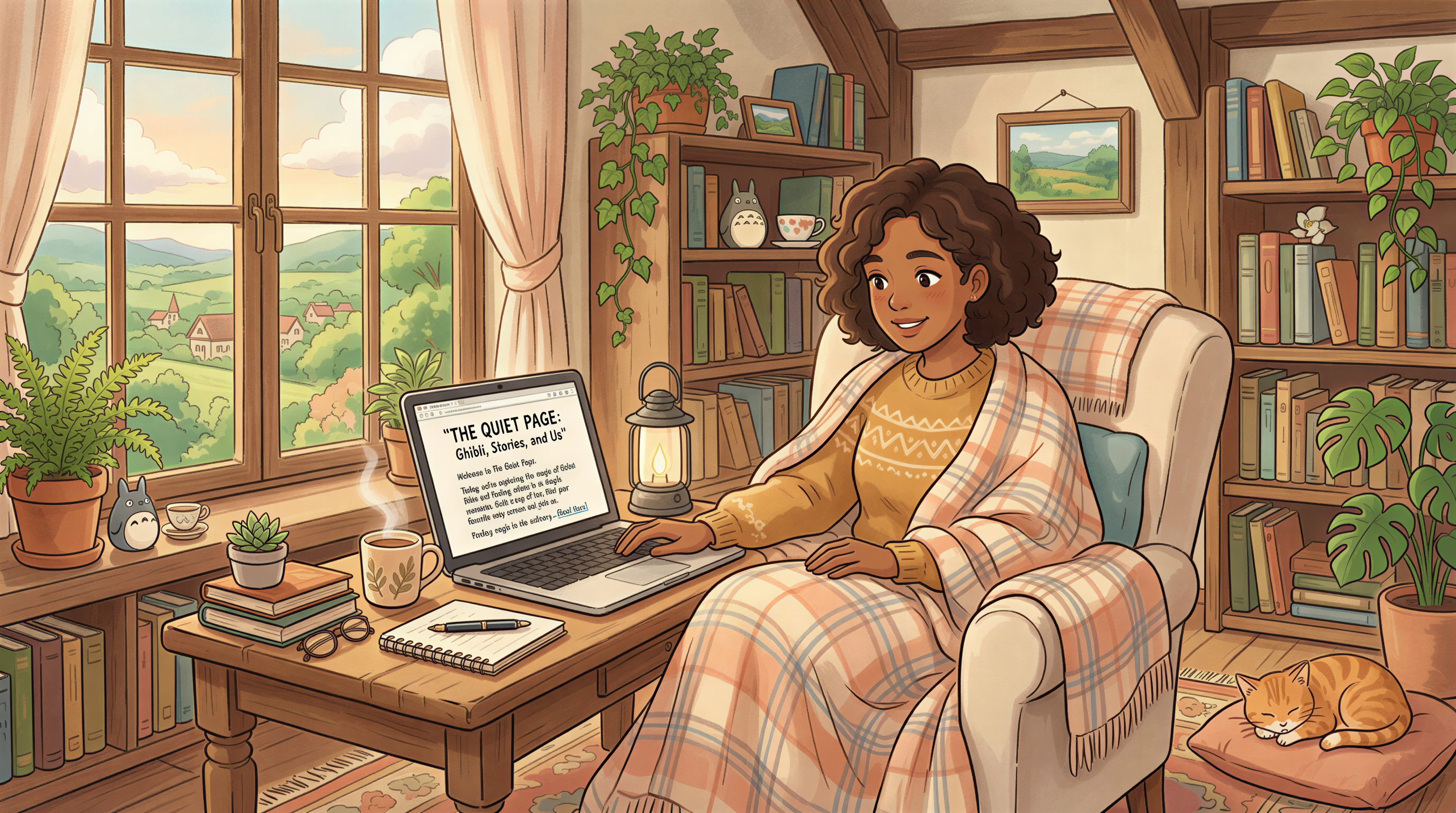
An editorial visual sets a mood without pushing a product:
- A cozy reading nook for a "best winter reads" post
- Hands holding a coffee for a morning routine post
- An empty desk at sunset for a productivity essay
The product can show up later. The header earns the read first.

The Mix Strategy
A working mix for ecommerce blogs:
| Post type | Header image | Inline images |
|---|---|---|
| Buying guide | Editorial / lifestyle | Mix of editorial + product |
| Product comparison | Editorial / abstract | Product shots |
| Story / brand piece | Editorial / character-led | Editorial only |
| How-to | Editorial / scene-led | Editorial + maybe one product |
| Newsletter cross-post | Editorial header | Whatever fits |
Notice: every header is editorial. Inline images vary. The header sells the read; the inline can sell the product.
Generate Editorial, Skip the Photoshoot
Old play: hire a photographer for editorial shots. Slow, expensive, repeats badly.
New play: generate them.
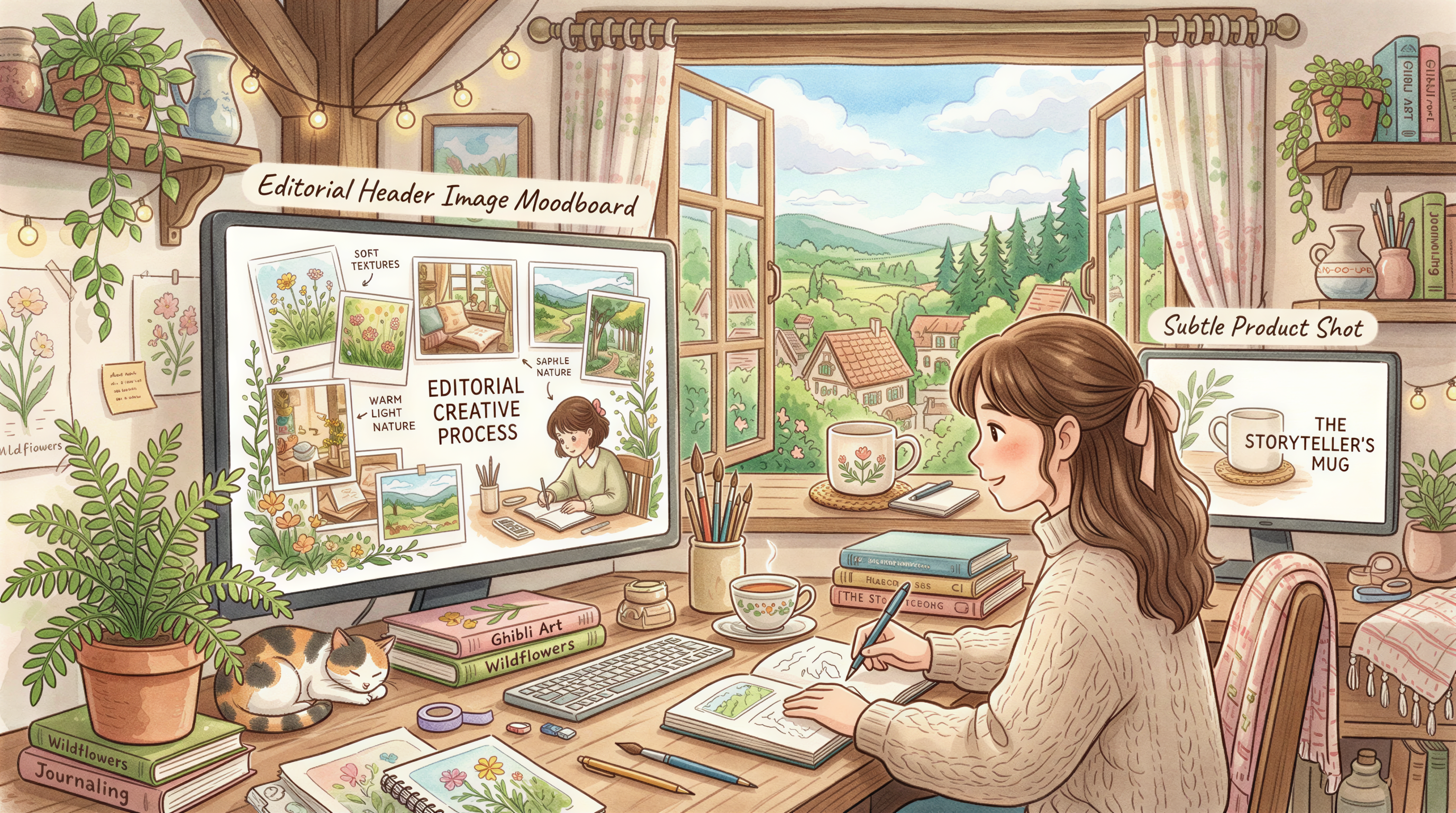
Style picks that work for ecommerce editorial:
- Editorial photoreal (details)
- Hand-drawn (especially for craft / artisan brands)
- Minimal monochrome (premium feel)
Postpix for ecommerce. Lock the style, generate weekly.

What "On-Brand" Editorial Looks Like
Three rules to keep editorial visuals tied to the brand:
- Color palette match - your brand colors as a soft backdrop, not loud foreground
- Lighting consistency - if your products shoot in warm light, editorial shoots in warm light
- Subject parallels - if your product is "candles for cozy spaces," editorial shows cozy spaces
Without these, editorial drifts. Readers don't connect the article to your brand.
CTR Pattern We've Seen
Across the ecommerce blogs we've watched (small sample):
- Posts with editorial headers: ~2-3x social CTR vs product-shot headers
- Time on page: 30-50% higher with editorial
- Conversion lift on linked product pages: small but positive
Editorial loses the impulsive click but wins the considered click. Considered clicks convert better.
When Product Shots Still Belong
Don't go editorial for everything. Keep product shots for:
- New product launches (announcement posts)
- Feature spotlights
- Direct comparison posts ("our X vs competitor's X")
- Photo galleries
- Inline product references inside non-product posts
The header sets the genre. The inline can do the work.

A Practical Setup for an Ecommerce Team
If you have one marketer running the blog:
- Pick a locked editorial style for headers (options here)
- Generate headers in Postpix - 30 sec each
- Pull existing product photography for inline shots when relevant
- Maintain the editorial-first rule across all blog posts
Total marginal time per post: 5 minutes for visuals. Worth it.
The Black Friday / Holiday Trap
Around Q4, the temptation to make every header a "SALE!!! 50% OFF" graphic is strong.
Don't. Editorial holiday visuals (snow, candles, gift wrap) outperform sale-banner visuals on blog posts. The post is read. The sale info goes inside.
We'll cover this more in our Black Friday Blog Headers post (Nov 3).
Cross-Channel Reuse
The editorial visuals you generate also fit:
- Email newsletter headers
- Pinterest pins (resize to vertical)
- Instagram carousel covers
One generation, multiple uses. The cost-per-image drops fast.
Try the Mix Strategy on Your Next 4 Posts
Pick a locked editorial style. Use it for the next 4 blog headers. Watch:
- Time on page
- Social shares
- Whether the product page traffic from blog actually drops (probably won't)
If the numbers hold or improve, you've found the new default.
Pricing when you're committed.
Generate Your First Blog Banner
Join thousands of content creators who save hours every week with AI-generated blog images.
Pay for credits when you need them. No monthly fees.
Use your credits whenever you need them. No rush.
Use images for any project—personal or commercial.