Medium Article Header Images: Best Practices and Sizes
Medium's preview crop is unforgiving.
A great image becomes an awkward thumbnail. A perfectly composed banner gets center-chopped. A photo with text on the left? Gone in the feed view.
Here's how to set up Medium headers so they actually survive the crop.
Table of Contents
- Medium's Image Sizes (2026)
- The Center-Safe Composition Rule
- Style Picks That Work on Medium
- What the Algorithm Seems to Like
- The Medium-Specific Mistakes
- A Simple Locked Setup
- Cross-Posting from Medium
- Title Text - On the Image or in the Headline?
- Compression Targets
- The Audience Match
- Try It on Your Next Medium Post
Medium's Image Sizes (2026)
The slots Medium uses:
| Slot | Size displayed | Recommended upload |
|---|---|---|
| Article hero | Full width, ~1500px max | 2400 wide |
| Feed thumbnail (square crop) | ~280 x 280 from center | Compose with center-safe focus |
| Feed thumbnail (rectangular) | ~700 x 350 | 1400 x 700 master |
| Profile / publication card | varies | 1200 x 630 |
If you upload 2400 x 1260, Medium auto-generates everything from it. Don't ship multiple sizes manually.
The Center-Safe Composition Rule
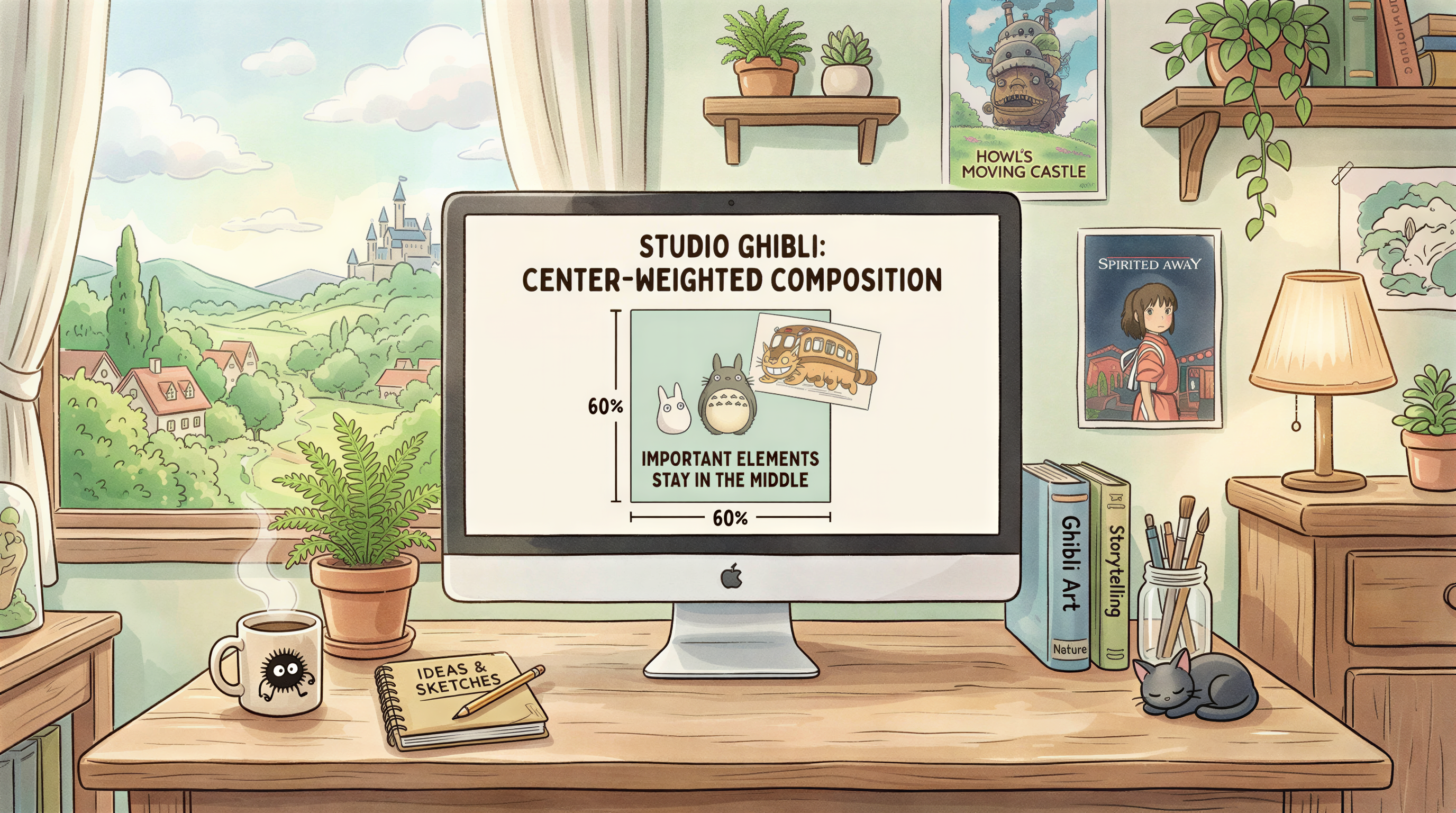
Because Medium crops thumbnails from the center, anything important needs to live in the middle 60% of your image.
Off-center subjects? They'll get clipped.
Text on one side? Disappears in the thumbnail.
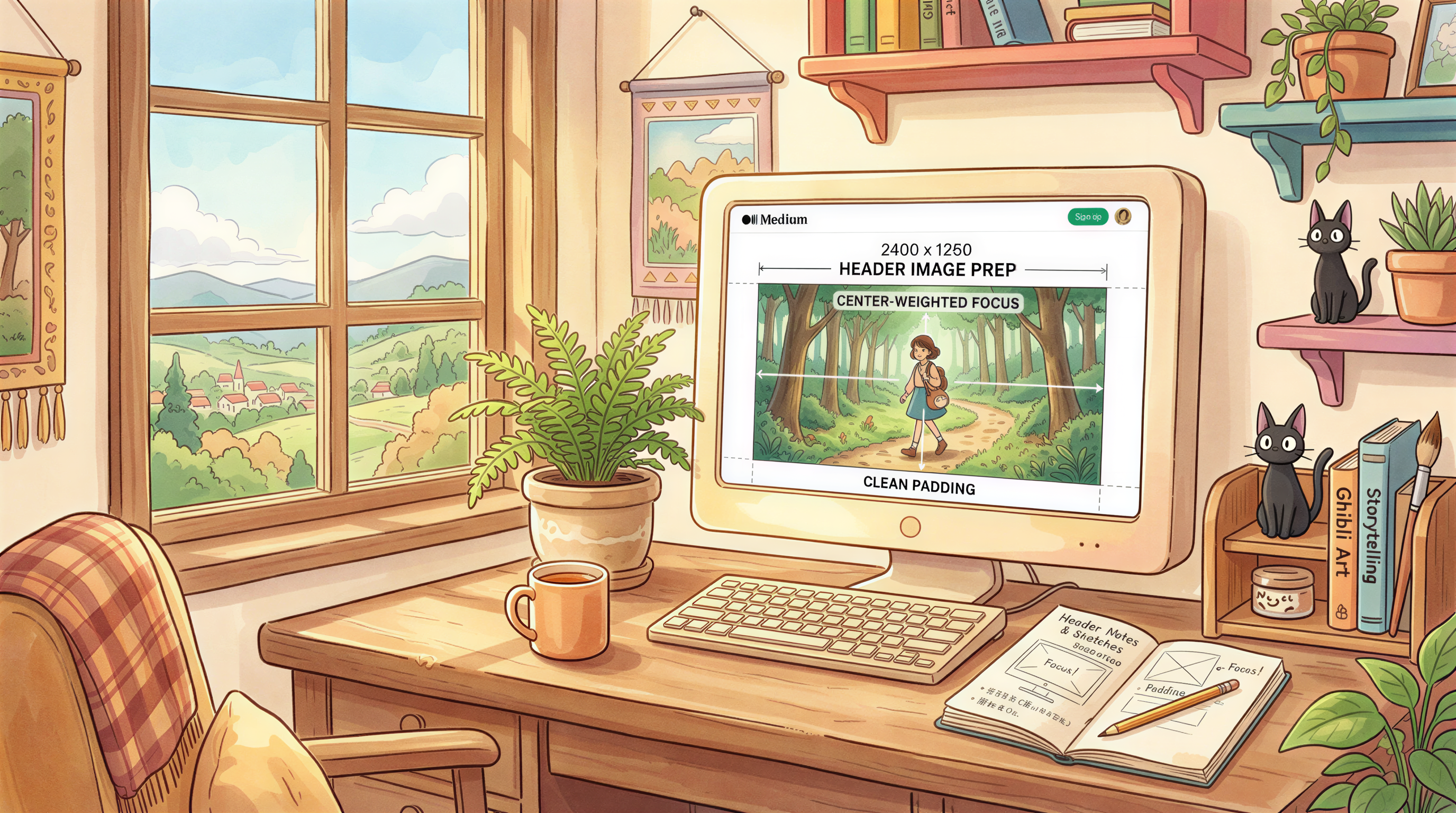
The fix: compose with a center-weighted focal point, padding on both sides.
Style Picks That Work on Medium
Medium's audience skims fast. The image has to communicate in 0.4 seconds.
Best performers:
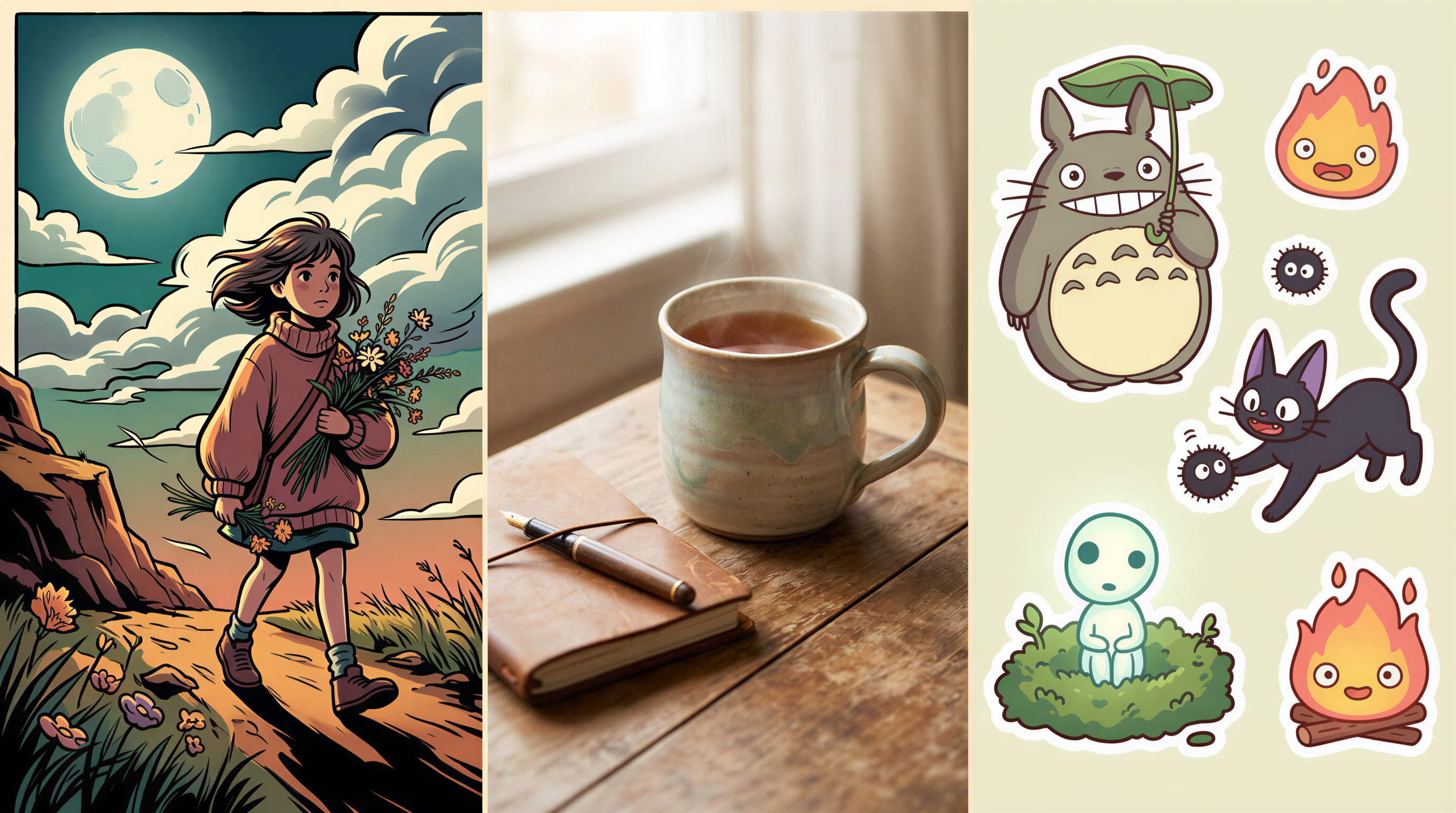
1. Bold single-subject illustrations
Simple, high-contrast, instantly readable.
2. Editorial photoreal
Magazine-feel. Trust signal.
3. Sticker / cartoon
If your topic is casual or creator-economy.
Avoid
- Tiny details (lost in thumbnail)
- Word-heavy graphics (text shrinks below readable)
- Multi-subject scenes (overwhelming at 280x280)
What the Algorithm Seems to Like
Anecdotal, no Medium employees confirmed this, but the pattern across high-performing accounts:
- Custom images > stock photos in feed CTR
- Bold colors > muted (in the feed - the feed itself is muted)
- Faces (real or illustrated) draw clicks (carefully - AI faces still occasionally uncanny)
Treat as directional. Test on your content.
The Medium-Specific Mistakes
- Off-center subjects - lost in thumbnail crop
- Title text inside the image - illegible at thumbnail size
- Pixel-thin borders - disappear in feed
- Reusing the same image across multiple Medium posts - violates Medium's "original work" guidelines for header
A Simple Locked Setup
If you publish on Medium weekly:
- Pick a style (options here)
- Generate at 2400 x 1260 in Postpix
- Compose with center-weighted focus
- Upload as the "kicker image" or paste at the top of the post
Done. Survives crops. Holds style.
Cross-Posting from Medium
If you cross-post from a primary blog to Medium, use the same image. Don't try to game algorithms by changing it.
The brand consistency matters more than the marginal CTR difference.
Title Text - On the Image or in the Headline?
Strong recommendation: in the headline, not the image.
Reasons:
- Medium auto-renders the headline below the image
- Image text shrinks unreadably in the feed
- Searchable text in the title benefits SEO
If you want title text overlay, do it on the headline level via Medium's H1 styling, not in the image file.
Compression Targets
Medium recompresses everything. Inputs:
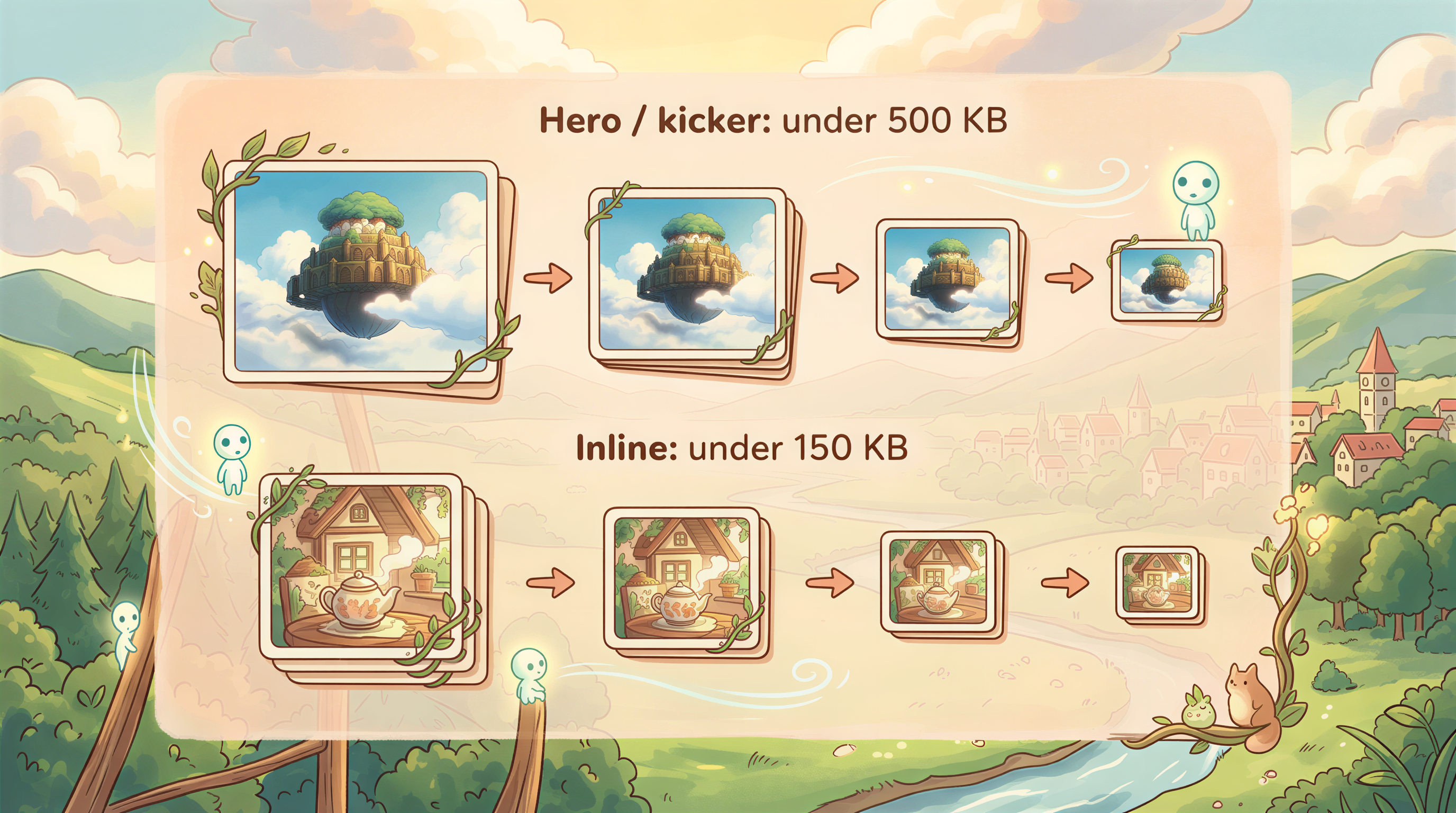
- Hero / kicker: under 500 KB
- Inline: under 150 KB
Larger uploads work but get heavily recompressed. Cleaner inputs = better outputs.
The Audience Match
Medium readers lean toward essays, opinion, tech, finance, and personal narrative.
Style picks accordingly:
- Tech / SaaS: editorial photoreal or isometric
- Personal essay: hand-drawn, minimal
- Finance / business: editorial photoreal
- Creator economy: sticker / illustrated
Match the visual to the audience expectation.
Try It on Your Next Medium Post
Open Postpix. Pick a style. Generate at 2400 x 1260 with center-weighted composition.
Upload, publish, watch the feed for the next 7 days.
Pricing when ready.
Generate Your First Blog Banner
Join thousands of content creators who save hours every week with AI-generated blog images.
Pay for credits when you need them. No monthly fees.
Use your credits whenever you need them. No rush.
Use images for any project—personal or commercial.