DEV.to Cover Images: A Guide for Tech Bloggers
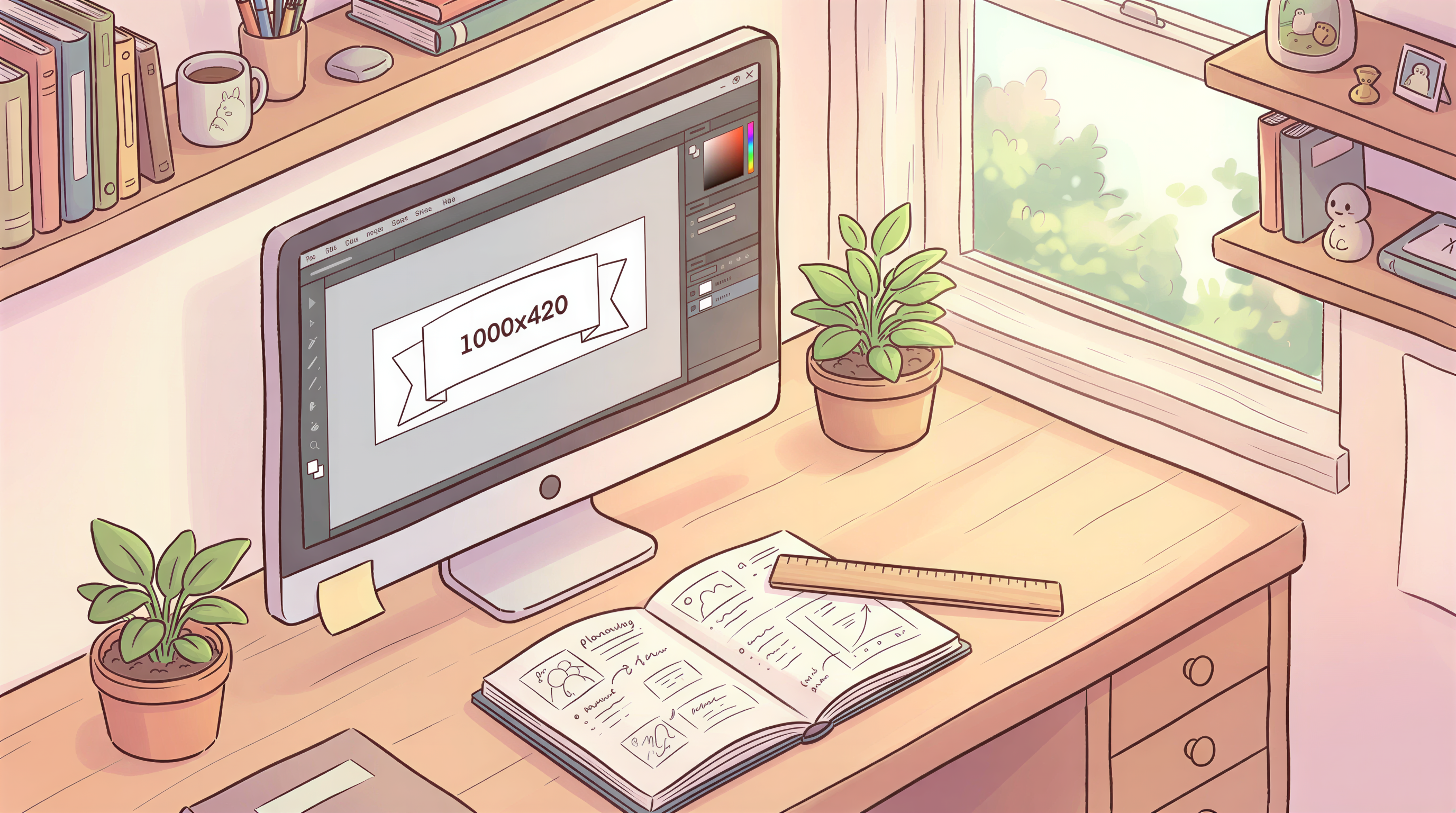
DEV.to's cover image dimensions are 1000 x 420.
Table of Contents
- The DEV.to Cover Spec
- Why the Wide Crop Matters
- Style Picks That Work on DEV.to
- Composition Rules for 1000x420
- How to Generate at the Right Size
- Style Locking Across DEV Posts
- Common DEV-Specific Mistakes
- Tags + Cover Image Together
- The Cross-Post Question
- A Simple DEV Workflow
- Try It on Your Next DEV Post
The DEV.to Cover Spec
Quick reference:
| Spec | Value |
|---|---|
| Recommended size | 1000 x 420 |
| Aspect ratio | ~2.38:1 |
| Max file size | 1 MB |
| Formats | JPG, PNG, GIF |
If your image is wider or narrower, DEV.to will crop or fit awkwardly.
Why the Wide Crop Matters
DEV.to's feed is dense. Posts compete for milliseconds of attention.
The 1000x420 crop forces:
- Horizontal compositions
- Wide subjects
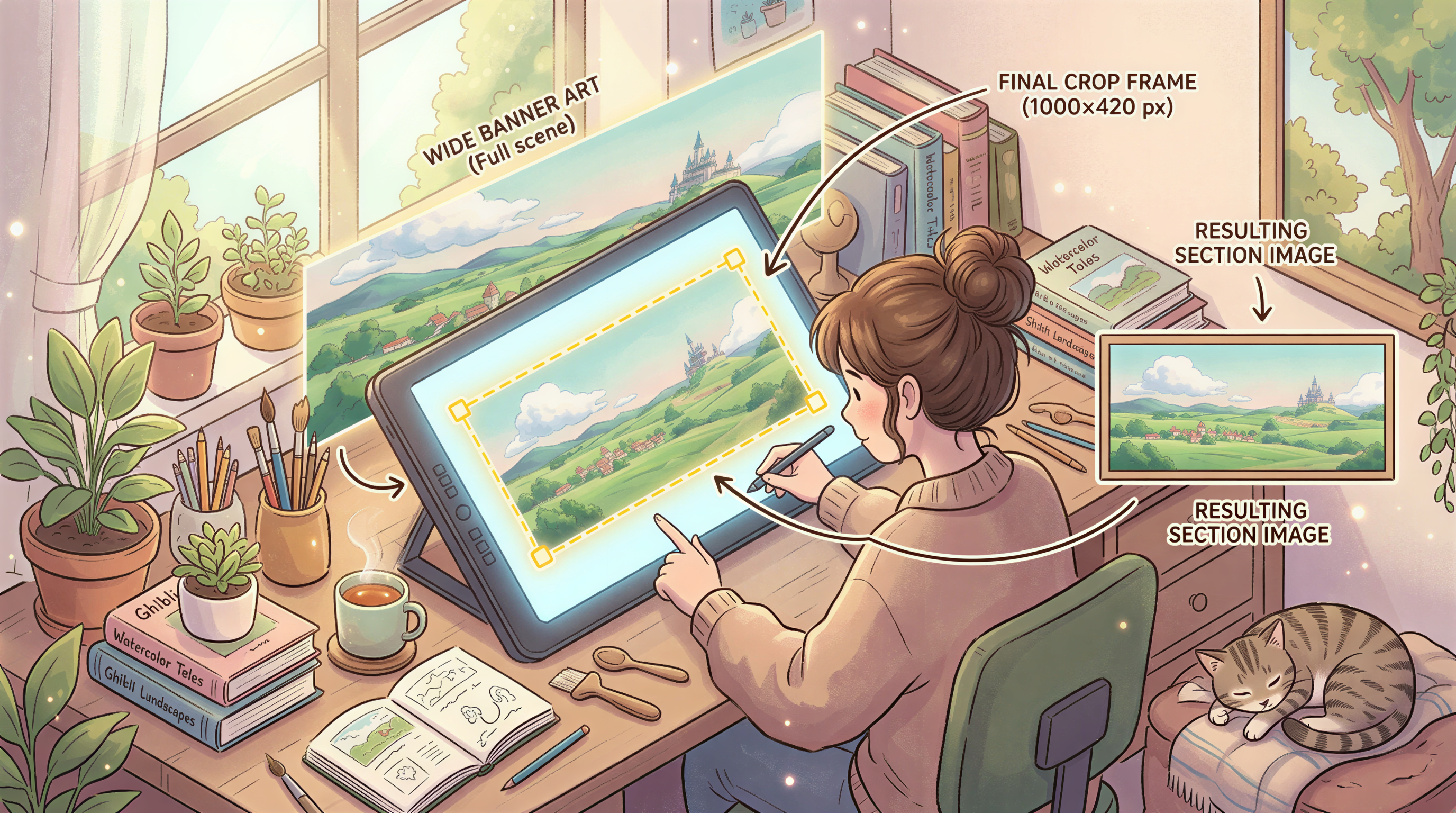
- Center-weighted focus (DEV.to crops from center if oversized)
- No important detail in the corners
A vertically composed image will look broken.
Style Picks That Work on DEV.to
DEV's audience is technical, often young, often skimming during a coffee break.
What works:
1. Isometric
3/4 angle illustrations of code, screens, devices. Reads fast. DEV's audience instinctively likes this style.
2. Sticker / illustrated tech
Bold lines, flat colors, terminal aesthetics. The DEV.to original cover style was basically this.
3. Editorial photoreal
Less common but works for "career advice" or "story" posts.
4. Abstract gradient + iconography
When the post is about a concept, not a tool.
Avoid
- Generic stock photos (DEV calls these out as low-effort)
- Centered word art (gets cropped)
- Tiny detailed scenes (lost at thumbnail size)
Composition Rules for 1000x420
Three:
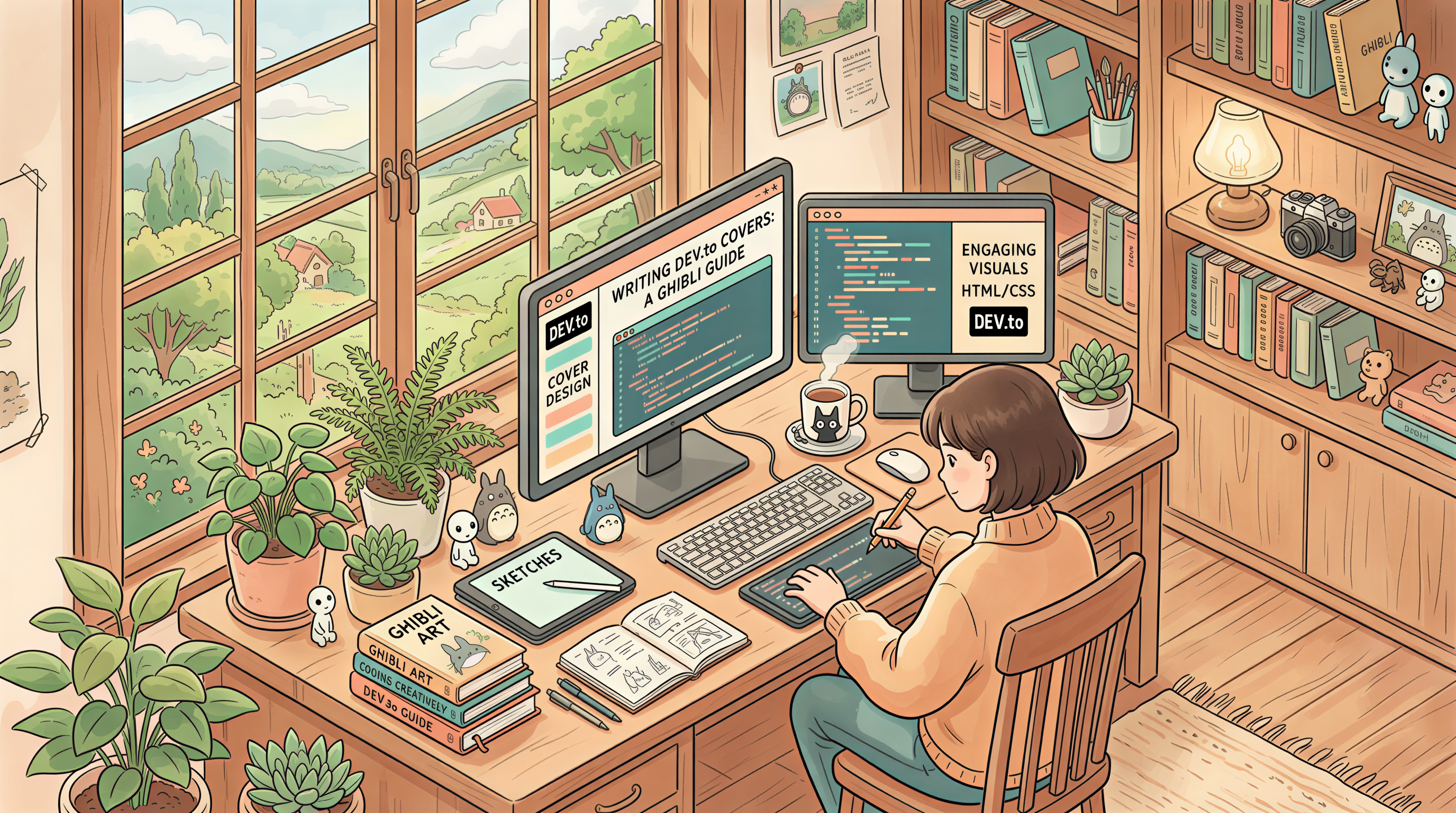
- Subject in center 60% - corners get clipped on some clients
- Lots of horizontal negative space - matches the wide ratio
- No important text - DEV.to renders the post title above; image text is redundant + hard to read
How to Generate at the Right Size
Most AI tools don't do 1000x420 natively. The hack:
- Generate at 2400 x 1260 (16:9) in Postpix
- Crop center 1000x420 horizontal slice
- Upload
Or generate at the closest standard size and use a fast crop tool to extract a 1000x420 region.
Style Locking Across DEV Posts
DEV's algorithm seems to reward consistent posters. Visual consistency reinforces that:
- Reader sees your distinctive style in the feed → clicks
- Repeat readers recognize you faster
- Tag pages start to feel like "your" pages
Indie hacker visual branding covers the principle. Same idea applies to DEV.
Common DEV-Specific Mistakes
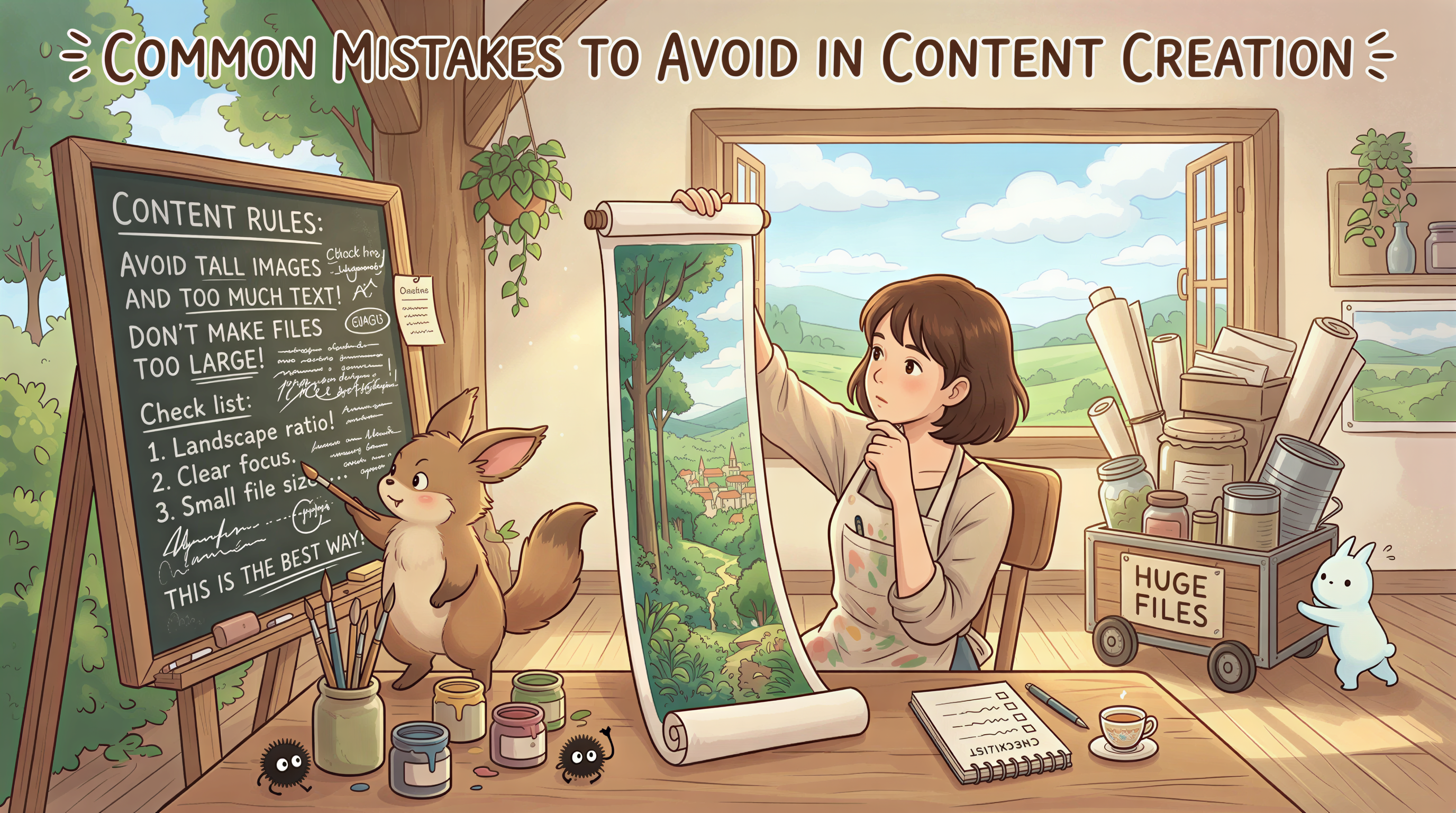
- Vertical-composition image - looks broken when cropped to 1000x420
- Title text in image - can't be read in feed, redundant once post opens
- High file size - over 1MB fails to upload
- Reusing the same cover across multiple posts - feed dilution
Tags + Cover Image Together
DEV.to's discovery is heavily tag-driven. Your cover image should match the tag aesthetic:
#javascript,#react,#node→ tech sticker, isometric, abstract code#career,#beginners→ editorial, photoreal, character-led#productivity→ desk scenes, soft photoreal#showdev→ product screenshots OK here
Match the tag, beat the feed.
The Cross-Post Question
If you cross-post from your main blog to DEV.to, you have a choice:
Option A: Use the same cover. Simpler. Less work.
Option B: Crop a separate 1000x420 from your main blog's 1200x630 banner. Slightly cleaner fit on DEV.
If you're shipping fast, Option A is fine. If you have 30 extra seconds, Option B looks more intentional.
A Simple DEV Workflow
Each post:
- Generate header in your locked style at 2400x1260
- Crop to 1000x420 center slice
- Upload to DEV
- Cross-post from your main blog
Takes ~2 extra minutes. Holds across 50+ posts.
Try It on Your Next DEV Post
Open Postpix. Pick an isometric or sticker style. Generate, crop, upload.
Watch the feed for clicks. Pricing once you're committed.
Generate Your First Blog Banner
Join thousands of content creators who save hours every week with AI-generated blog images.
Pay for credits when you need them. No monthly fees.
Use your credits whenever you need them. No rush.
Use images for any project—personal or commercial.