How Newsletter Writers Use AI Images to 10x Open Rates
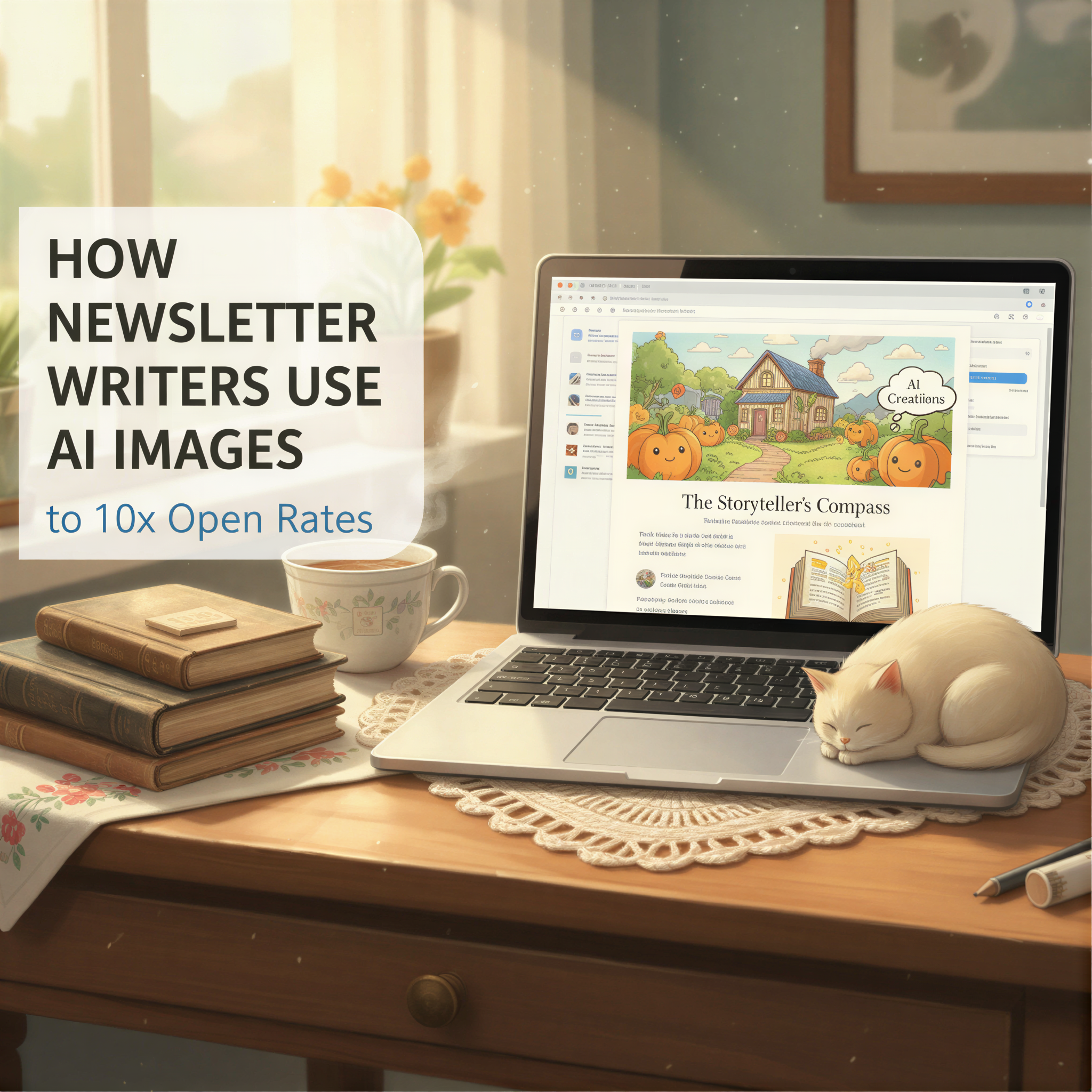
Your newsletter has 3 seconds.
That's how long subscribers look at their inbox before scrolling past.
Subject line. Preview text. And that tiny thumbnail image.
Most newsletter writers nail the first two. Then use a stock photo that looks like everyone else's.
Mistake.
Table of Contents
- The Preview Image Effect
- What the Data Shows
- Why Generic Images Hurt Opens
- The AI Image Advantage
- The Workflow That Works
- The 10x Claim
- Your Next Newsletter
The Preview Image Effect
Email clients show image previews.
Gmail. Apple Mail. Outlook.
Your header image appears as a thumbnail next to your subject line. It's part of your first impression.
And if that thumbnail looks like every other newsletter? Scroll.
If it's distinctive? Pause. Maybe open.
That pause is everything.
What the Data Shows
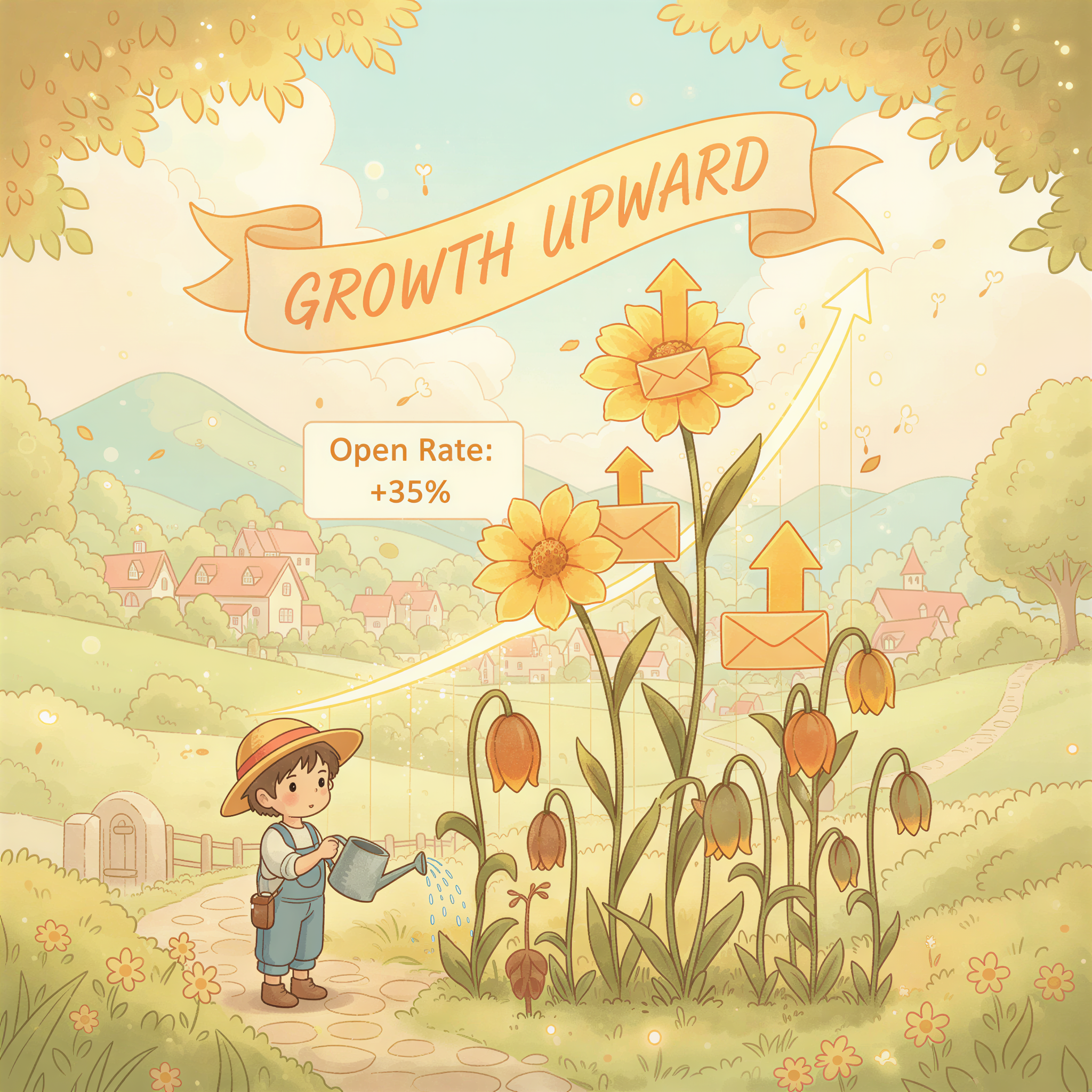
Newsletter writers who switched from stock photos to custom AI images report:
- 15-30% increase in open rates within the first month
- Higher click-through rates on in-email CTAs
- More replies and engagement
Why? Because distinctive visuals signal effort. They signal quality.
When your preview image stands out, readers assume your content does too.
Why Generic Images Hurt Opens
Three problems with stock photo headers:
1. Zero Recognition
You can't build brand recognition with images anyone can download.
Subscribers should see your style and know it's you before reading the sender name.
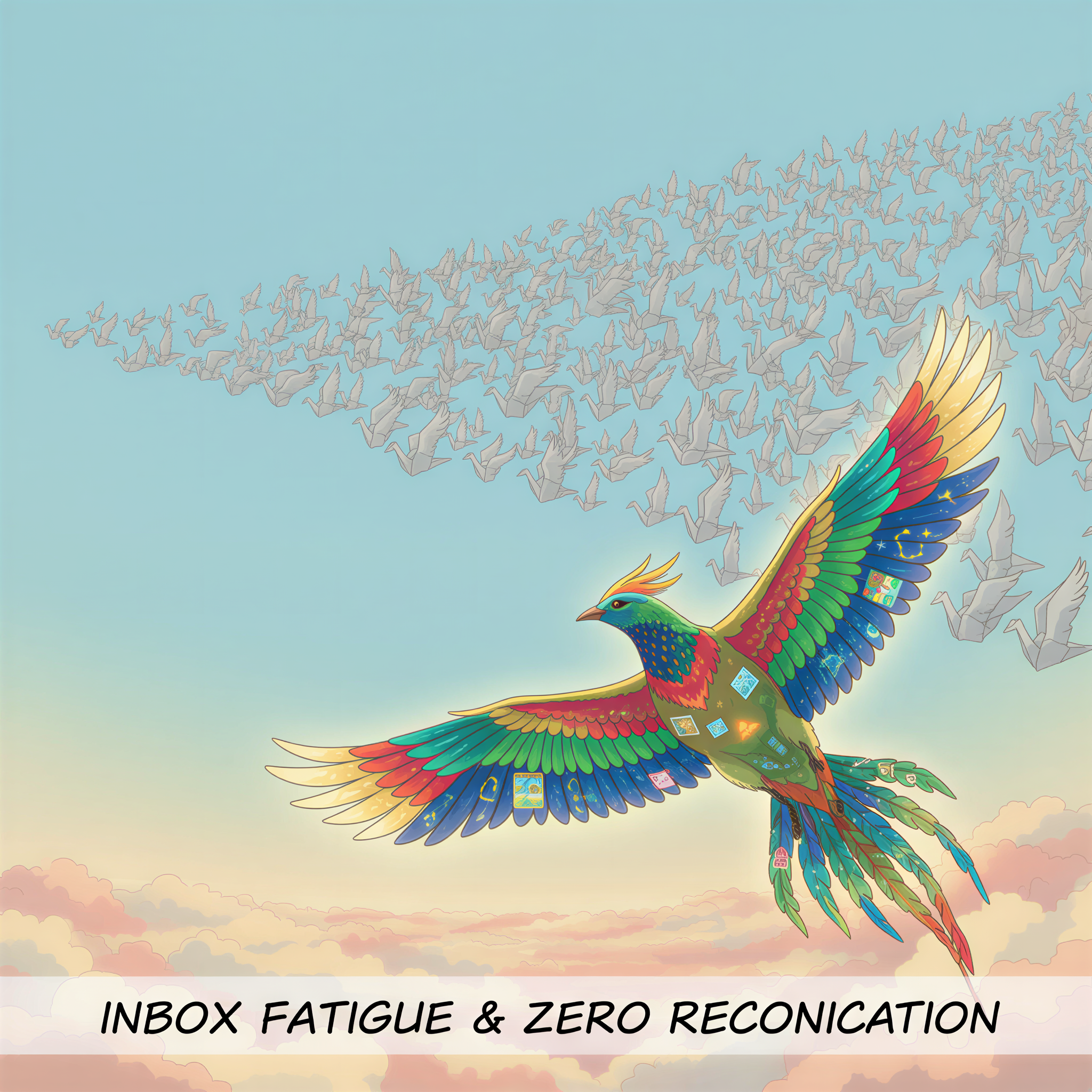
2. Inbox Fatigue
Everyone uses the same Unsplash photos. Readers' eyes filter them out.
Your newsletter becomes invisible in a sea of sameness.
3. Quality Signals
Stock photos = low effort. That's the subconscious assumption.
Why would readers open a newsletter that looks like it took 30 seconds to assemble?
The AI Image Advantage
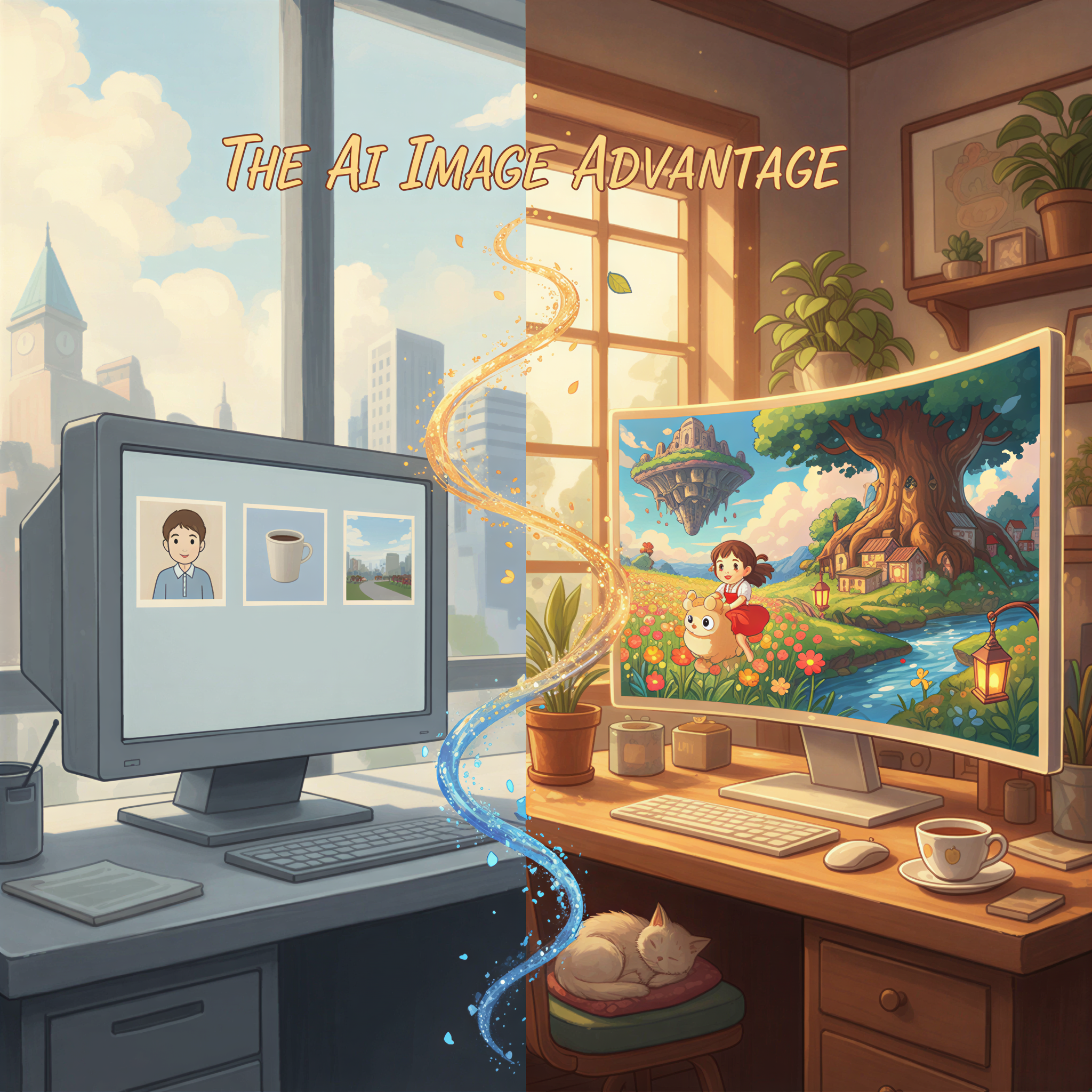
Custom AI-generated images solve all three problems:
Recognition: Your visual style is yours. Nobody else has the same images.
Standout: AI illustrations look different from stock photos. They catch the eye.
Quality: Custom images signal investment. Readers assume the content matches.
The best part? AI images now take less time than finding stock photos.
Related: Substack Writers: Make Your Newsletter Look Like a Magazine
The Workflow That Works
Here's how top newsletter writers create AI images for every issue:
Before You Write
Pick your visual style:
- Ghibli-style for warmth and personality
- Realistic for professional topics
Stick with it forever.
After You Write
- Paste your newsletter into Postpix
- Generate 2-3 images matching your content
- Add header image and section breaks
- Send
Total added time: 3 minutes.
Impact on opens: Significant.
The 10x Claim
Is "10x open rates" realistic?
For most newsletters: no.
But here's what IS realistic:
- 15-30% improvement in opens
- Noticeably higher engagement
- Stronger brand recognition over time
And that compounds. Better opens → more engagement → better deliverability → even better opens.
The visual investment pays off every single issue.
Your Next Newsletter
Stop using images that blend in.
Your next issue:
- Write your content
- Generate matching AI images with Postpix
- Watch your open rates
Check Substack integration for platform-specific tips.
See our pricing — 5 free images to test the difference.
Your words deserve to be opened.
Give them images that make that happen.
Generate Your First Blog Banner
Join thousands of content creators who save hours every week with AI-generated blog images.
Pay for credits when you need them. No monthly fees.
Use your credits whenever you need them. No rush.
Use images for any project—personal or commercial.