Ghost Blog Visual Guide: Creating a Cohesive Publication
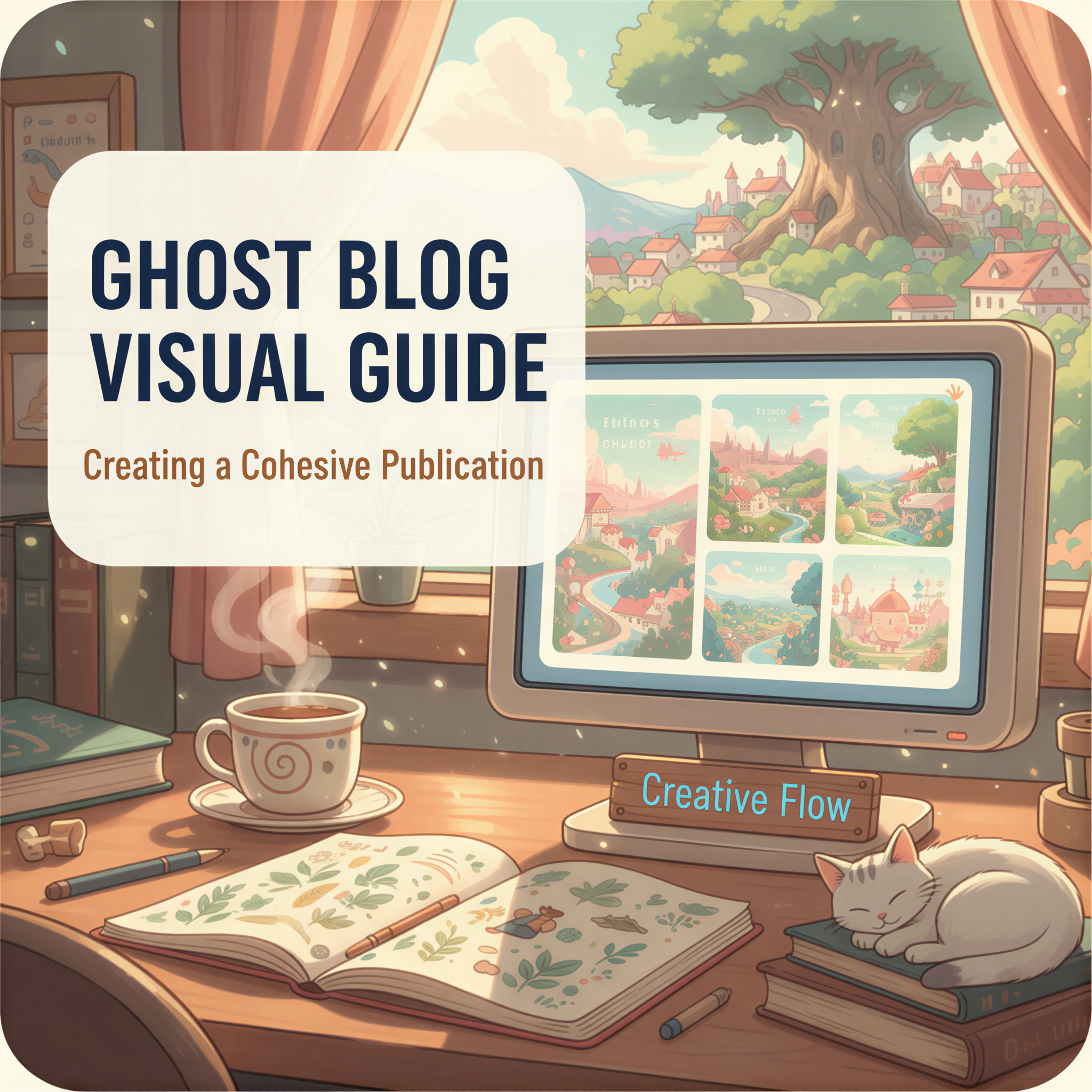
Ghost is what serious writers use.
No distractions. No algorithm games. Just your words and your audience.
But here's the irony: most Ghost publications look exactly alike.
Same minimal theme. Same stock photo headers. Same forgettable visual identity.
You chose Ghost because you take writing seriously. Time to take visuals seriously too.
Table of Contents
- The Ghost Advantage (and the Gap)
- What Great Ghost Publications Do
- The Visual Consistency Framework
- Ghost-Specific Image Tips
- The Workflow for Busy Writers
- Before and After
- Your Next Post
The Ghost Advantage (and the Gap)
Ghost gives you:
- Clean, distraction-free reading experience
- Full ownership of your content
- Professional publication feel
But Ghost doesn't give you:
- A design team
- Custom illustrations
- Visual differentiation
The platform is minimal by design. Which means visual branding is 100% on you.
What Great Ghost Publications Do
The best Ghost publications treat visuals like editorial content.
The Diff — Consistent illustration style for every post. You recognize it immediately.
Dense Discovery — Distinctive header images with a consistent color palette.
Platformer — Clean, branded visuals that match the publication's tone.
Notice the pattern?
They all have a visual style. They all apply it consistently. They all stand out from "generic Ghost blog."
The Visual Consistency Framework
Here's how to build visual cohesion without a design background:
1. Pick Your Style
Choose one and commit:
- Ghibli-style illustrations — warm, inviting, memorable
- Realistic AI images — professional, polished
- Minimal line art — clean, matches Ghost's aesthetic
Don't mix styles. Ever.
2. Lock Your Feature Image Dimensions
Ghost feature images display differently across:
- Homepage cards
- Post headers
- Social shares
Recommended: 1200 x 630 pixels (works everywhere)
Use this size for every post. Consistency matters.
3. Create Section Image Guidelines
For longer posts:
- One section image per 500-800 words
- Same style as header
- Supports the content, doesn't distract
4. Define Your Color Palette
Pick 2-3 colors that appear in your images.
Match your Ghost theme's accent colors if possible. Visual harmony = professional look.
Ghost-Specific Image Tips
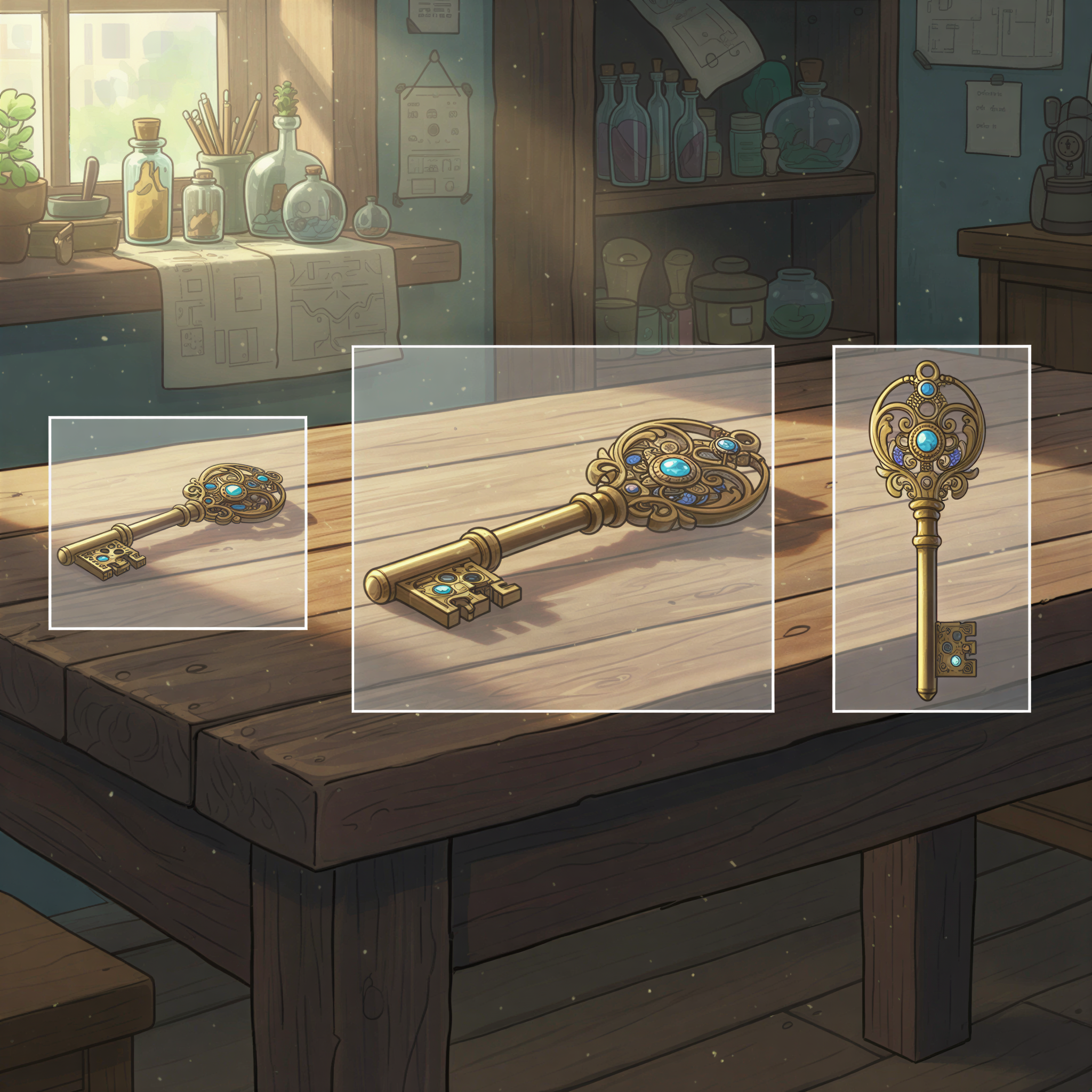
Ghost has quirks. Here's how to handle them:
Feature Image Display
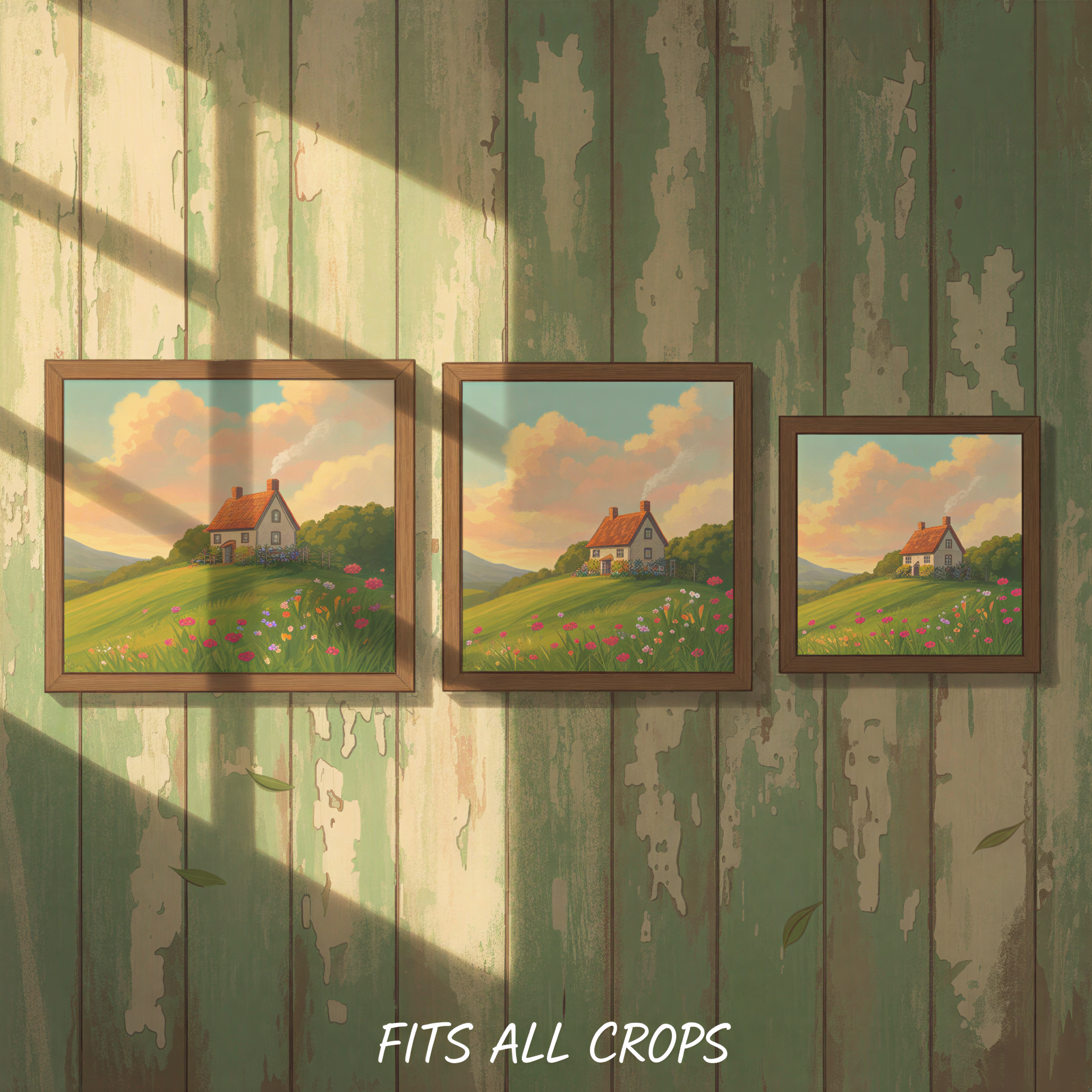
Ghost crops feature images differently on:
- Homepage (landscape crop)
- Post page (full image)
- Social cards (centered crop)
Keep important elements in the center. Leave padding around edges.
Card Layouts
If you use card layouts on your homepage, image consistency matters even more.
A grid of posts with random visual styles looks chaotic. Same-style images look curated.
Email Newsletters
Ghost's newsletter feature shows feature images in emails.
These preview images affect open rates. Distinctive visuals perform better.
The Workflow for Busy Writers
You're a writer, not a designer. Here's the minimal viable workflow:
Step 1: Write your post in Ghost (you already do this)
Step 2: Copy your content, paste into Postpix/
Step 3: Generate images in your chosen style
Step 4: Download and add to Ghost
Total time: 3-5 minutes per post.
Result: Publication that looks like you have a design team.
This is what separates freelance writers who look professional from those who look amateur.
Before and After
Before (typical Ghost blog):
- Stock photo headers
- Random visual styles
- No brand recognition
After (cohesive publication):
- Consistent illustrated headers
- Matching section images
- Readers recognize your style
The writing quality might be identical. The perceived quality is completely different.
Your Next Post
Ghost gives you the platform.
Now give your readers visuals worth remembering.
- Pick your style (Ghibli, realistic, minimal)
- Generate matching images with Postpix
- Apply consistently, every single post
Check our pricing — 5 free images to start building your visual brand.
Your words are serious.
Your visuals should be too.
Related: How Freelancers Design Blog Images Without Photoshop
Generate Your First Blog Banner
Join thousands of content creators who save hours every week with AI-generated blog images.
Pay for credits when you need them. No monthly fees.
Use your credits whenever you need them. No rush.
Use images for any project—personal or commercial.