From Blank Page to Published: The 30-Minute Blog Workflow
 You spend 3 hours on a blog post.
45 minutes outlining. 90 minutes writing. 30 minutes finding images. 15 minutes formatting.
Then you wonder why you can't publish consistently.
Here's the truth: blog posts don't need 3 hours.
They need 30 minutes.
Table of Contents
- Why Most Bloggers Are Slow
- The 30-Minute Framework
- Phase 1: Write (20 Minutes)
- Phase 2: Images (5 Minutes)
- Phase 3: Publish (5 Minutes)
- Why This Works
- The Math
- Template
- Your Next Post
Why Most Bloggers Are Slow
Three time sinks kill blogging productivity:
1. Perfectionism
Editing the same paragraph 12 times. Rewriting your intro 5 ways. Tweaking word choices endlessly.
2. Image Hunting
Scrolling through Unsplash for 30 minutes. Opening 47 tabs. Finding nothing that fits.
Or worse: opening Canva and spending an hour designing something mediocre.
3. Formatting Loops
Bold or italic? H2 or H3? Should I add a table here?
These decisions don't matter as much as you think.
The 30-Minute Framework
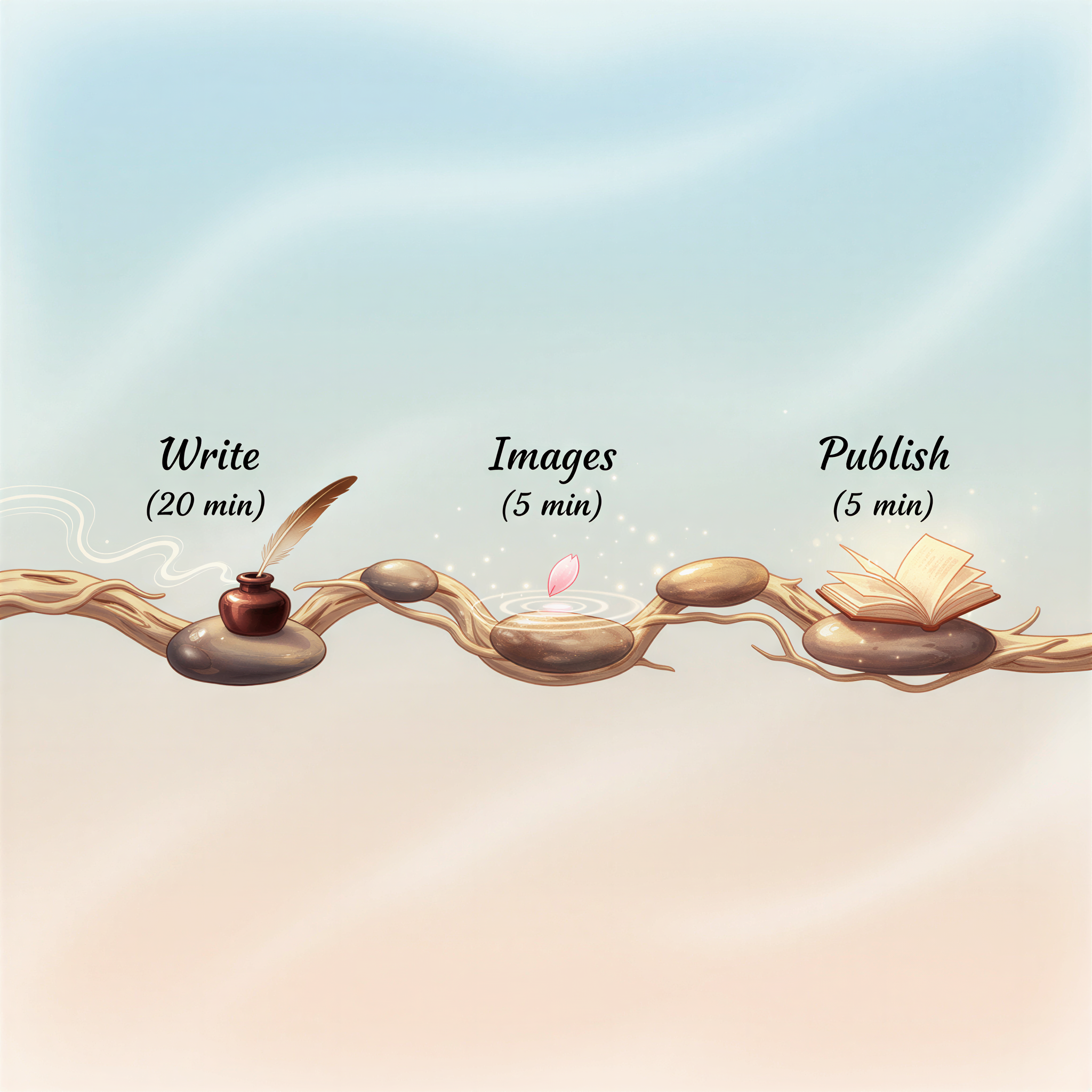
Here's the breakdown:
| Phase | Time | Focus |
|---|---|---|
| Write | 20 min | Get ideas on page |
| Images | 5 min | Generate visuals |
| Publish | 5 min | Format and ship |
Total: 30 minutes.
Let's break down each phase.
Phase 1: Write (20 Minutes)
Minute 0-3: Outline
Write 5-7 bullet points. These become your headings.
Don't overthink. Don't research. Just brain dump what you know.
Minute 3-18: Draft
Write under each heading. One idea per paragraph.
Short sentences. Short paragraphs. Like you're texting a smart friend.
Don't edit while writing. That's a separate step.
Minute 18-20: Quick Edit
Read once. Fix obvious errors. Cut fluff.
Done. Stop touching it.
Phase 2: Images (5 Minutes)
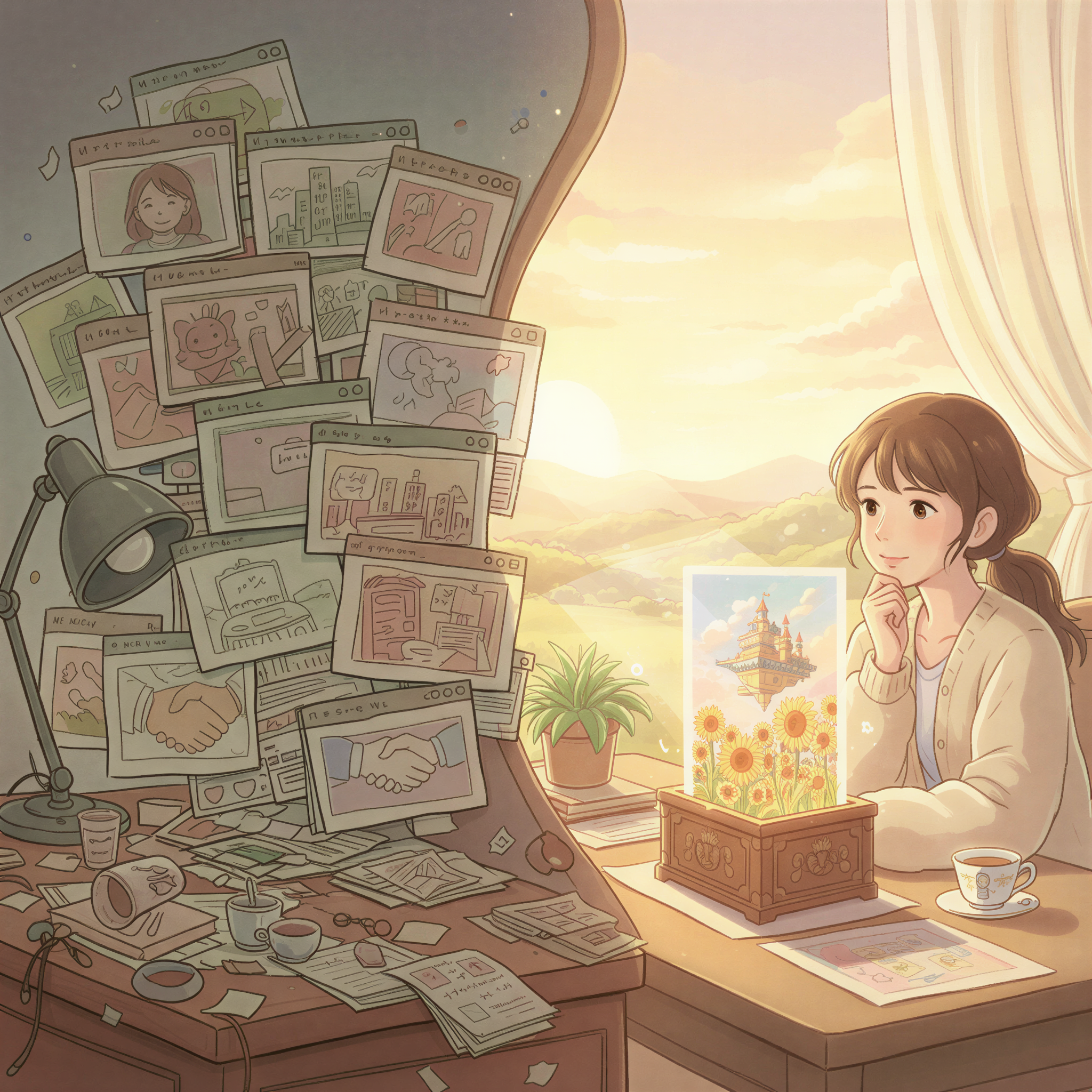
This is where most content creators lose hours.
The old way:
- Search stock photo sites (10 min)
- Find nothing that fits (10 min)
- Settle for something generic (5 min)
- Open Canva to customize (20 min)
- Give up and use it as-is (5 min)
The new way:
- Copy your article
- Paste into Postpix
- Generate matching images
- Download
Time: 5 minutes. Sometimes less.
Your images actually match your content. They're distinctive. They're consistent with your brand.
Related: Create a Blog Post with Images in 5 Minutes
Phase 3: Publish (5 Minutes)
Minute 0-2: Format
Add your images. Check headings are in order. Add one internal link.
Minute 2-4: SEO Basics
Title tag. Meta description. That's it.
Don't over-optimize. Google rewards good content, not keyword stuffing.
Minute 4-5: Ship
Preview once. Hit publish.
Done.
Why This Works
Constraints Force Focus
20 minutes for writing means you can't waffle. You have to be direct.
This makes your writing better, not worse.
Batching Beats Switching
Each phase is one task. No context switching.
Write → Images → Publish. Linear. Fast.
Consistency Beats Perfection
A "good enough" post published today beats a "perfect" post published never.
Weekly consistency builds audience. Perfectionism builds drafts folders.
The Math
Old workflow: 3 hours per post = 1 post per week max
New workflow: 30 minutes per post = Could publish daily
Even if you just publish 2x per week, you've 6x'd your output with less total time.
That's how creators build audiences.
Template
Copy this for your next post:
Add images between sections. Internal link where relevant. Done.
Your Next Post
Stop spending 3 hours.
- Set a 20-minute timer for writing
- Generate images with Postpix (5 min)
- Format and publish (5 min)
Check our pricing — the images step is faster than you think.
30 minutes. Blank page to published.
You have time for that.
Generate Your First Blog Banner
Join thousands of content creators who save hours every week with AI-generated blog images.
Pay for credits when you need them. No monthly fees.
Use your credits whenever you need them. No rush.
Use images for any project—personal or commercial.