Create a Blog Post with Images in 5 Minutes Using AI
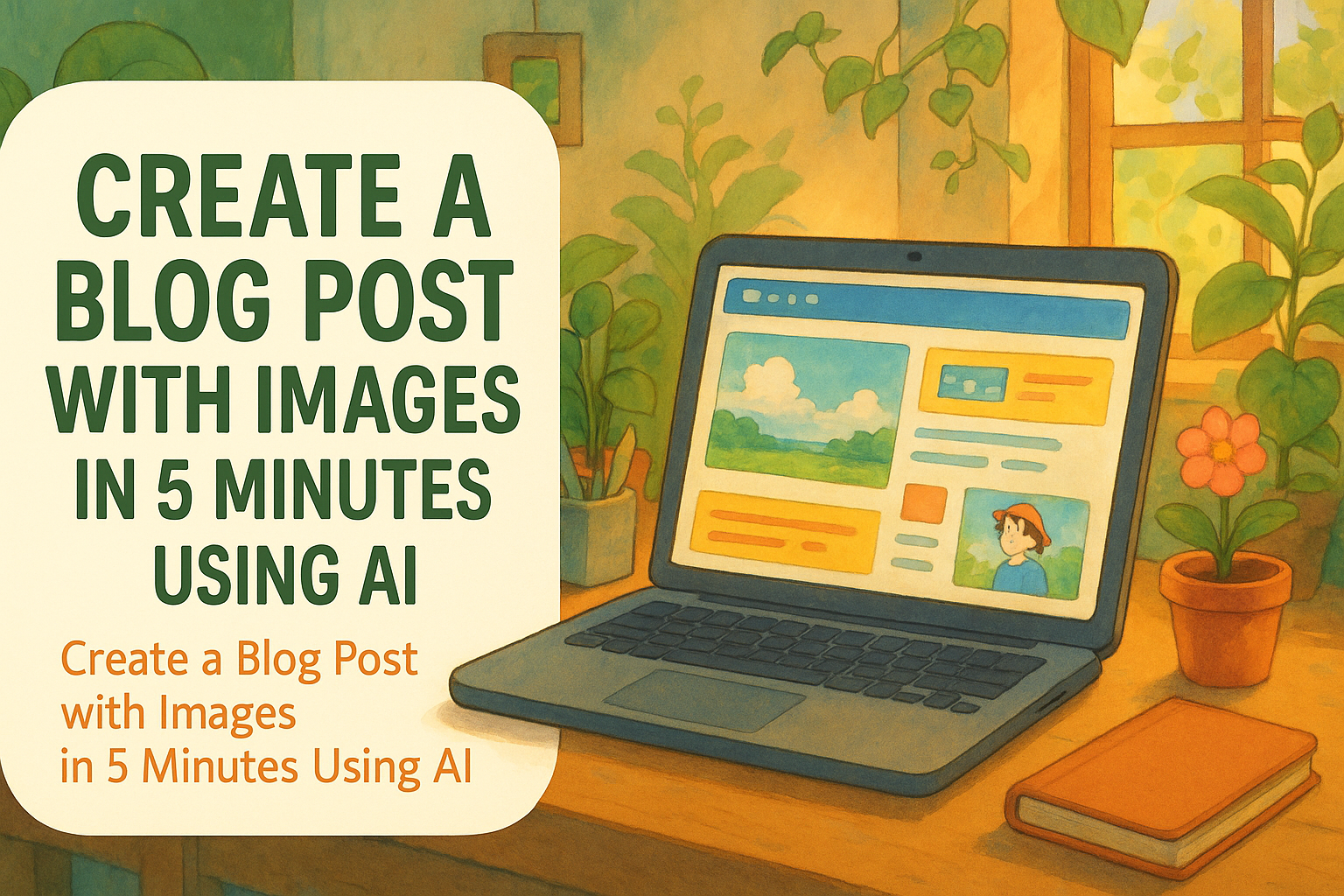
Writing is fast. Publishing is slow.
Here’s how to go from idea → polished article → live blog post with images in under five minutes.
⏱️ The Old Way
Creating content usually looks like this:
- Brainstorm topic ideas
- Write a draft
- Spend hours sourcing images
- Upload to CMS
- Format + tweak + resize
By the time you hit publish, the spark is gone.

Table of Contents
- ⚡ The New Way: Write + Design + Publish in Minutes
- 🧘 The 5-Minute Flow
- 🚀 Why This Matters
- 🎁 Try Postpix Free
⚡ The New Way: Write + Design + Publish in Minutes
Let’s break down the modern workflow that creators are using to go from keywords to finished blog post with images — all in 5 minutes.
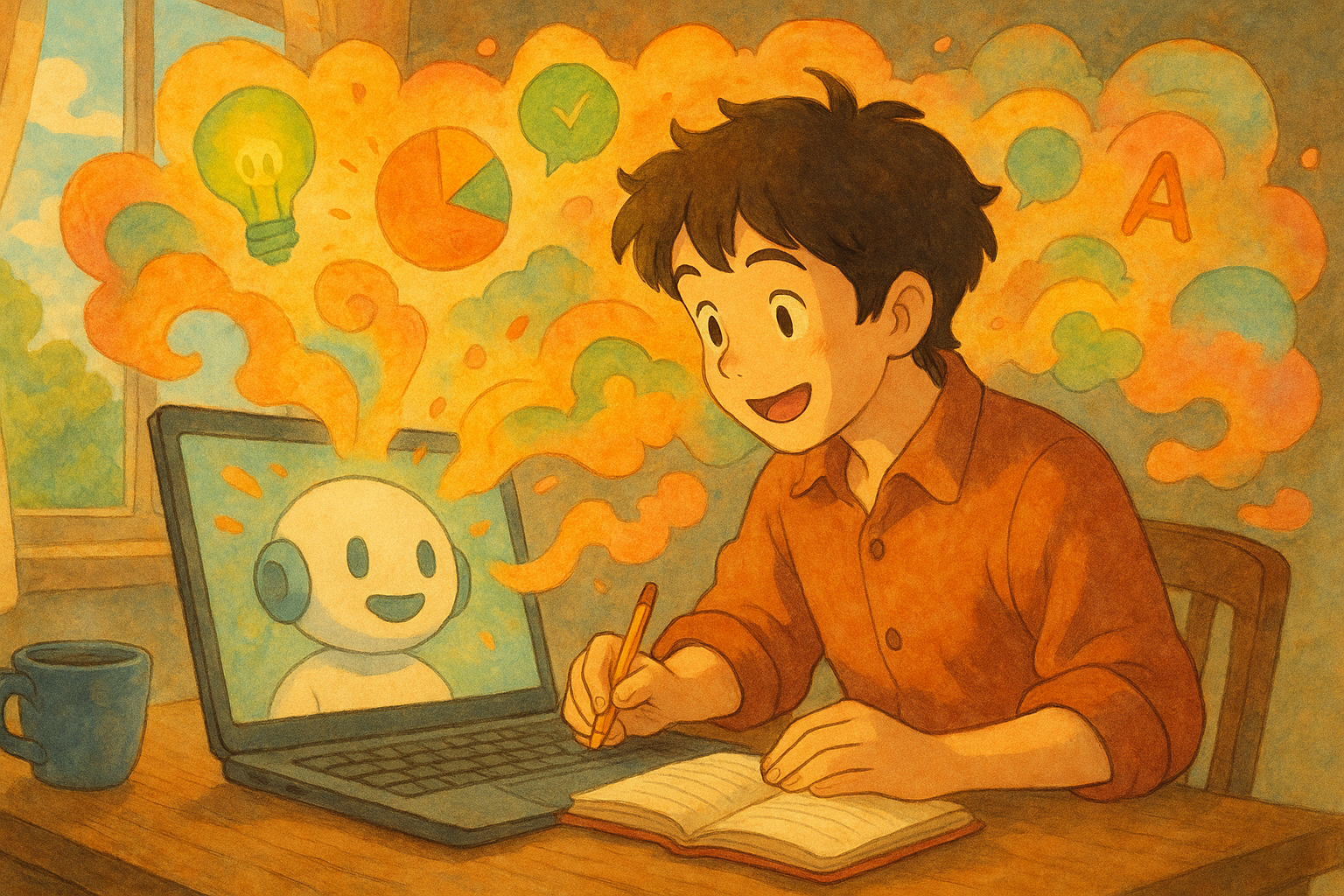
1. Generate Your Article with ChatGPT
Instead of starting from scratch, use ChatGPT to:
- Brainstorm a keyword cluster
- Create a 30-day content plan
- Draft the first blog article in full
Example prompt:
“Create a 1,200-word blog article targeting the keyword blog image generator. Include intro, headings, and CTA.”
Done. Draft ready.
2. Store Your Drafts in Notion
Notion isn’t just a notes app — it’s your content hub.
- Create a database for articles
- Paste your draft in Markdown
- Tag by keyword, category, or status
This keeps your ideas organized and ready for publishing.
3. Add Images with Postpix
Now the fun part: visuals.
- Copy your blog draft from Notion
- Paste it into Postpix
- Watch as your article is sprinkled with:
- 🎨 A banner at the top
- 🌸 Section images that match headings
In less than a minute, your draft goes from plain text → illustrated article.
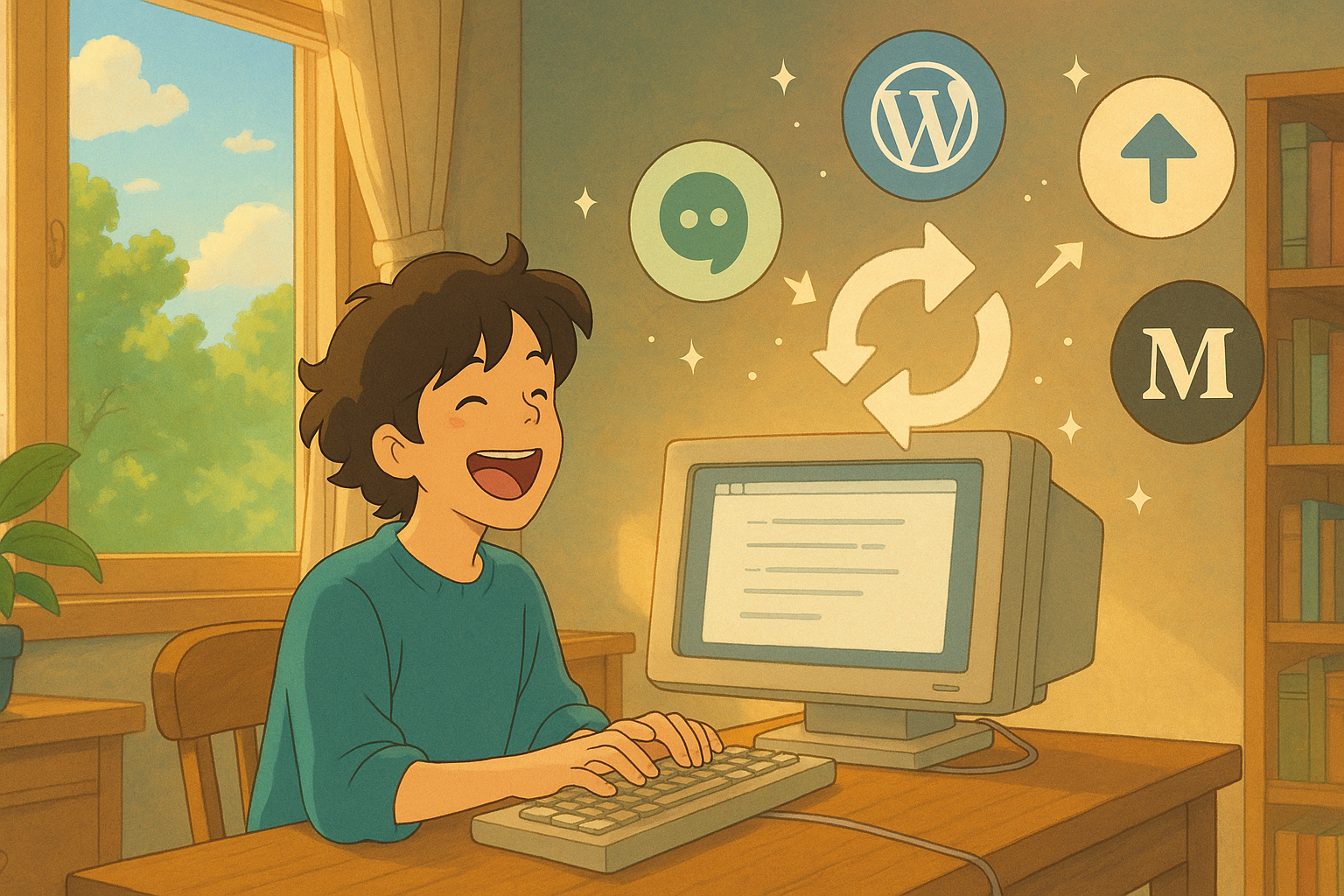
4. Sync Back to Your Blog
Postpix gives you updated Markdown with images embedded.
Copy it back into Notion, then use your Notion-to-blog sync tool (WordPress, Ghost, Super, etc).
✅ Words are polished
✅ Images are in place
✅ Article is ready to publish
🧘 The 5-Minute Flow
- ChatGPT → draft article
- Notion → organize & store
- Postpix → generate images
- Sync → publish
From idea to illustrated blog post in less time than it takes to make coffee.
🚀 Why This Matters
- Stay consistent: publish daily without design overhead
- Look professional: polished posts without hiring designers
- Stay in flow: writing, visuals, and publishing are one smooth system
🎁 Try Postpix Free
We’re giving away 5 free images for launch.
🎨 → Create a Blog Post with Images in Minutes
Generate Your First Blog Banner
Join thousands of content creators who save hours every week with AI-generated blog images.
Pay for credits when you need them. No monthly fees.
Use your credits whenever you need them. No rush.
Use images for any project—personal or commercial.