Ghost Blog Header Sizes & Styles That Convert
Ghost has the cleanest defaults of any blogging platform.
It also makes a half-baked image setup look painfully obvious. Bad header on Ghost stands out in a way it doesn't on WordPress.
Here's how to set up Ghost's image system once - and then forget about it.
Table of Contents
- What Ghost Expects
- The "No Feature Image" Trap
- Style Picks That Work on Ghost
- Newsletter + Blog: One Style, Two Surfaces
- A Concrete Setup
- OG and Twitter Card Overrides
- File Format Recommendations
- The Hidden Multiplier: Email Cards
- Common Ghost-Specific Mistakes
- Cross-Link
- Set It Up Once
What Ghost Expects
Default Casper theme + most modern Ghost themes use:
| Slot | Recommended size |
|---|---|
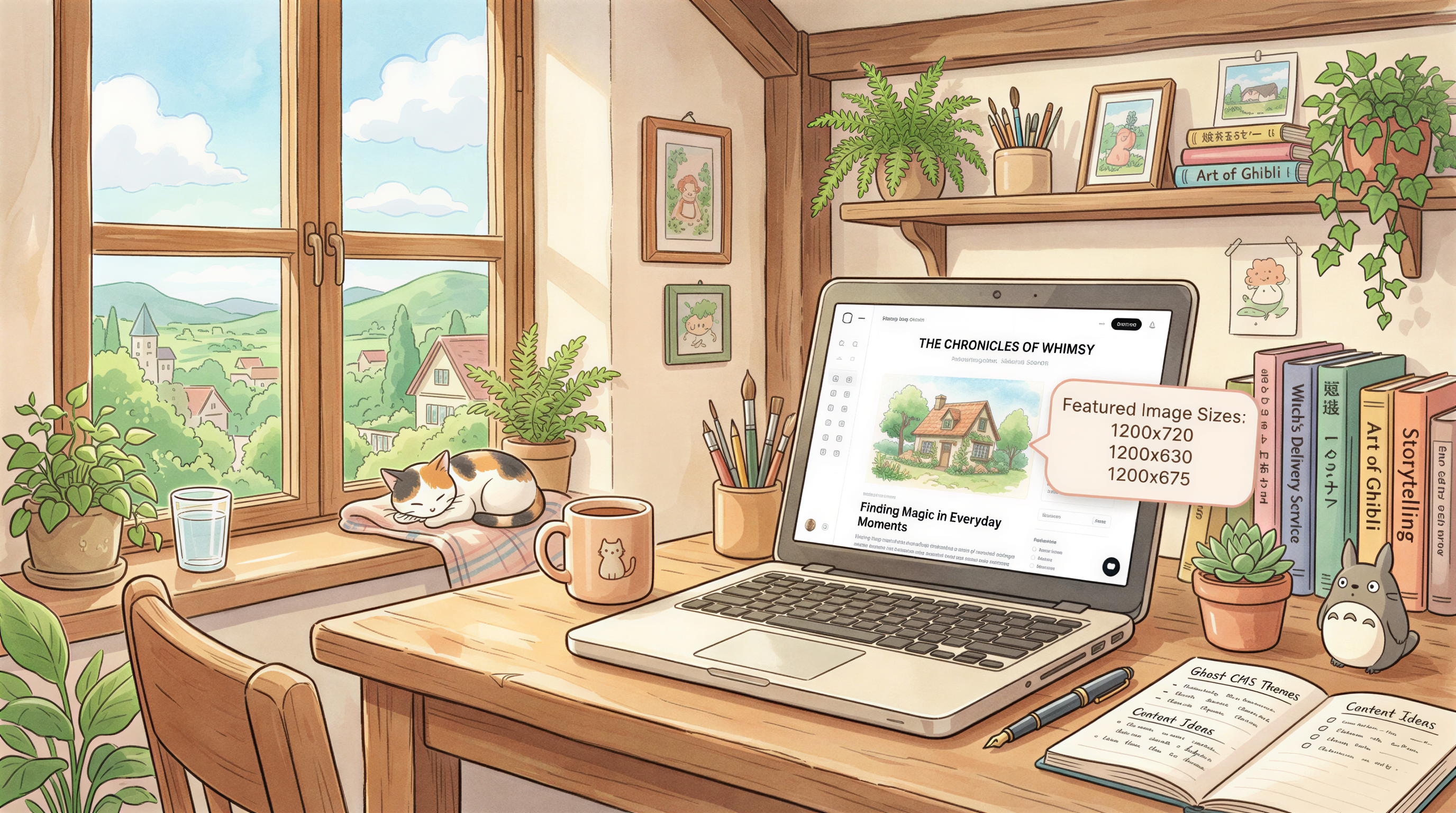
| Feature image | 1200 x 720 (3:2 ratio) |
| Newsletter feature | 1200 x 630 |
| OG image override | 1200 x 630 |
| Twitter image override | 1200 x 675 |
| Inline content | 1200 wide, flexible |
If you upload everything at 2400 x 1440, Ghost auto-generates everything down. No manual resizing.
The "No Feature Image" Trap
Ghost lets you publish without a feature image. The result:
- Your homepage looks broken
- Email previews show a blank
- Social shares pull a default OG (often the site logo)
Always set one. Even a placeholder beats nothing.
Style Picks That Work on Ghost
Ghost themes lean editorial - clean type, lots of whitespace, content-first.
Image styles that match this aesthetic:
1. Editorial photoreal
Magazine-feel, off-center subjects, natural light. Looks intentional next to Ghost's typography.
2. Minimal / monochrome
One subject, lots of negative space. Works especially well on Casper-style themes.
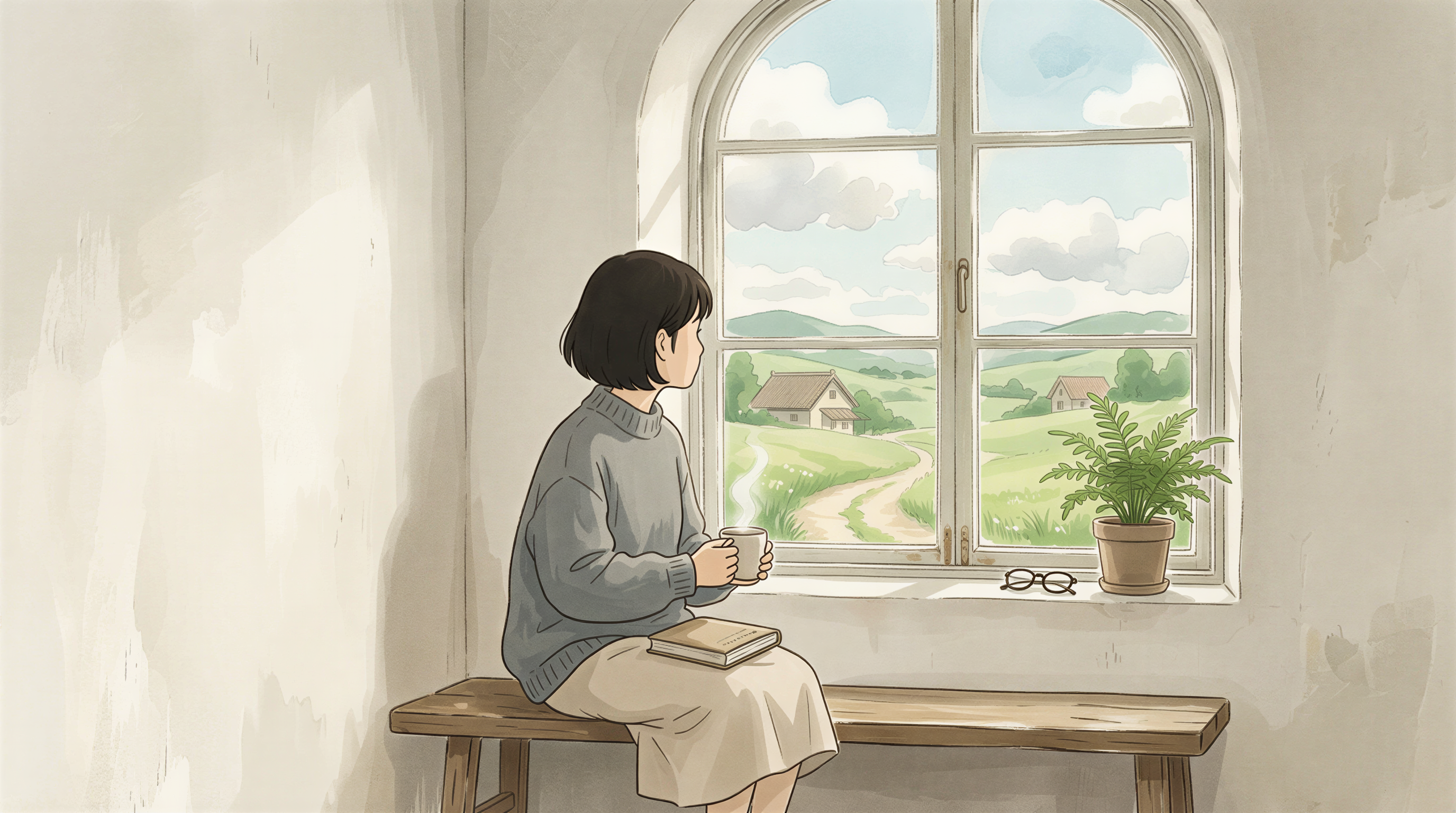
3. Hand-drawn / sketch
The 2026 favorite. Tells readers a real person publishes here.
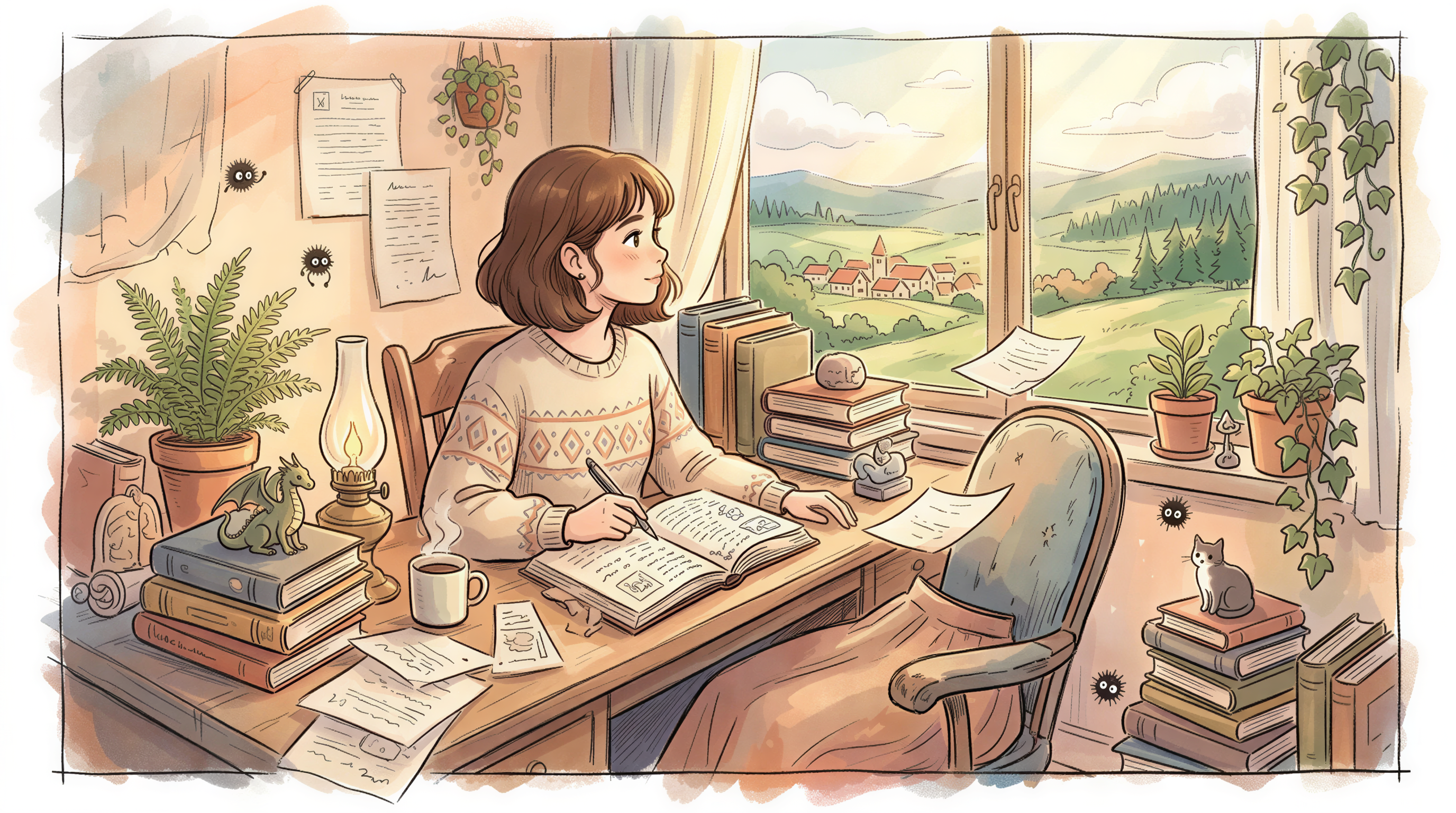
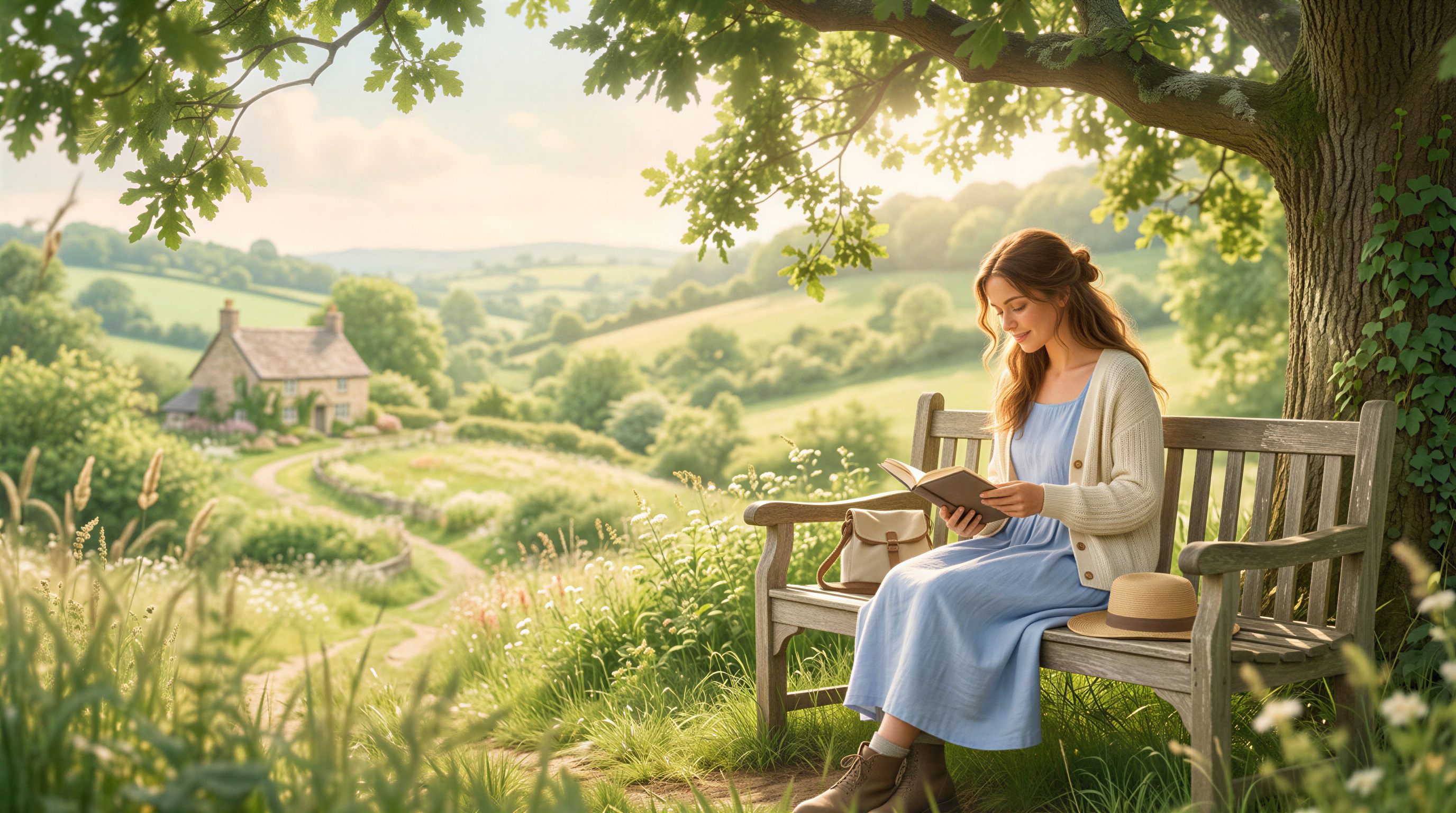
4. Editorial Ghibli
Watch the over-saturation. Done well, looks like a New Yorker illustration.
Avoid
- Sticker / cartoon (clashes with Ghost's serif aesthetic)
- Heavy gradients (looks dated next to Ghost's whitespace)
- Stock photo mannequins (signals "I didn't try")
Newsletter + Blog: One Style, Two Surfaces
Ghost lets you publish to web + email from one post. Your feature image shows up in both places.
That means:
- The image needs to work in inbox previews and above-the-fold web
- 1200x630 is the safe size for both
- Important elements off-center, since email clients crop differently
A Concrete Setup
Here's a working setup we've used:
- Style locked: editorial photoreal, soft natural light, off-center subject, neutral palette
- Size: 1200x630 (works for feature, OG, newsletter)
- Tool: Postpix for generation
- Cadence: One image per post, ~30 seconds to generate
Set once. Holds for ~50 posts before you'd want to refresh.
OG and Twitter Card Overrides
Ghost lets you override OG image per post (Settings panel on each post).
Two approaches:
- Lazy: skip the override. Ghost uses Feature Image by default. Fine for most.
- Diligent: generate a separate 1200x630 OG and 1200x675 Twitter card per post.
The lazy approach is fine until you start pushing share traffic. Then upgrade.
File Format Recommendations
Ghost auto-converts to WebP on serving. You can upload JPG, PNG, or WebP - the user gets WebP.
Compression target:
- Feature image: under 300 KB
- Inline: under 150 KB
If you're generating in Postpix, outputs are already optimized.
The Hidden Multiplier: Email Cards
Ghost's premium feature: a real email newsletter on the same posts.
Subscribers see your feature image in their inbox. The same image you used for the web post.
This means: a good feature image earns you both a higher web CTR and a higher email open. One image, two channels.
Common Ghost-Specific Mistakes
- Forgetting feature image on member-only posts - emails ship without an image
- Uploading 8MB images - Ghost handles it but slows admin
- Different style per post - Ghost themes amplify inconsistency
- Ignoring Twitter card override - fine until you start running ads
Cross-Link
Earlier post: Ghost Blog Visual Guide. This is the size + style cut.
Set It Up Once
Generate a feature image for your next 5 Ghost posts in one session. Lock the style. Stop thinking about it.
Pricing when you've committed.
Generate Your First Blog Banner
Join thousands of content creators who save hours every week with AI-generated blog images.
Pay for credits when you need them. No monthly fees.
Use your credits whenever you need them. No rush.
Use images for any project—personal or commercial.