Email Header Images: How They Affect Newsletter Open Rates
"Subject lines drive opens" is the cliche.
It's also incomplete. In 2026, with most clients showing inline previews, the header image drives a meaningful chunk of the open decision.
Here's what we've seen, and how to capture it.
Table of Contents
- What's Happening at the Inbox
- Why Header Images Work (When They Do)
- Open Rate Patterns We've Watched
- Header Image Sizes That Work
- Mistakes That Tank Open Rates
- What to Put in the Image
- The "Lock and Roll" Email Header System
- A Practical Workflow
- What Doesn't Drive Opens (As Much As You Think)
- Cross-Link
- Test It on Your Next 4 Issues
What's Happening at the Inbox
The modern inbox isn't subject + sender. It's:
- Sender
- Subject
- Preview text
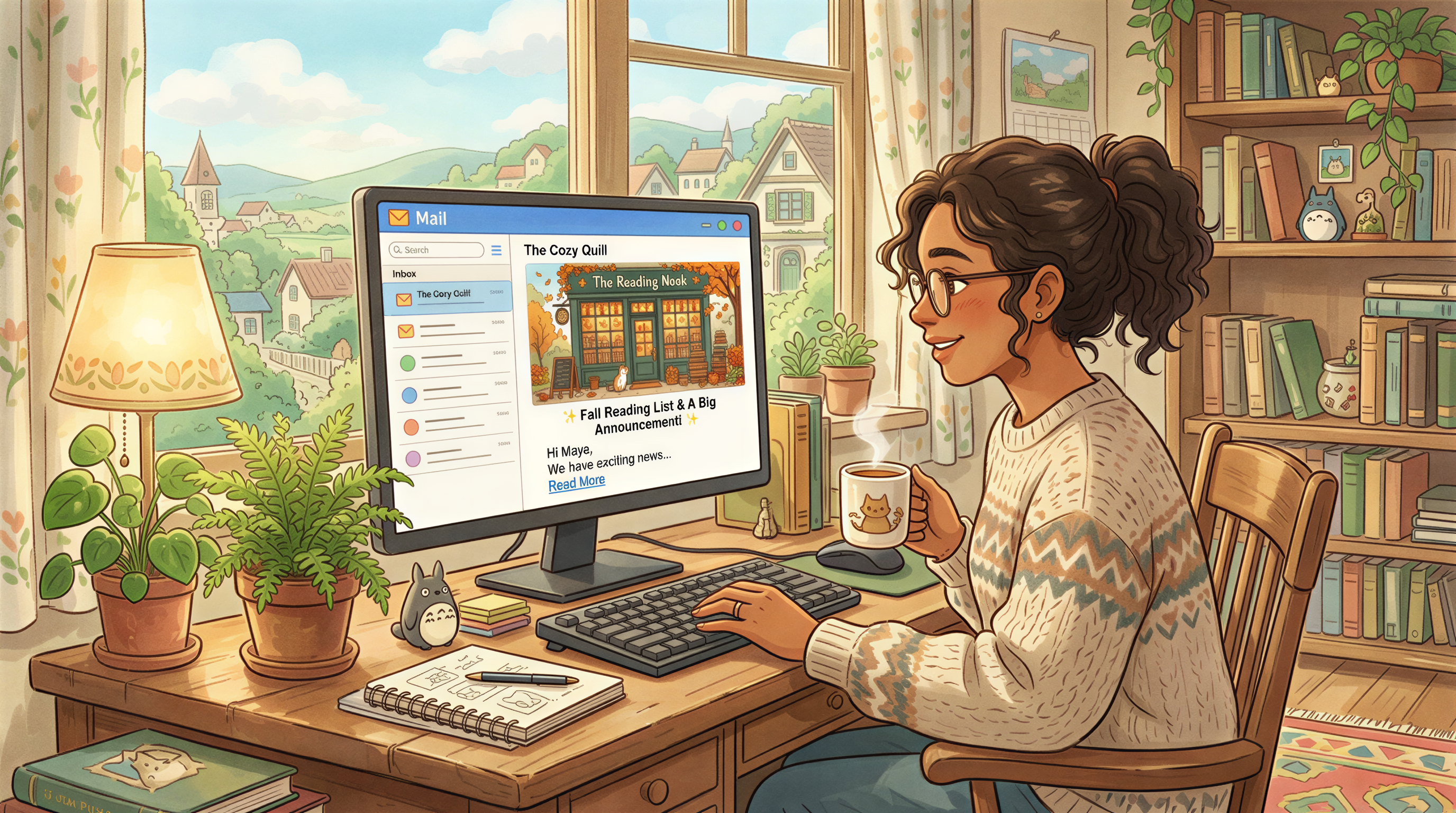
- Inline header image (Apple Mail, Gmail "social tab" expanded view, Substack, Beehiiv apps)
Subscribers scroll. They see the image before they read the subject in detail. If the image earns 0.5 seconds of attention, the subject gets read. If not, it's archived.
Why Header Images Work (When They Do)
Three reasons:
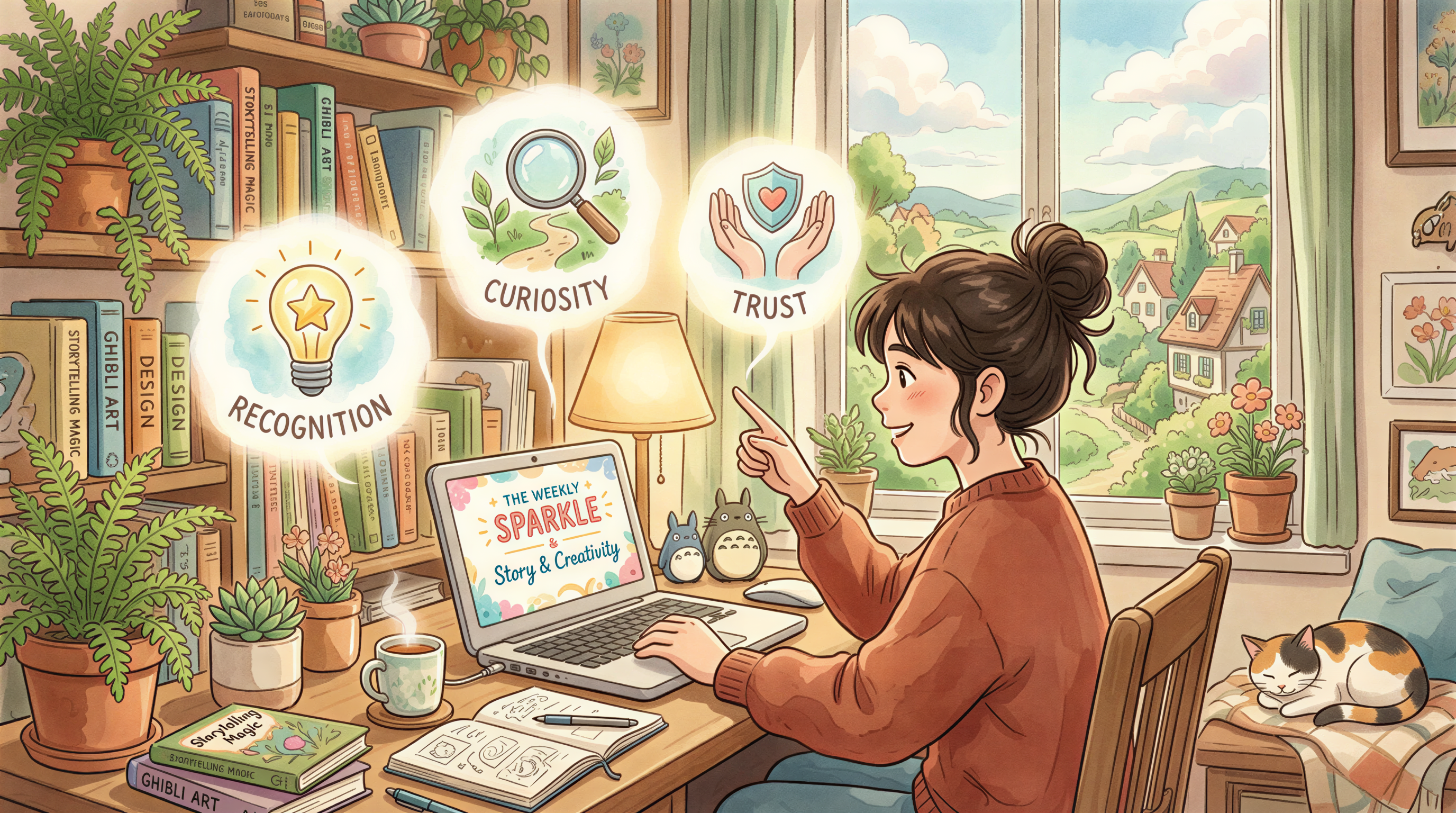
- Recognition - same style every week = "oh, that one"
- Curiosity - if the image hints at the topic, subject + image together raise intent
- Trust - consistent visuals signal a real publication, not a one-off
The keyword is consistency. Random pretty images underperform consistent boring ones.
Open Rate Patterns We've Watched
Small samples - take with salt - but the directional pattern across the newsletters we've watched:
| Setup | Open rate change |
|---|---|
| No header image | baseline |
| Stock photo header | flat (often slight decrease) |
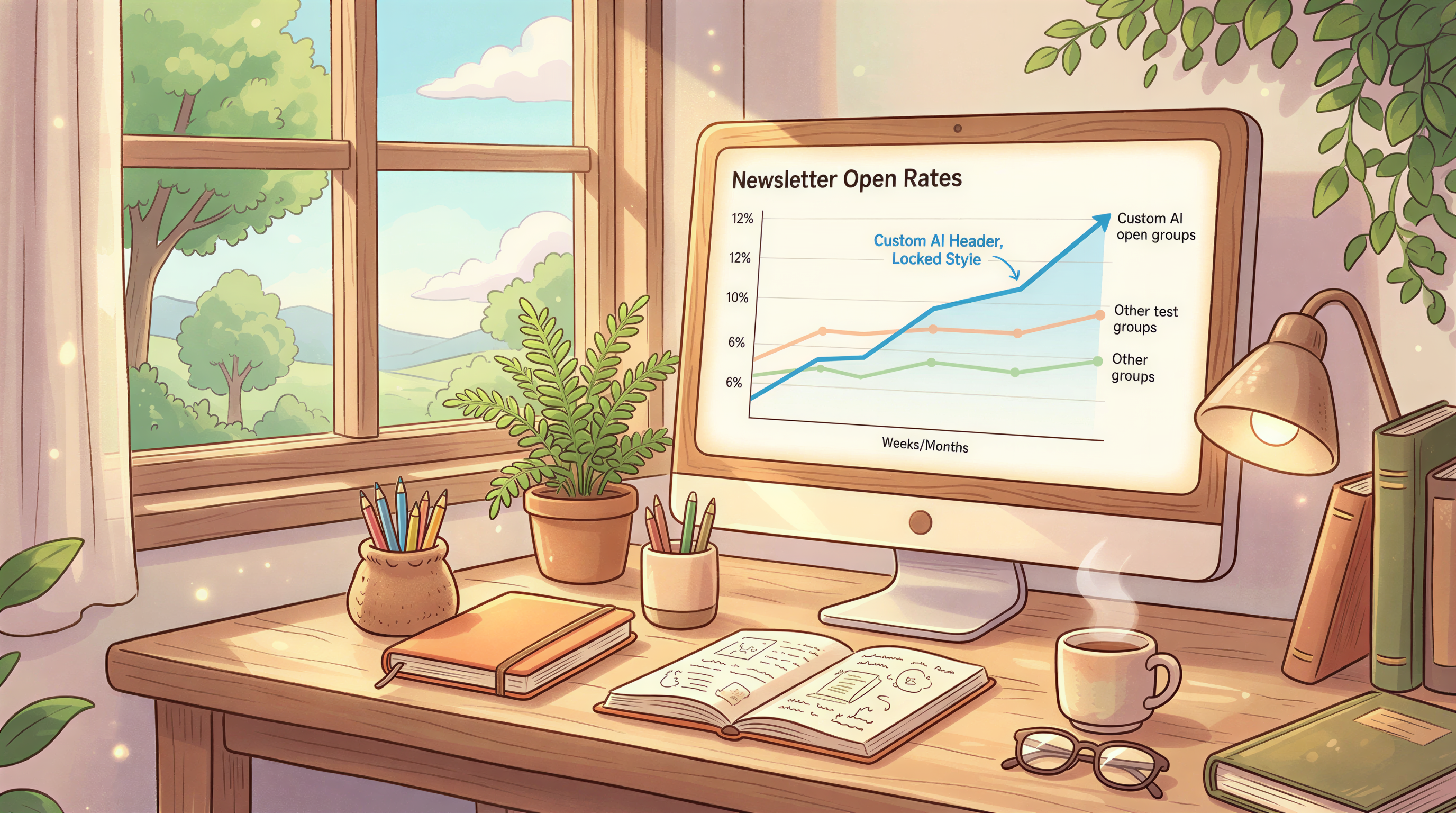
| Custom AI header, locked style, 4+ weeks consistent | +6 to +12% |
| Custom AI header, different style every issue | +1 to +3% |
The locked-style version wins. The chaotic-but-pretty version barely beats no header.
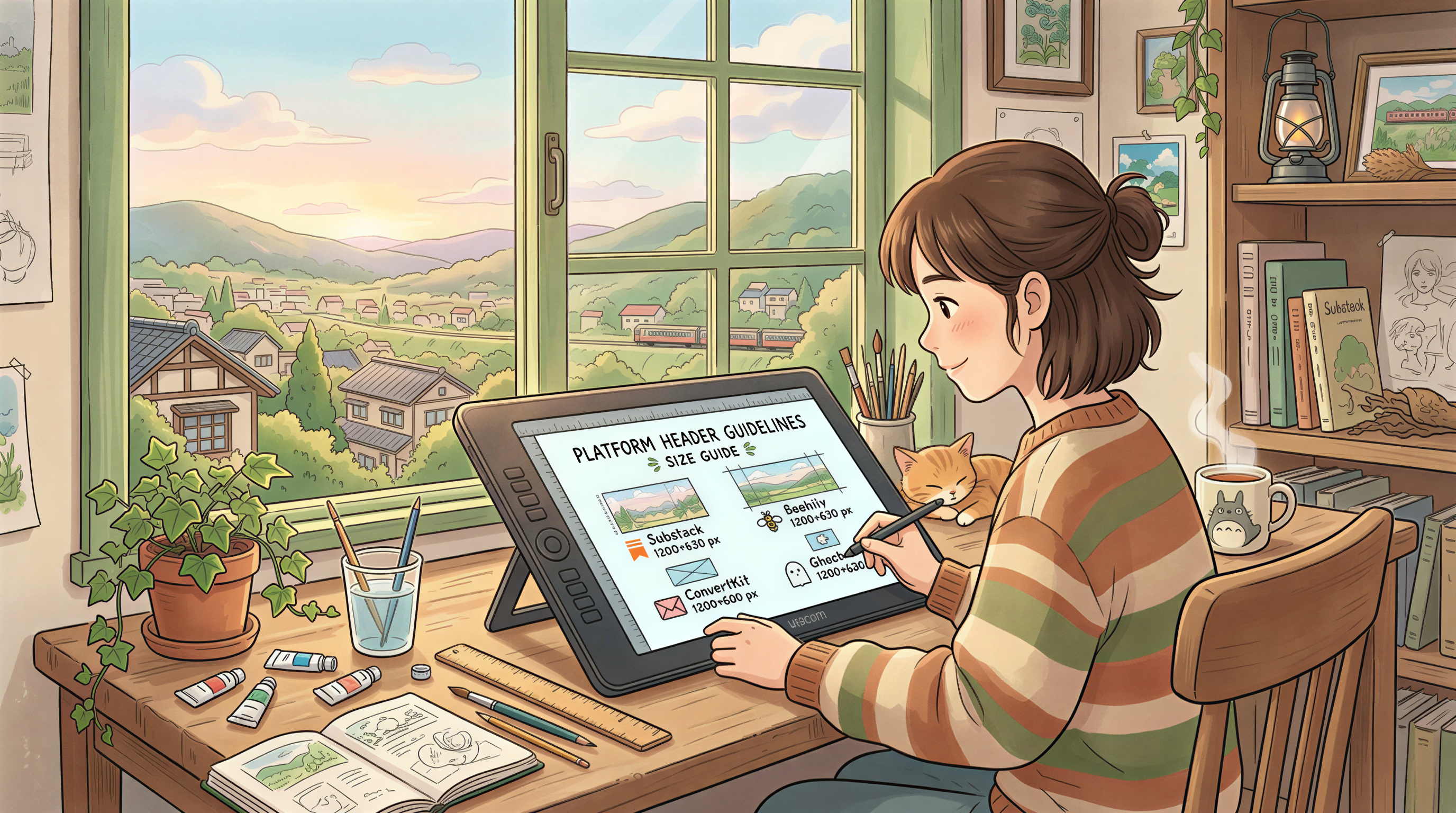
Header Image Sizes That Work
For the major newsletter platforms in 2026:
| Platform | Recommended size |
|---|---|
| Substack | 1200 x 630 |
| Beehiiv | 1200 x 630 |
| ConvertKit / Kit | 1200 x 600 |
| Mailchimp | 600 x 300 (their compression hurts bigger) |
| Ghost newsletters | 1200 x 630 |
When in doubt, 1200 x 630. Works almost everywhere.
Mistakes That Tank Open Rates
- Important text inside the image - mobile crops it
- High file size - Gmail clips emails over 102KB
- Different style every issue - kills recognition
- AI image with the wrong vibe for your brand - reader knows immediately
What to Put in the Image
Three categories that work:
1. A scene that matches the topic
For a productivity newsletter: a desk, a laptop, soft light. Not a stock photo - something that feels like the content.
2. An abstract that matches the mood
Color palette + composition that signals the post's tone. Works for essays and opinion pieces.
3. A character
If your newsletter has a recurring "narrator," put them in. Builds recognition fast.
The "Lock and Roll" Email Header System
Steal this:
- Pick one image style (options here)
- Generate a header for every issue in that style
- Don't change the style for 6 months
- Track open rates monthly
By month 3, you'll see the lift compound.
A Practical Workflow
The sustainable version, on a weekly cadence:
- Finish drafting the issue
- Copy the subject line into Postpix
- Generate a header in your locked style (~30 sec)
- Upload to Substack / Beehiiv / Ghost
- Send
Takes 4 extra minutes per issue. Lifts opens long-term.
What Doesn't Drive Opens (As Much As You Think)
Some things matter less than people claim:
- Image "quality" beyond a baseline
- Whether the image is photoreal or illustrated
- Image alt text (matters for accessibility, doesn't move opens)
- Whether the image is "creative" vs "functional"
What matters: consistency, recognizability, file size, mobile rendering.
Cross-Link
We touched on this earlier in Newsletter AI Images and Open Rates. This post is the open-rate-specific deep cut.
Test It on Your Next 4 Issues
Lock a style. Use it on the next 4 issues. Compare opens to the previous 4.
If you see lift, you've found a habit worth keeping.
Try Postpix free. Pricing once you're committed.
Generate Your First Blog Banner
Join thousands of content creators who save hours every week with AI-generated blog images.
Pay for credits when you need them. No monthly fees.
Use your credits whenever you need them. No rush.
Use images for any project—personal or commercial.