How to Generate Images for Blog Posts (The Modern Way)
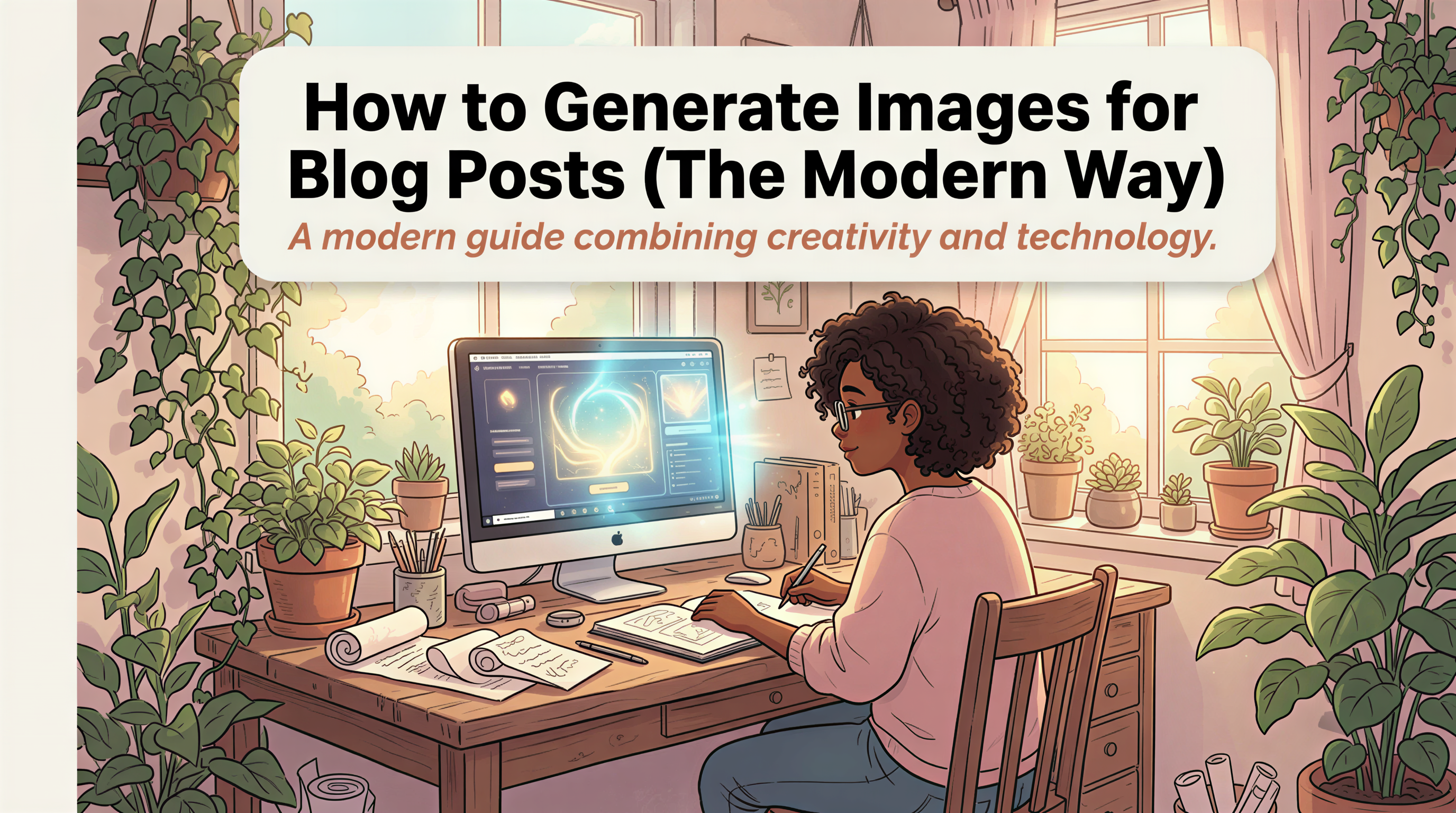
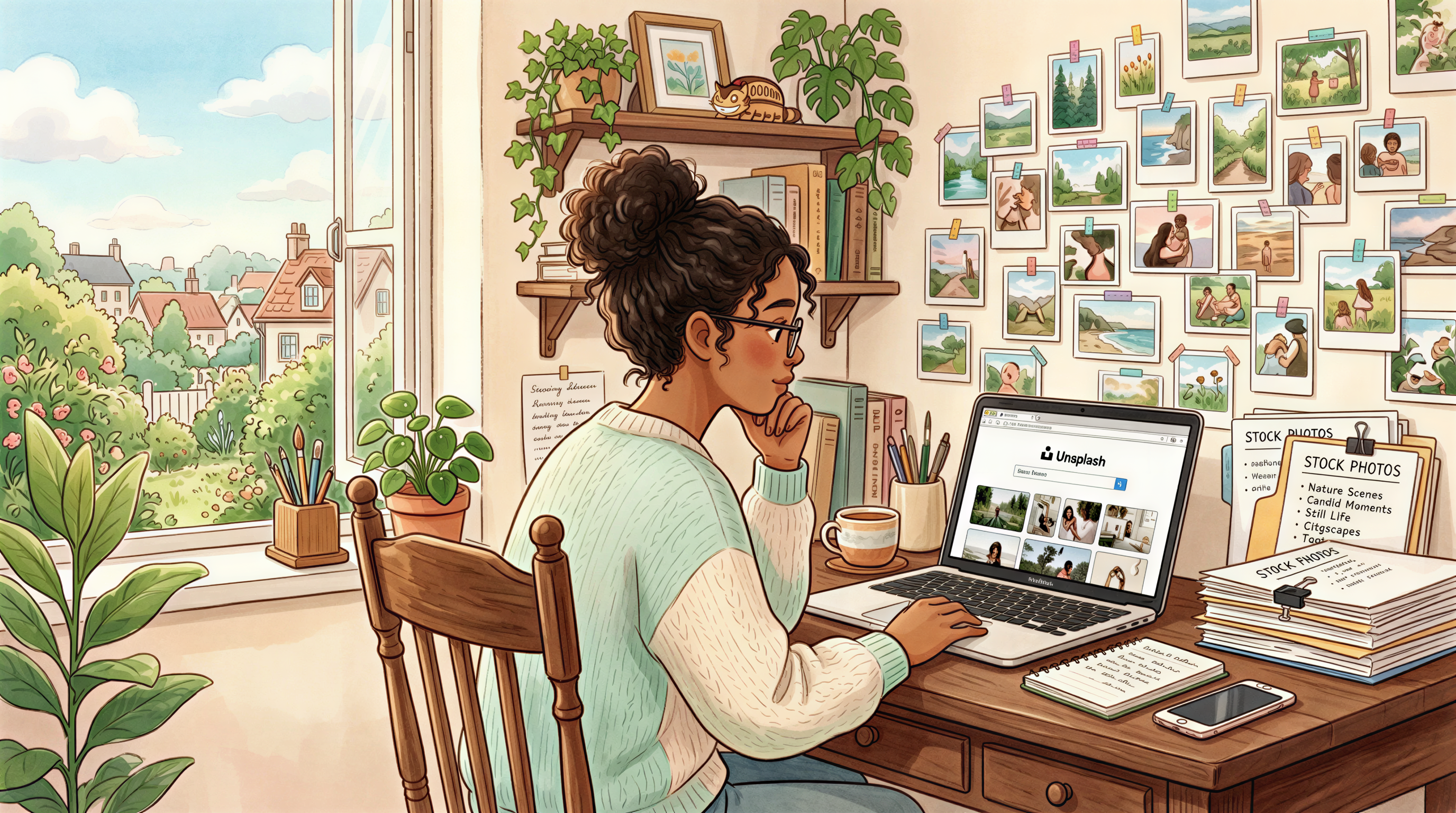
Used to be: write the post, search Unsplash for 20 minutes, settle for a generic laptop photo.
Now: write the post, paste it into a tool, get back images that actually match the content.
This is how the new workflow looks - and why nobody who's tried it goes back.
Table of Contents
- The Old Workflow (Why It Was Broken)
- What Changed
- The Modern Workflow
- A Prompt Formula That Saves Time
- Why "Generate" Beats "Search" Now
- How Many Images Per Post?
- The Mistakes to Avoid
- Who's Doing This Well
- Try It on Your Current Draft
The Old Workflow (Why It Was Broken)
The classic stack:
- Write the article (good)
- Open Unsplash / Pexels (eh)
- Search for vaguely related photos (bad)
- Realize 5 other blogs used the same shot (worse)
- Open Photoshop or Canva to make a header (extra bad)
- Export at the wrong size (worst)
- Publish 2 hours late (catastrophic)
Most bloggers spend more time on images than writing. Read that twice.
What Changed
Two things:
- AI image quality crossed the "good enough for blog" line in late 2024.
- AI image speed crossed "faster than searching stock" by 2025.
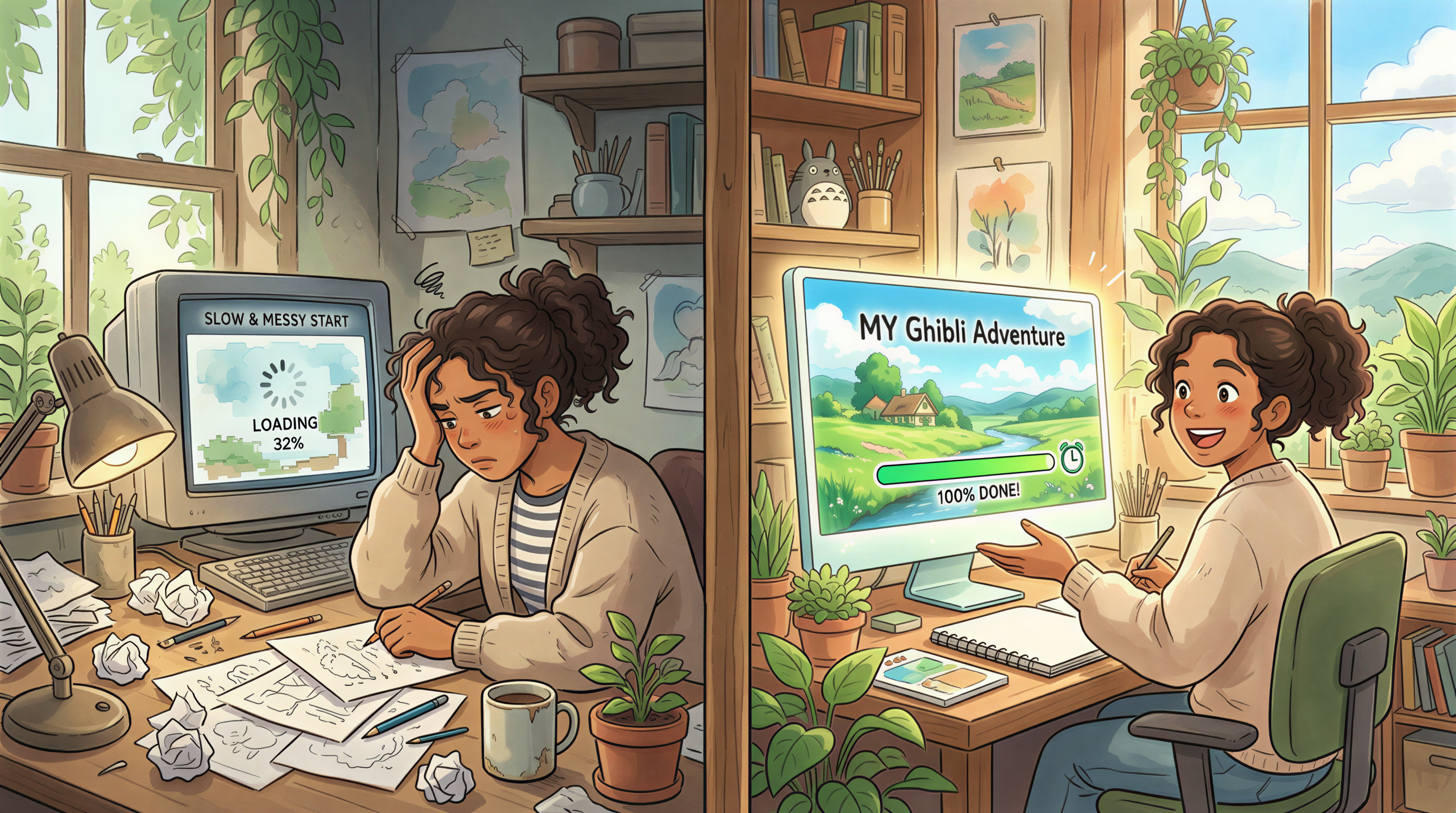
Once both happened, "generate" beat "search" for the median blogger.
The Modern Workflow
Three minutes, three steps.
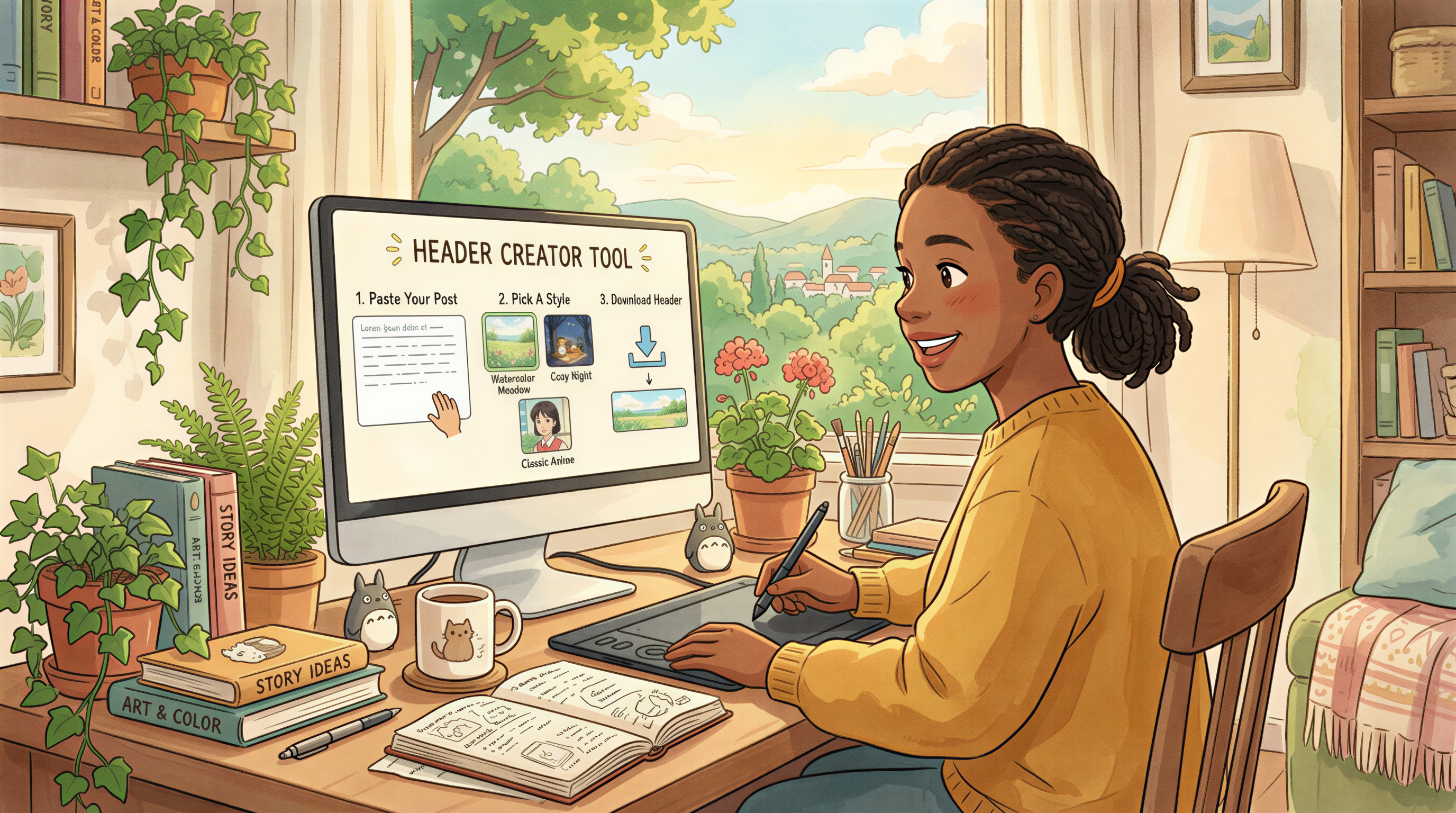
Step 1: Paste your post
Drop your article (or just title + intro) into Postpix. The tool reads it - so the images match the content, not a keyword guess.
Step 2: Pick a style and generate
Pick once. Stick with it across posts.
A few that work for blog content:
- Ghibli (details)
- Editorial photoreal (details)
- Isometric (good for SaaS / tech)
- Sticker / cartoon (good for casual, indie content)
Step 3: Download and place
Header at the top. One or two inline images at major section breaks. Done.
A Prompt Formula That Saves Time
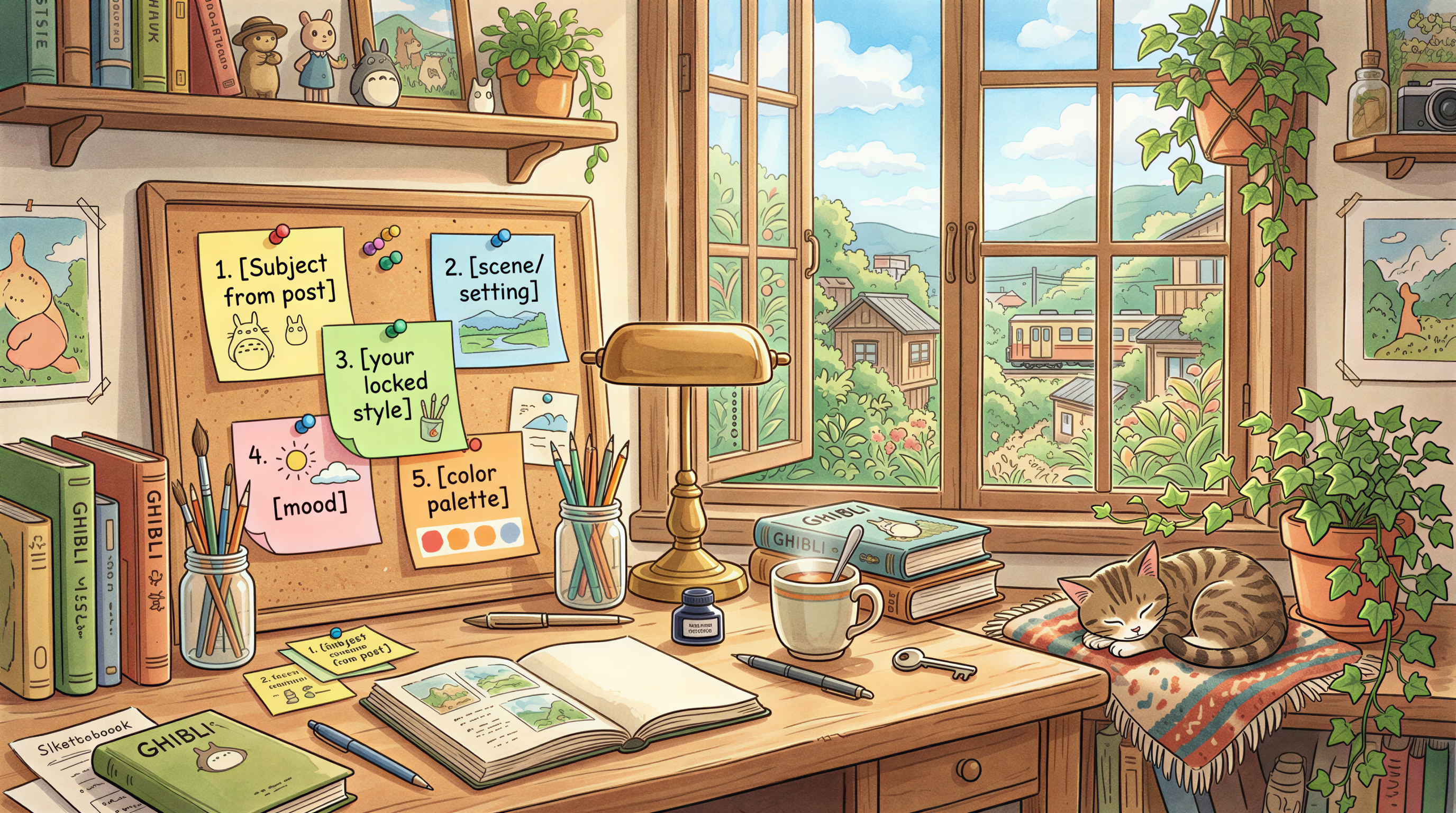
If you want more control, use this:
Save it. Reuse it. Change only the subject between posts.
Why "Generate" Beats "Search" Now
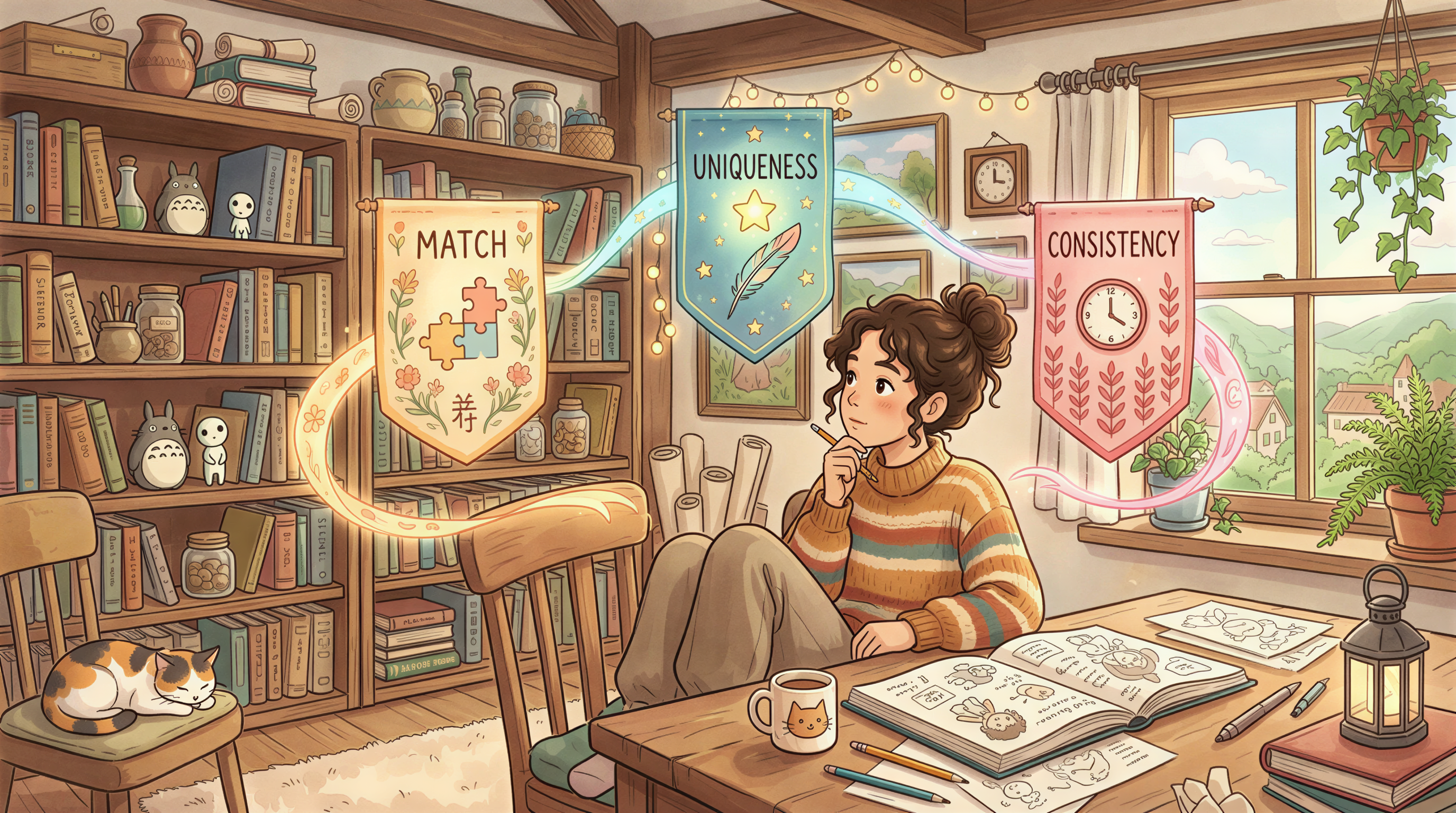
Three reasons:
- Match - generated images reflect the actual post, not a tag.
- Uniqueness - your readers haven't seen the image on 40 other blogs.
- Consistency - every post can share a style without a brand pack.
Stock photos still have a place (real product shots, real people, news). For everything else, generation wins.
The Stock Photos vs AI breakdown has the longer version.
How Many Images Per Post?
A pattern that works for most blogs:
| Post length | Images | Where |
|---|---|---|
| 500-800 words | 1 | Header only |
| 800-1500 words | 2-3 | Header + 1-2 section breaks |
| 1500-3000+ words | 4-6 | Header + every major section |
Don't over-image. Reader fatigue is real, and so is page weight.
The Mistakes to Avoid
- Different style every post - kills brand. Pick one, lock it.
- Photoreal AI of people - still uncanny valley. Skip faces unless you're sure.
- Cluttered backgrounds - blog images get cropped on mobile. Keep them clean.
- No alt text - generated or not, write alt text. Accessibility + SEO.
Who's Doing This Well
- SaaS founders shipping weekly product blogs
- Newsletter writers using AI images in email previews
- Freelancers who can't justify a designer line item
If you publish a post a week, you're the target.
Try It on Your Current Draft
Stop reading. Paste your draft into Postpix, generate, ship.
Pricing starts free. The only cost is breaking the stock photo habit.
Generate Your First Blog Banner
Join thousands of content creators who save hours every week with AI-generated blog images.
Pay for credits when you need them. No monthly fees.
Use your credits whenever you need them. No rush.
Use images for any project—personal or commercial.