Postpix vs Canva: Which One Belongs in Your Blog Stack?
"Should I cancel my Canva subscription and use Postpix instead?"
Got that question three times last month. Short answer: no. Long answer: depends what you're using Canva for.
Here's the honest breakdown.
Table of Contents
- What Canva Is Actually Good At
- What Postpix Is Actually Good At
- Where They Overlap
- The Real Difference: Where the Time Goes
- When You Actually Need Both
- When You Can Drop Canva
- The Cost Comparison (Not Apples to Apples)
- How to Decide in 30 Seconds
- Who Should Pick Just Postpix
- Who Should Pick Just Canva
- The Honest Verdict
What Canva Is Actually Good At
Canva is a design tool. It's great when you need:
- Social media graphics across 8 sizes from one template
- Pitch decks
- Flyers, posters, printables
- Brand kits with custom fonts
- Anything where templates + drag-and-drop is the right interface
If your job involves more design than blogging, Canva stays.

What Postpix Is Actually Good At
Postpix is a blog-image tool. It's built for:
- Blog headers and banners that match the article
- Repeatable visual style across many posts
- Going from "post draft" to "published with image" in 5 minutes
- Inline blog images that don't look like stock photos
If your job is "publish a blog post per week," Postpix wins.
Where They Overlap
Two places:
- Blog headers - both can produce one
- Featured social images - both export the right sizes
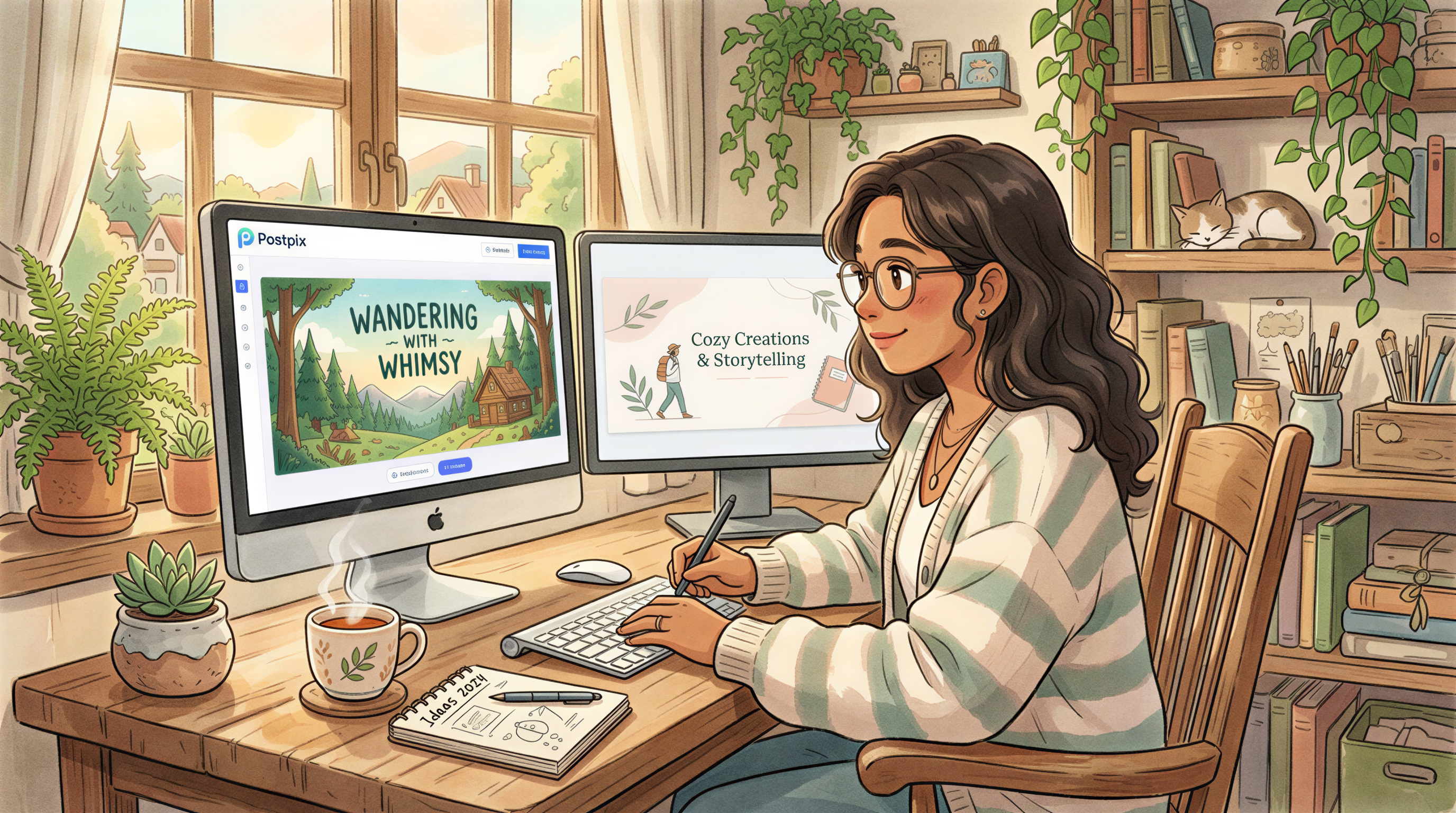
Canva does it via templates + manual editing. Postpix does it via prompt + generation. Same output, different path.

The Real Difference: Where the Time Goes
Canva on a blog header:
- Search templates (3 min)
- Pick one (1 min)
- Replace text + colors (5 min)
- Replace images (3 min)
- Resize and export (2 min)
= ~14 minutes per banner. Down to 6-8 once you have a saved template.
Postpix on the same banner:
- Paste post title (10 sec)
- Pick style (10 sec)
- Generate, pick, download (1 min)
= ~90 seconds per banner. Same speed every time.

When You Actually Need Both
Most bloggers do.
- Canva for: pitch deck, lead magnet PDFs, the occasional Instagram post
- Postpix for: every blog post header and inline image
This isn't a "switch" decision. It's a "add to stack" decision.

When You Can Drop Canva
If your only Canva use case is blog headers + featured images, you can. Plenty of solo bloggers do.
If you also do Instagram, slides, or PDFs - keep Canva. It's $13/month well spent.
The Cost Comparison (Not Apples to Apples)
| Tool | Plan | Use case |
|---|---|---|
| Canva Pro | $12.99/mo | Multi-format design |
| Postpix | See pricing | Blog images at scale |
The honest framing: Canva charges for templates + features. Postpix charges for generation credits. Different math, different value per dollar depending on what you make.
How to Decide in 30 Seconds
Three questions:
- Do you publish more than one blog post per month? Postpix.
- Do you also make slides, PDFs, or Insta graphics? Canva.
- Both? Both.
Not deeper than that.
Who Should Pick Just Postpix
- Solo SaaS founders writing a blog
- Freelancers who only need blog visuals
- Newsletter writers on Substack or Beehiiv
You don't need a full design tool for one job.
Who Should Pick Just Canva
- Designers
- Marketers running 5+ channels
- Anyone making physical print collateral
Postpix won't replace a design tool. We don't try.
The Honest Verdict
Canva and Postpix aren't really competitors - they live in different parts of the workflow.
If you only have time for one, pick the one matching your bigger workload. If you blog weekly and also need design tools, run both. The combined cost is still less than one designer hour per month.
Try Postpix free. See if it earns its slot in your stack.
Generate Your First Blog Banner
Join thousands of content creators who save hours every week with AI-generated blog images.
Pay for credits when you need them. No monthly fees.
Use your credits whenever you need them. No rush.
Use images for any project—personal or commercial.