Custom Blog Banners Without Hiring a Designer
"Custom" used to mean expensive.
Table of Contents
- What "Custom" Actually Means
- The Prompt Formula That Locks In a Style
- Why Identical Style Beats "Better" One-Offs
- The Workflow: From "I Need a Banner" to "Banner Shipped"
- When You Actually Should Hire a Designer
- What People Get Wrong with "Custom" AI Banners
- Compared to Canva and Other Template Tools
- Get Your First Custom Banner Today
What "Custom" Actually Means
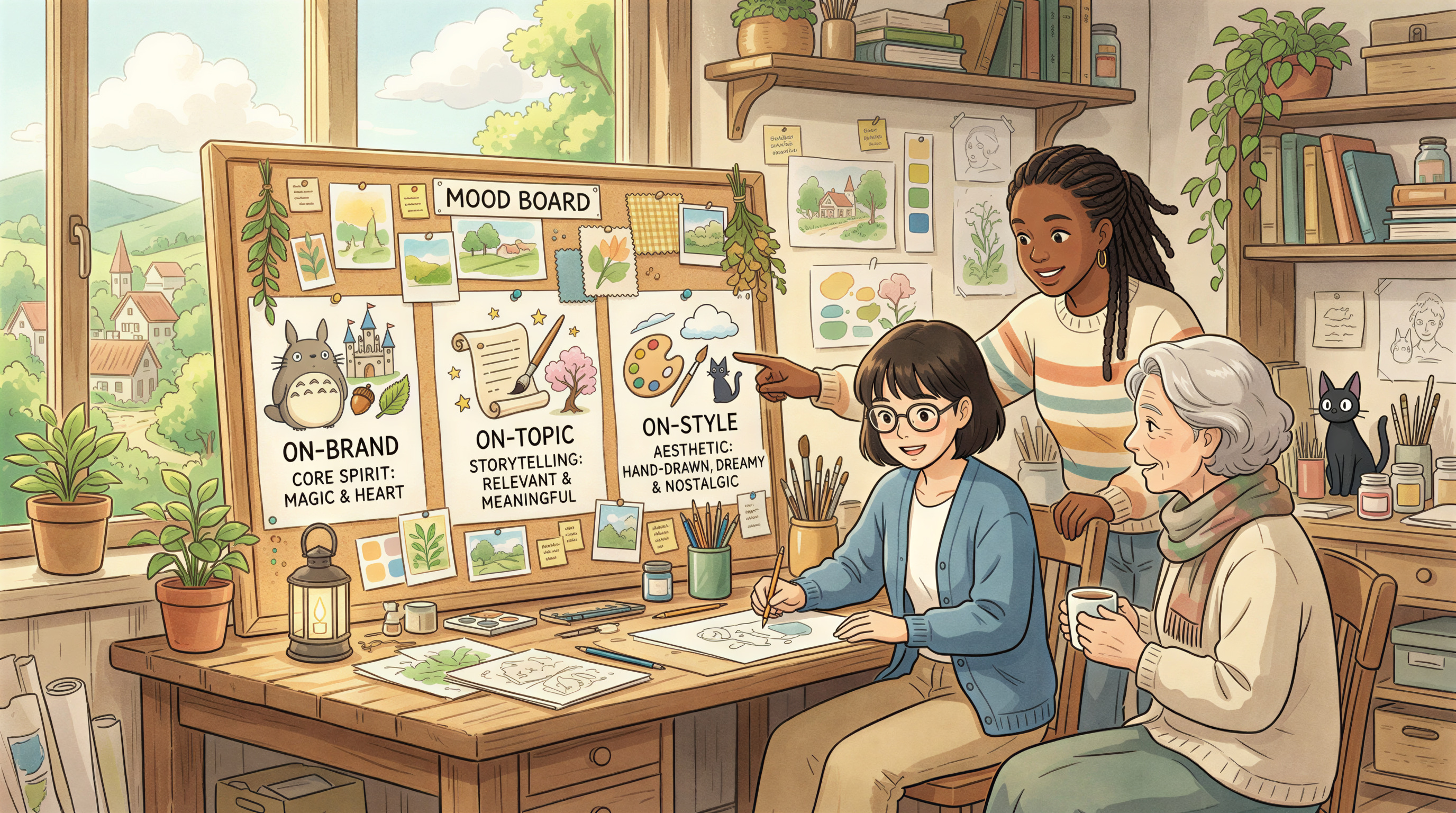
Custom isn't "a unique illustration nobody else has." It's:
- On-brand - matches your colors, mood, and voice
- On-topic - reflects what the post is actually about
- On-style - same visual language across every post
You don't need a designer for the first two. You barely need one for the third. What you need is a prompt formula and 10 minutes.
The Prompt Formula That Locks In a Style
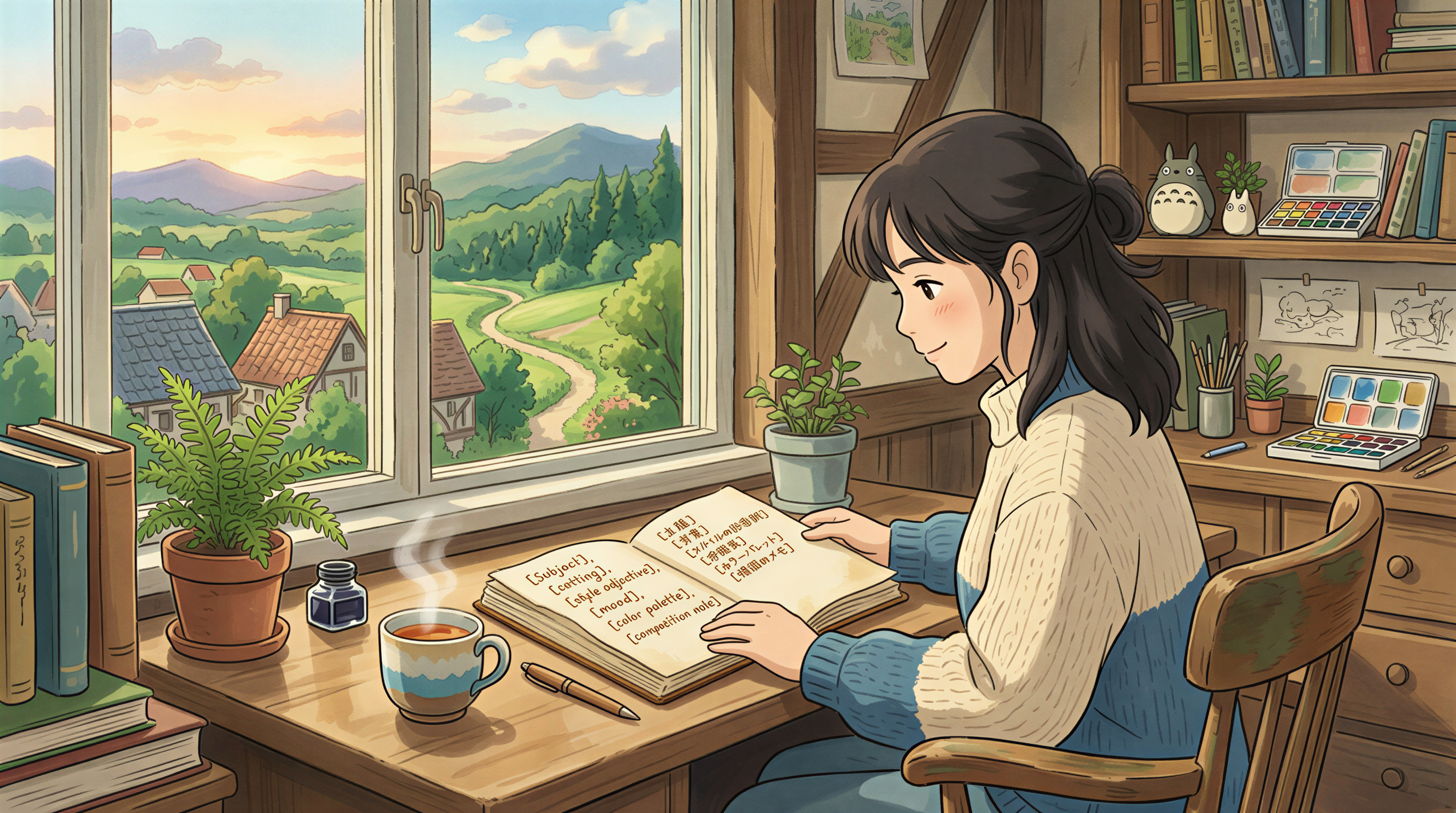
Here's the structure that works:
Worked example for a SaaS blog:
Save this as a snippet. For every post, replace only the subject - keep everything else identical. That's how you get visual consistency without hiring anyone.
Why Identical Style Beats "Better" One-Offs
A custom banner that looks great but doesn't match your other posts is a wasted asset.
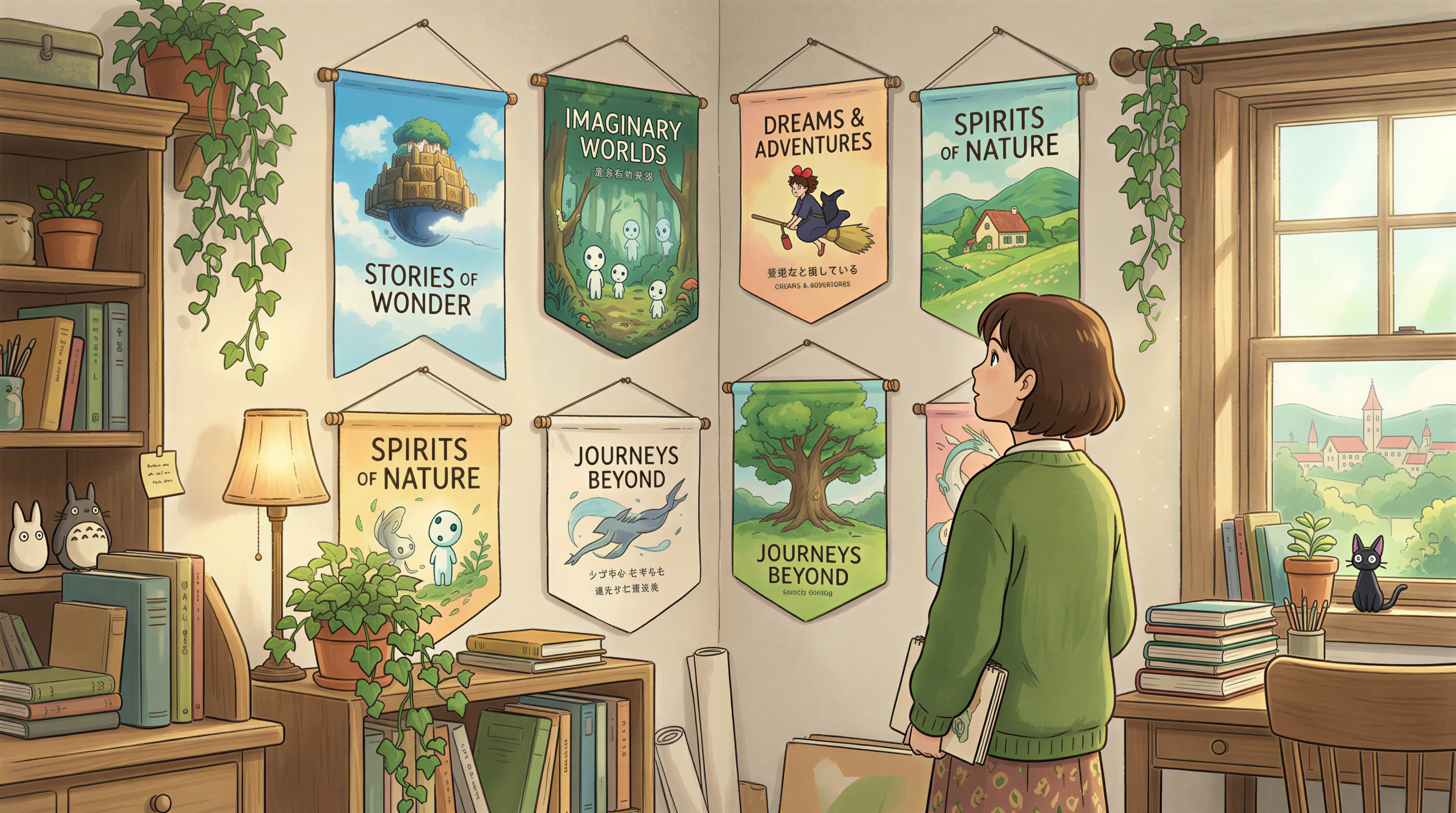
Reader memory is shape and color, not detail. If post #12 is photoreal and post #13 is hand-painted, your blog feels like a magazine rack at an airport - lots of covers, no identity.
Indie hackers know this trick - lock the style, change the subject.
The Workflow: From "I Need a Banner" to "Banner Shipped"
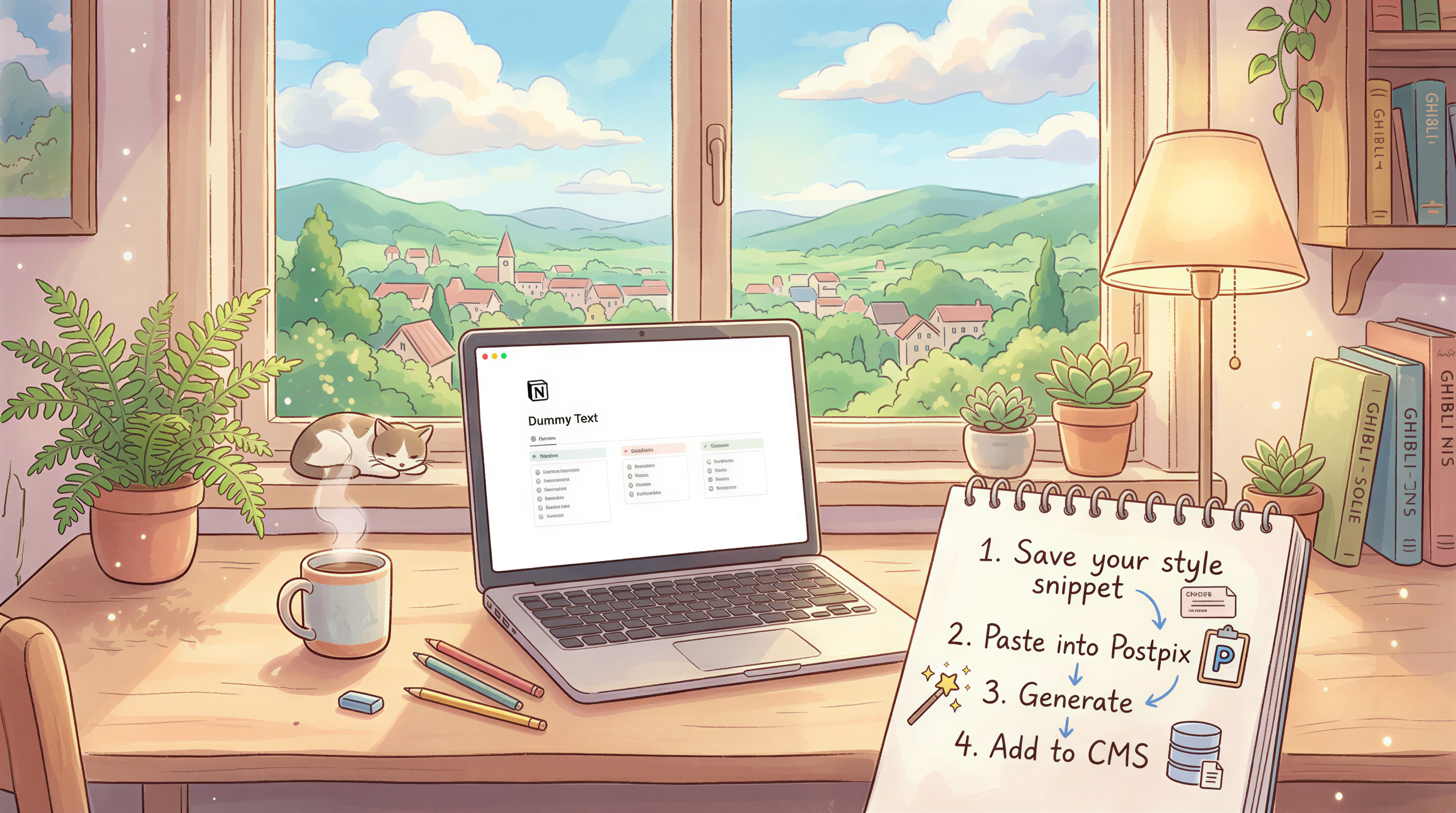
1. Save your style snippet
Use a Notion page, a TextExpander shortcut, whatever. Just have it copy-pastable.
2. Paste it into Postpix
Open Postpix. Paste the snippet. Add the subject for this specific post.
3. Generate, pick, save
Three variants in seconds. Pick the closest to your last 5 banners. Download.
4. Add it to your CMS
WordPress, Ghost, Substack, Notion - wherever you publish.
Total: 3-4 minutes. Custom banner. Locked style. No designer.
When You Actually Should Hire a Designer
Some honesty: AI banners aren't always the right call.
Hire a designer if:
- You're rebranding the whole blog and need a system, not a banner
- Your category is design-led (a typography studio, a fashion editorial)
- You need print or physical product extensions
Skip the designer if:
- You publish weekly and just need consistent banners
- Your blog is a solo SaaS or freelance operation
- You'd rather spend the budget on writing or distribution
What People Get Wrong with "Custom" AI Banners
Three mistakes:
- No saved style - regenerating the prompt from scratch each time. Result: chaos.
- Over-prompting - 12 adjectives in the style line. Result: muddy outputs.
- Picking the "best" instead of the "consistent" - ship the one that looks like the last 5, not the most striking one.
Boring on purpose. Reader memory rewards it.
Compared to Canva and Other Template Tools
Canva comparison if you want the long version. Quick version:
- Canva = template-first. Custom = customizing a template, often visibly.
- Postpix = brief-first. Custom = generated to match your brand, no template seam.
Both work. They just optimize for different things.
Get Your First Custom Banner Today
Open Postpix. Write your style snippet once. Generate a banner for the post you're shipping this week.
If the next 5 posts use the same snippet, you've done what most blogs never do: build a visual brand.
Pricing only matters when you're past the free tier.
Generate Your First Blog Banner
Join thousands of content creators who save hours every week with AI-generated blog images.
Pay for credits when you need them. No monthly fees.
Use your credits whenever you need them. No rush.
Use images for any project—personal or commercial.