Blog Header Maker: Get a Pro Header in 30 Seconds (No Photoshop)
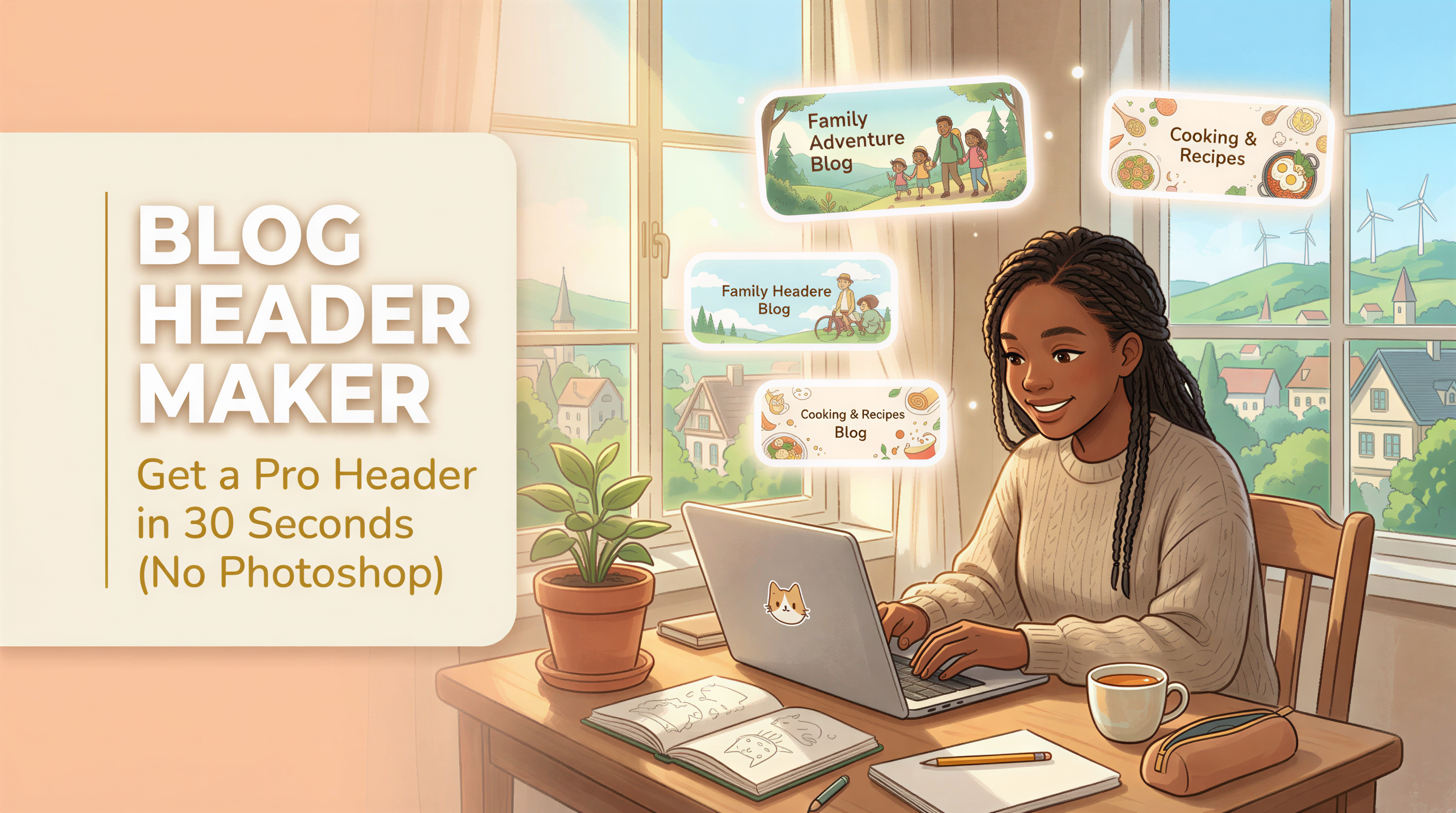
A "blog header maker" should do one thing: take your post and hand you back a header.
Not a template gallery. Not a 12-tab tutorial. A header.
Most tools forgot. Here's one that didn't.
Table of Contents
- What a Blog Header Maker Should Actually Do
- Why "30 Seconds" Is the Right Benchmark
- The 30-Second Header Workflow
- Header Sizes That Actually Matter
- Style: Pick Once, Use Forever
- How This Compares to Photoshop or Canva
- Who This Is For
- Try It on the Post You're Writing Right Now
What a Blog Header Maker Should Actually Do
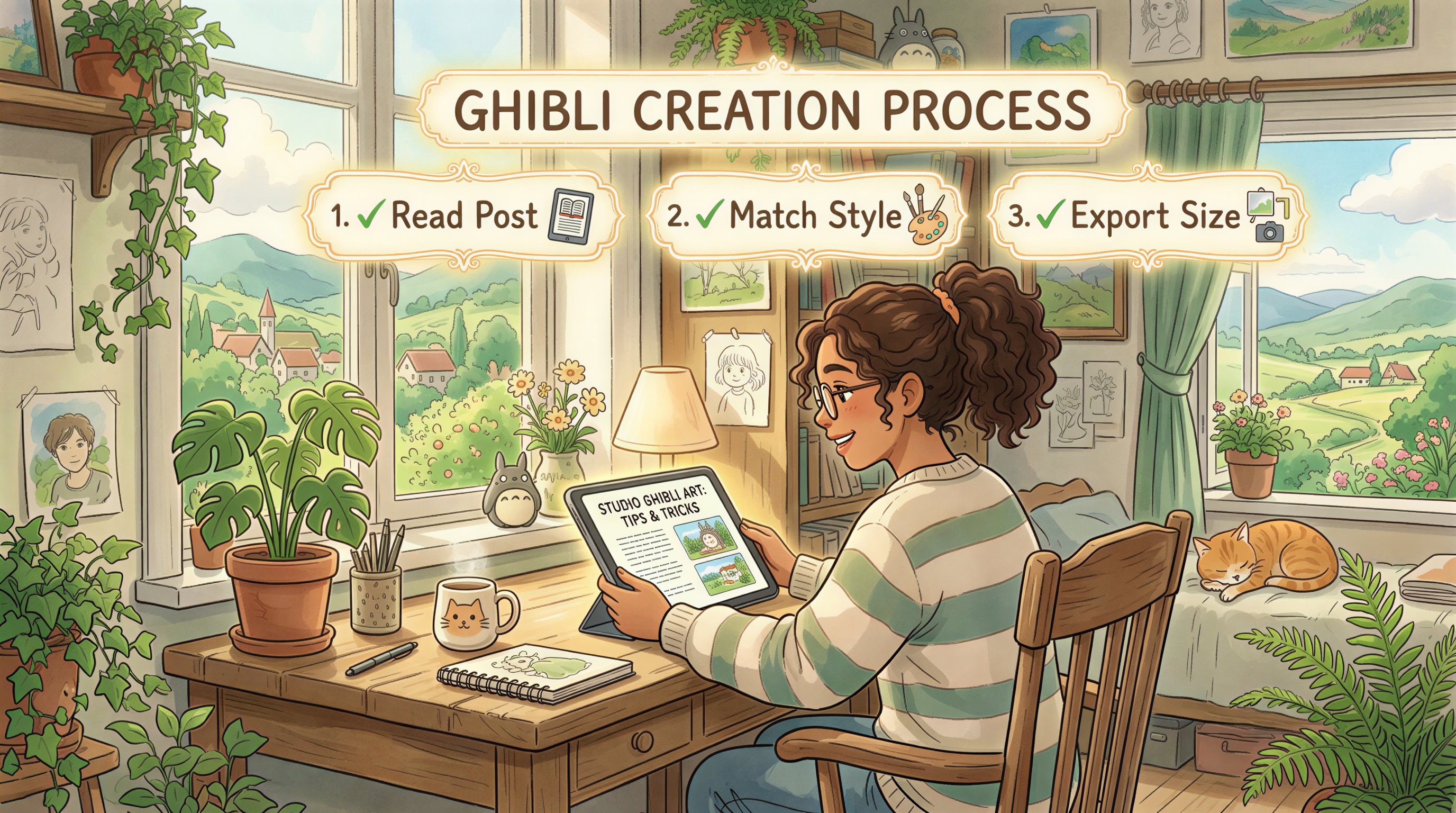
Three things, in order:
- Read your post - so the visual matches the topic, not just a keyword.
- Match your style - so post #34 doesn't look like a stranger to post #1.
- Export at the right size - 1200x630 default, no math.
That's it. Anything beyond that is design tool territory.
Why "30 Seconds" Is the Right Benchmark
If your header takes 5 minutes, you'll skip it on a busy day.
If it takes 30 seconds, you won't.
That's not a productivity hack - it's how habits hold. The tool has to be faster than the temptation to publish without a header.
The 30-Second Header Workflow
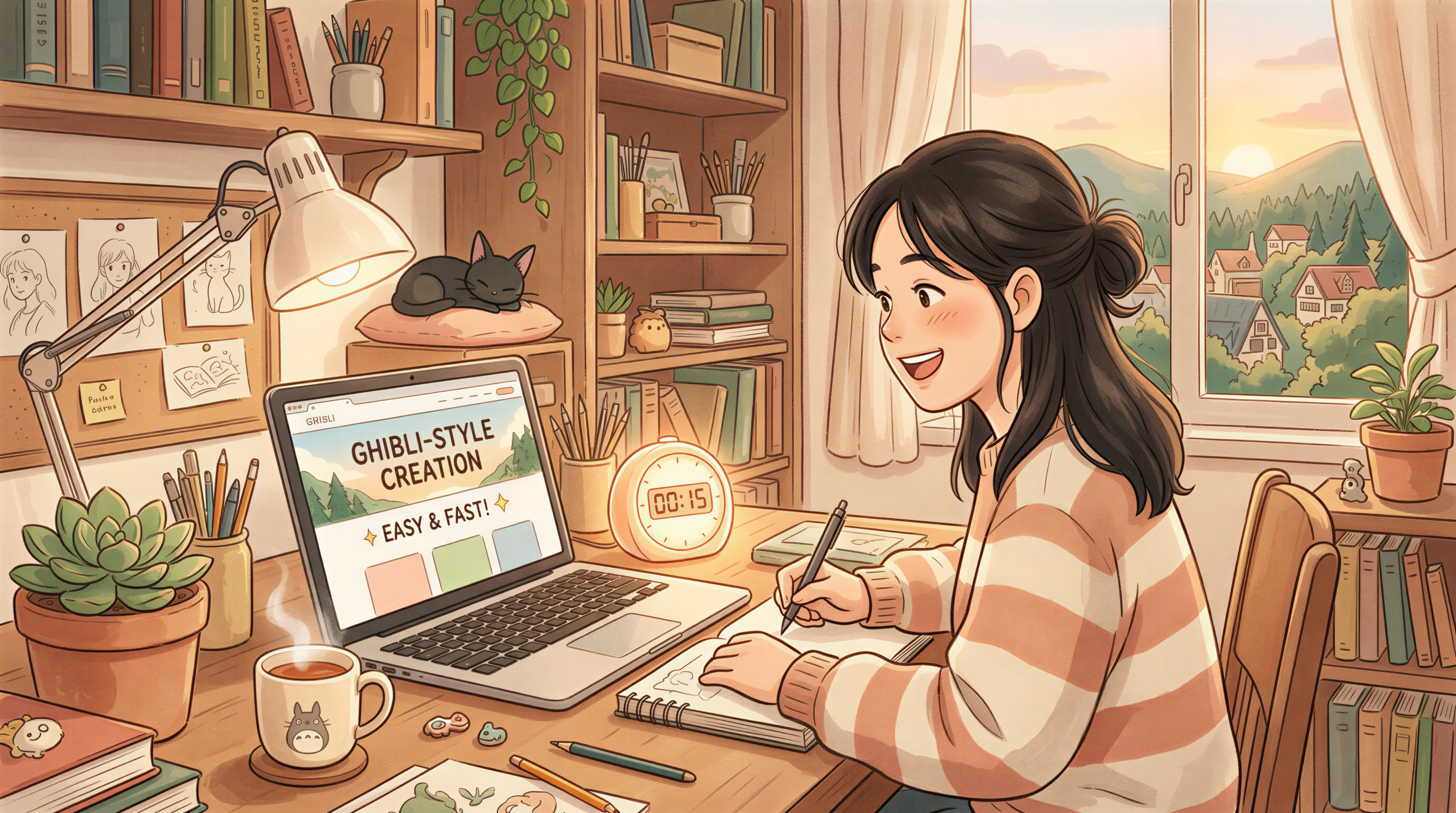
Open Postpix. Three actions.
1. Paste
Paste your post title or first paragraph. That's the input. No prompt engineering.
2. Pick
Three to five header variants appear. Click the one that fits.
3. Ship
Download. Drop in your post. Publish.
Done. Move on.
Header Sizes That Actually Matter
The size that ships everywhere:
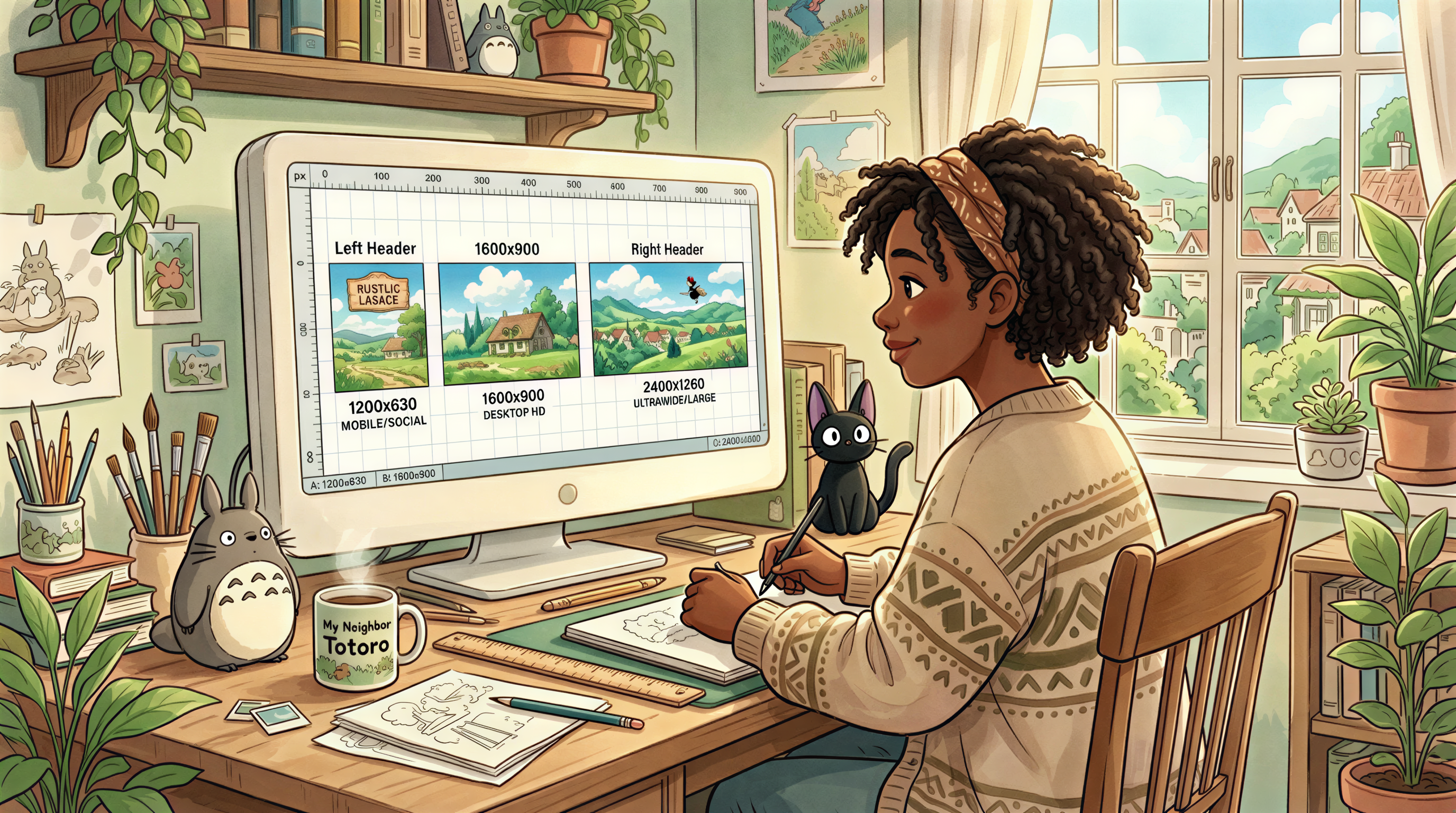
- 1200x630 - works for OG, Twitter, blog featured image, Substack preview, LinkedIn share.
The sizes that come up later:
- 1600x900 - if you want retina headroom on bigger screens.
- 2400x1260 - 2x retina for crisp delivery on high-DPI screens.
Skip the others until they show up in a brief.
Style: Pick Once, Use Forever
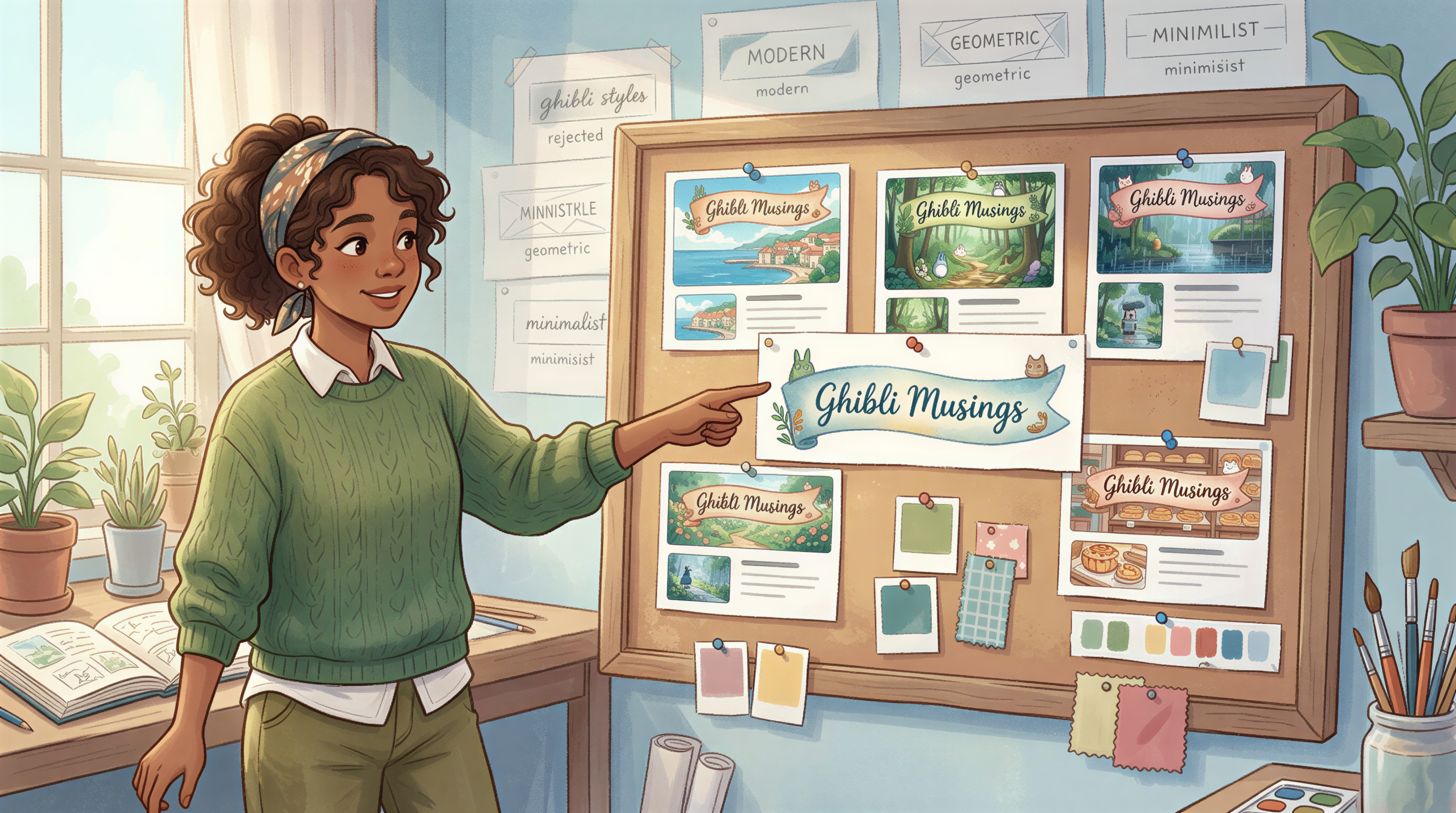
Your blog needs a look, not a header.
The mistake: picking a different style for every post. The fix: lock one style, generate matching headers for everything you publish.
A few that hold up across 100+ posts:
- Ghibli - calm, hand-painted, narrative (more here)
- Editorial photoreal - magazine-feel, less stocky than stock (here)
- Isometric - clean, technical, popular for SaaS blogs
- Sticker / cartoon - punchy, casual, indie-hacker friendly
Pick one. Don't change it for a year.
How This Compares to Photoshop or Canva
Photoshop is for design work. Canva is for design work with templates. Neither is for blog headers.
Quick math on a year of weekly headers:
| Tool | Time per header | Yearly time |
|---|---|---|
| Photoshop | 30+ min | 26+ hours |
| Canva (template + tweaks) | 10 min | 8.7 hours |
| Postpix | 30 sec | 26 minutes |
That's not an ad. It's the gap between "design tool" and "header tool." Use the right one.
Canva comparison here if you want the longer version.
Who This Is For
- Solo founders shipping a blog post per week
- Freelancers who write fast and don't want to design
- Newsletter writers using headers in email previews
If you're a design agency, this isn't your tool. You already know that.
Try It on the Post You're Writing Right Now
Stop reading. Paste your draft into Postpix, pick a header, ship it.
The first one is free. Pricing only matters once you're publishing more than a few times a month.
Generate Your First Blog Banner
Join thousands of content creators who save hours every week with AI-generated blog images.
Pay for credits when you need them. No monthly fees.
Use your credits whenever you need them. No rush.
Use images for any project—personal or commercial.