Free Blog Banner Maker: Custom Headers in Under 5 Minutes
You've written the article. It's good. You're proud of it.
Table of Contents
- Why Free Blog Banner Makers Usually Disappoint
- What "Free" Should Mean for Bloggers
- The 5-Minute Banner Workflow
- Free vs Paid: The Honest Breakdown
- How This Compares to Canva
- A Note on the Old
/blog/blog-banner-generatorArticle - Try It On Your Next Post
Why Free Blog Banner Makers Usually Disappoint
Most "free" tools fall into three traps:
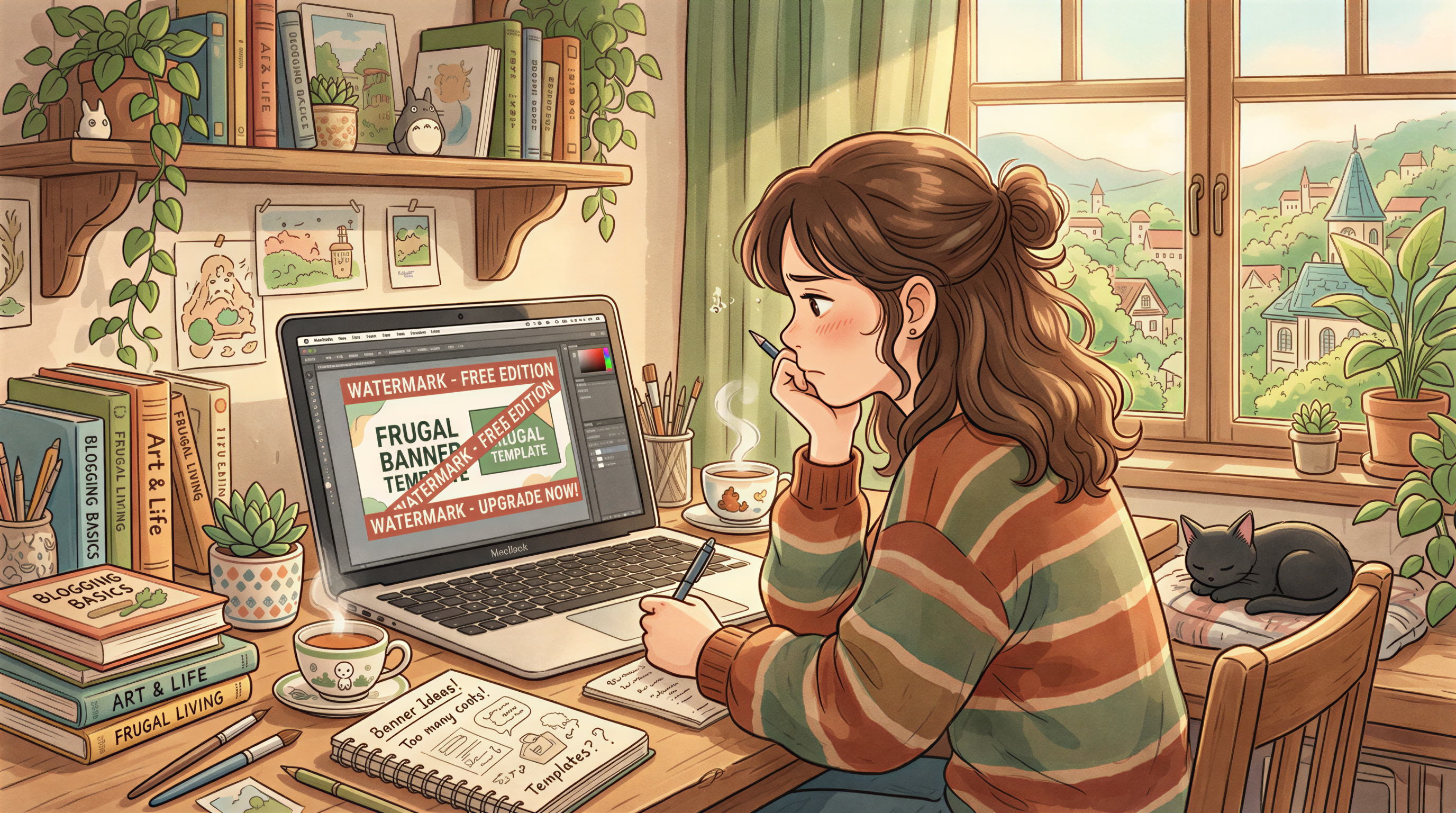
- Free as a tease - Watermarks, locked templates, export limits.
- Free but generic - You and 50,000 other bloggers use the same banner.
- Free but slow - Drag-and-drop everything, every time.
You don't want a graphic designer's tool. You want a banner that matches your post. Now.
What "Free" Should Mean for Bloggers
A real free banner workflow needs three things:
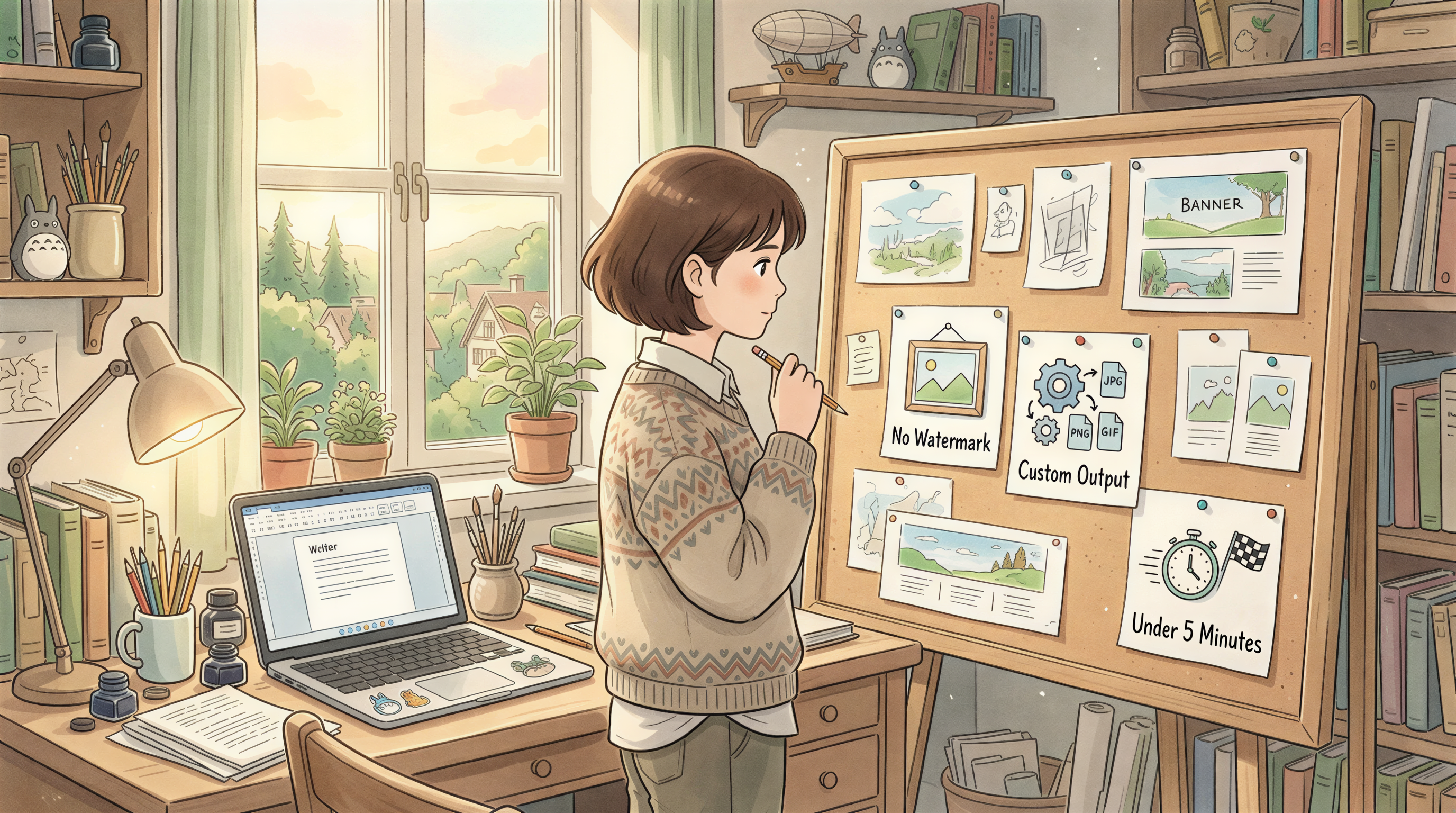
- No watermark on what you ship.
- Custom output - not template #47.
- Under 5 minutes start to finish.
That's the bar. Anything less wastes the time you saved by writing the post fast in the first place.
The 5-Minute Banner Workflow
Here's the flow that actually works.
Step 1: Paste your title and angle
Open Postpix. Paste your blog post title or the first paragraph. The tool reads the topic so the banner matches the article - not just keywords.
Step 2: Pick a style
Ghibli, photoreal, isometric, sticker, retro. Pick one and lock it. If you blog weekly, pick once and stick with it across posts so your blog feels like a brand, not a stock photo gallery.
See /ghibli-style-images if you want the Ghibli look specifically.
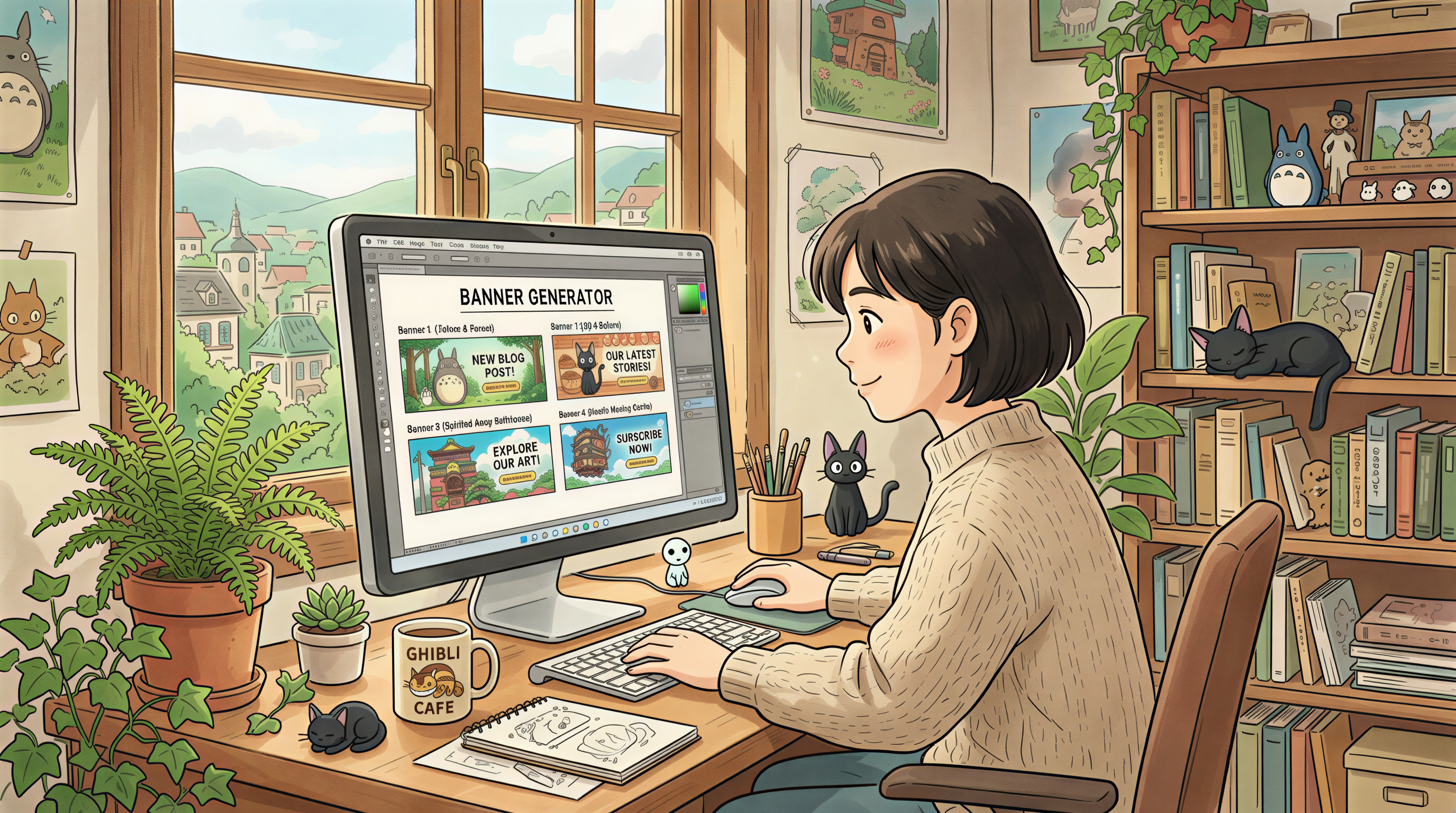
Step 3: Generate, pick, ship
Three to five variants in seconds. Pick the one that doesn't make you wince. Download. Drop it into your post.
Total time: under 5 minutes. Banner included.
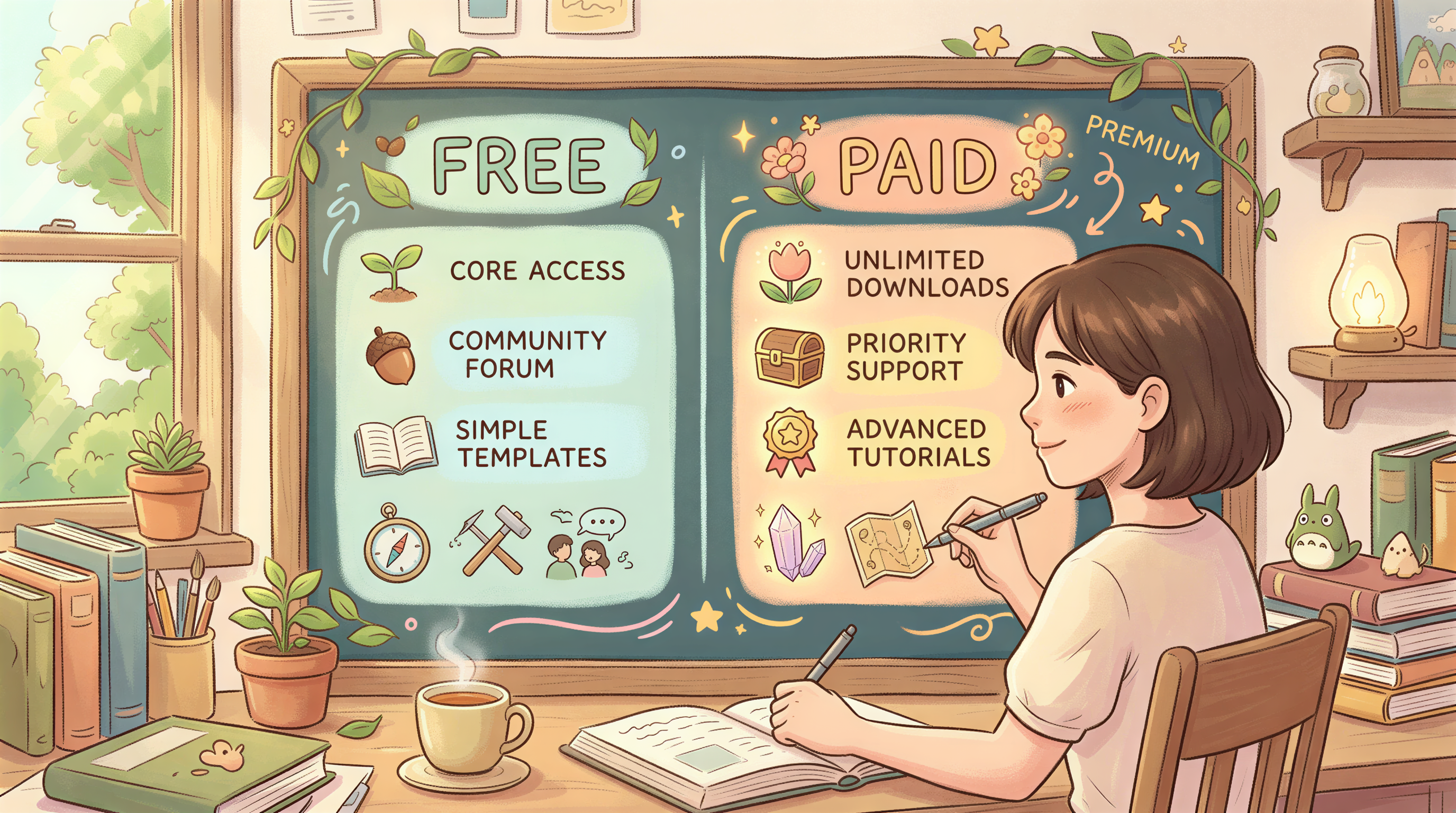
Free vs Paid: The Honest Breakdown
| Need | Free is enough | Pay |
|---|---|---|
| One banner per week | Yes | No |
| 20+ banners per month | No | Yes |
| Brand-locked style across 100 posts | Mostly | Yes (faster) |
| Commercial use | Yes | Yes |
If you publish weekly, free covers you. If you run an agency or publish daily, the upgrade pays for itself in the first month.
Pricing here when you're ready.
How This Compares to Canva
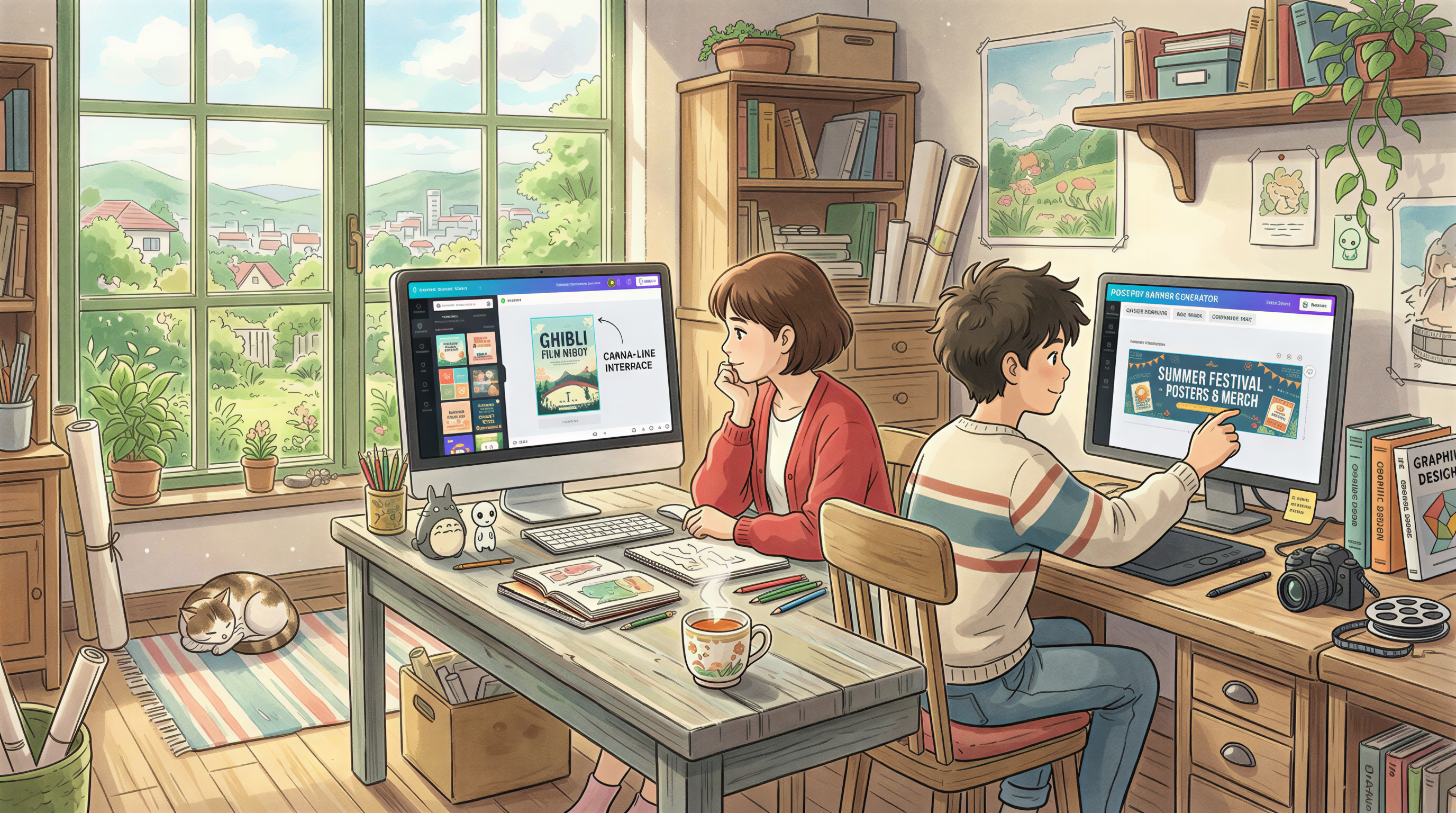
Canva's a great design tool. It's not a great blog-banner tool. The difference:
- Canva starts from a template - you pick one and try to make it yours.
- Postpix starts from your post - the banner already matches.
We did a deeper breakdown in our Canva comparison if you want the side-by-side.
A Note on the Old /blog/blog-banner-generator Article
If you came here looking for the older write-up, it's still up at Blog Banner Generator. This post is the shorter, action-first version for people who just want the banner now.
Try It On Your Next Post
Don't read more. Open the tool, paste a title, generate.
If it works, you just got back 25 minutes per post. Across a year of weekly publishing, that's a full work week.
Generate Your First Blog Banner
Join thousands of content creators who save hours every week with AI-generated blog images.
Pay for credits when you need them. No monthly fees.
Use your credits whenever you need them. No rush.
Use images for any project—personal or commercial.