The 30-Minute Blog Workflow (Including Banner) - 2026 Update
We wrote about a 30-minute blog workflow back in March.
Eight months later, the tools have improved and the timing has tightened. Here's the 2026 version - same goal, faster path.
Table of Contents
- What Changed Since March
- The 30-Minute Breakdown
- Step 1: Outline (5 minutes)
- Step 2: Draft (15 minutes)
- Step 3: Edit (4 minutes)
- Step 4: Banner (1 minute)
- Step 5: Format + Publish (5 minutes)
- Why "Banner Included" Is the Hard Part
- Tools Stack (2026 Update)
- What 30 Minutes Doesn't Buy You
- When the Workflow Breaks
- The Compounding Effect
- Try It This Tuesday
What Changed Since March
Three things:
- AI image generation got faster - 30-second turnarounds are normal now
- Locked styles became table stakes - every serious tool has them
- Outline-driven drafting beats blank-page in measured tests
The original 30-Minute Blog Workflow holds up. This version trims another 5-7 minutes.

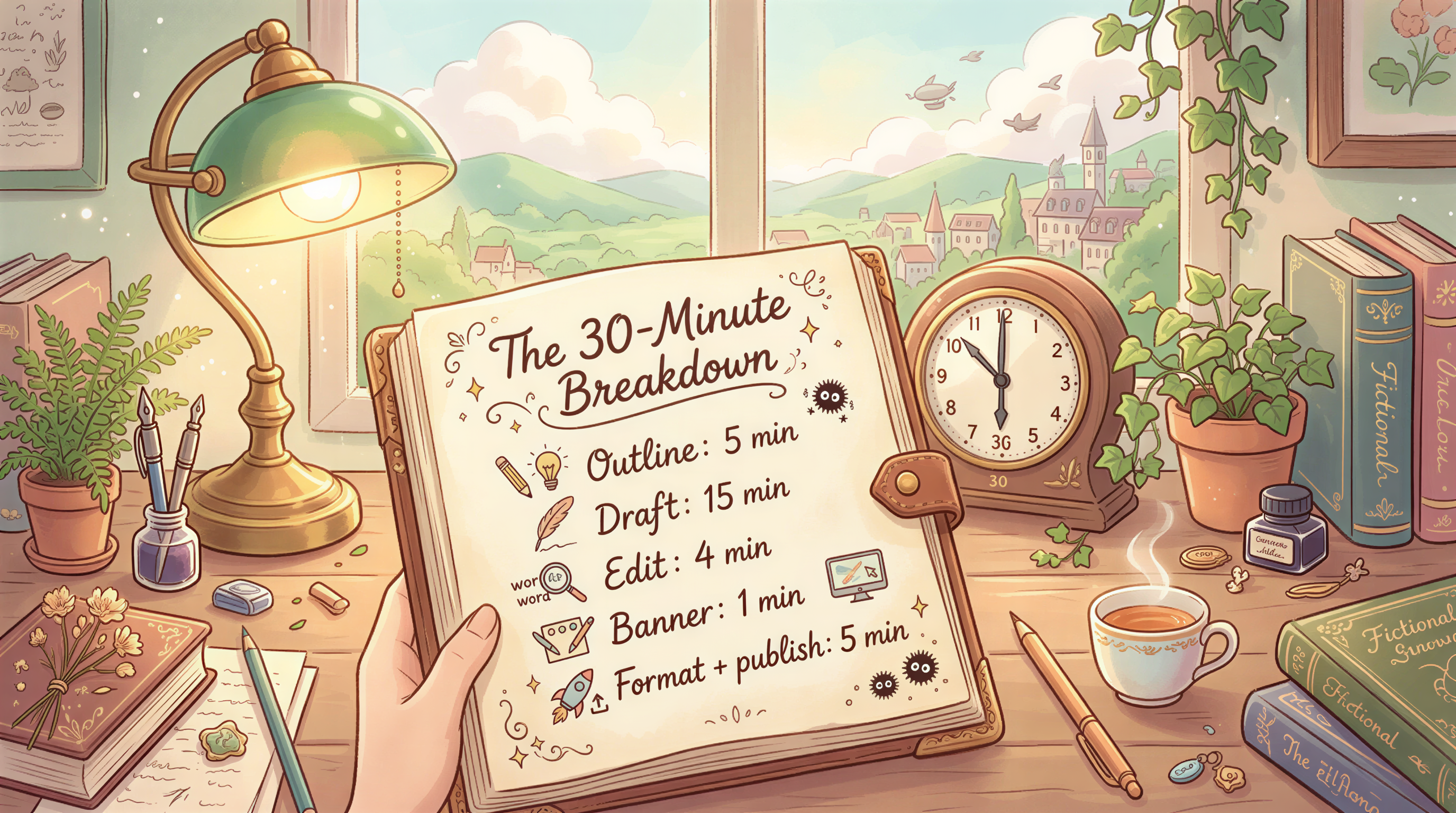
The 30-Minute Breakdown
| Step | Time |
|---|---|
| Outline | 5 min |
| Draft | 15 min |
| Edit | 4 min |
| Banner | 1 min |
| Format + publish | 5 min |
| Total | 30 min |
Tight. Achievable on a Tuesday morning.
Step 1: Outline (5 minutes)
Don't draft from a blank page. Don't.
Open your outliner of choice (Notion, Apple Notes, anywhere). Write:
- Hook (one line)
- 3-5 H2 section titles
- Closing CTA (one line)
That's the outline. Don't go deeper. Anything more is procrastination.

Step 2: Draft (15 minutes)
Now write under each H2 section. Do not edit. Do not check spelling. Do not rewrite the intro.
Speed rules:
- Type fast. Awkward sentences are fine for now.
- Use placeholders:
[stat goes here]or[example goes here]and fix in the edit pass. - One paragraph per H2 minimum, two max for short posts.
15 minutes of pure typing produces ~600-900 words of draft.
![Writer drafting blog sections with placeholders ([stat goes here])](https://assets.postpix.ai/posts/5c6b88a1-f015-449a-bb9e-3fcafc3f2ebe/step-2-draft-15-minutes.png)
Step 3: Edit (4 minutes)
Two passes:
Pass A (2 min): Cut
Read top to bottom. Cut filler. Tighten paragraphs to 1-3 sentences max. Remove one weak section if it doesn't earn its place.
Pass B (2 min): Punch up
Read again. Strengthen the hook. Strengthen the closing line. Make sure each H2 says something specific, not generic.
That's it. Don't iterate forever - the next post is more valuable than perfecting this one.
Step 4: Banner (1 minute)
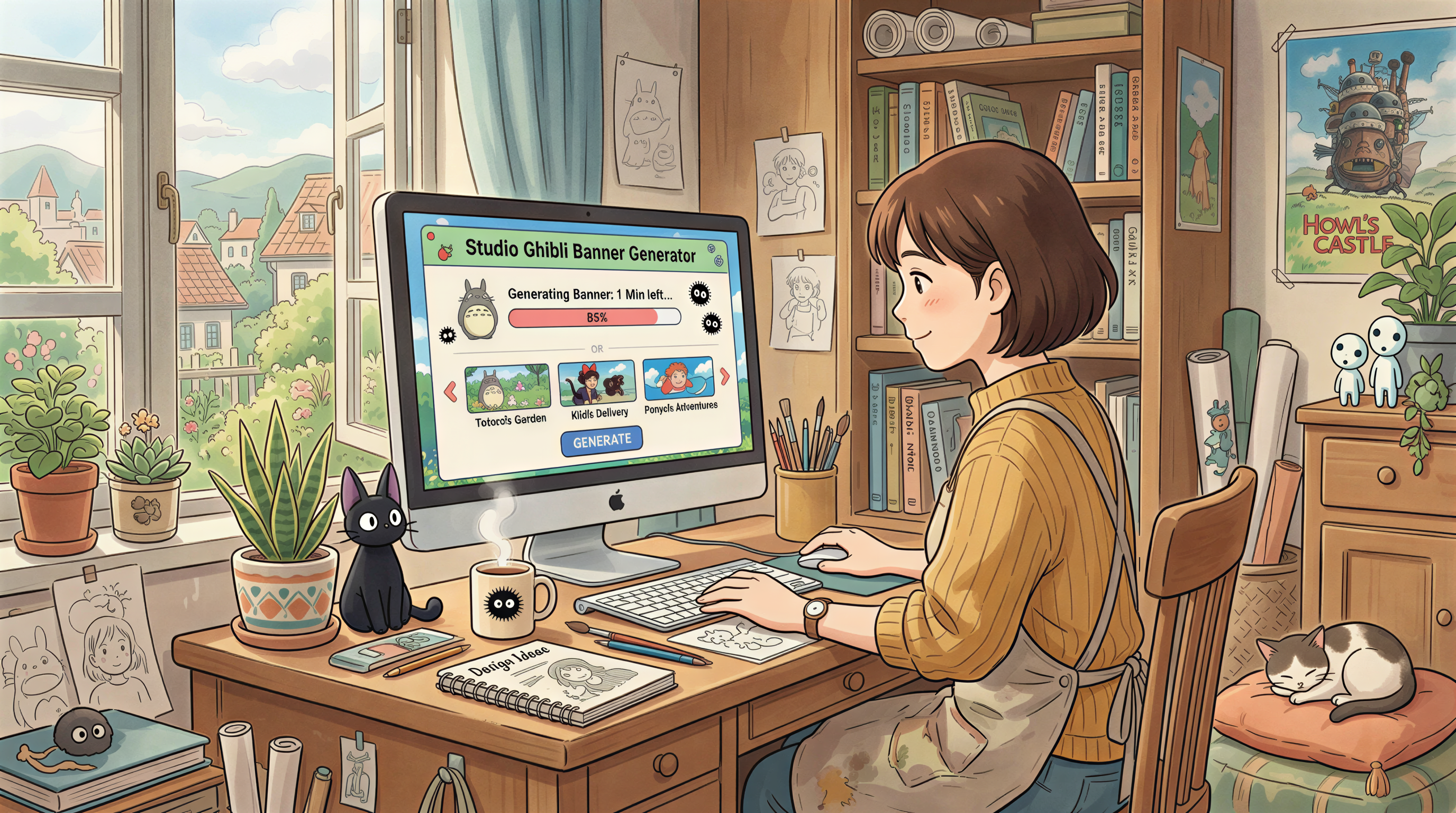
Open Postpix. Paste the post title. Pick your locked style. Generate. Download.
If you've locked a style (as recommended), this is 60 seconds.
If you haven't, do that this Saturday and skip this step's pain forever.
Step 5: Format + Publish (5 minutes)
Paste into your CMS. Format:
- Headers
- Bullet lists
- Bold key phrases (not whole sentences)
- Image after the intro
- Internal links to 2-3 related posts
Set tags. Set the OG image (= banner). Hit publish.
Why "Banner Included" Is the Hard Part
Most "publish in 30 min" workflows skip the banner. Then:
- The post ships without a banner (looks broken in social)
- Or the banner gets added 3 hours later when you remember
- Or you skip the banner habit entirely on busy weeks
Including the banner in the workflow forces it into the routine. The 1-minute banner is what makes 30 minutes hold.
Tools Stack (2026 Update)
The minimum:
- Outliner: Notion / Apple Notes / anywhere fast
- Drafter: same as above
- Banner: Postpix (or any blog-tuned image tool)
- CMS: WordPress, Ghost, Substack, Medium, Hashnode, DEV - whatever
- Optional: Grammarly for the edit pass
If your stack is more than 5 tools, you're losing time to context-switching.
What 30 Minutes Doesn't Buy You
Honest section:
- This isn't long-form research content (those need 3-8 hours)
- This isn't a tutorial with screenshots (add 30+ min)
- This isn't a 5000-word pillar piece (add a full afternoon)
30 minutes is for: opinion pieces, short essays, weekly columns, news commentary, product updates, personal reflections.
For pillar content, set up a longer workflow.
When the Workflow Breaks
It breaks when:
- You skip outlining
- You edit while drafting
- You research mid-draft
- You don't have a locked banner style
- You wait for "inspiration"
If any of these happen, the post slides to 90+ minutes.
The Compounding Effect
30 min/post × 1 post/week = 26 hours/year on blogging.
Most bloggers spend 5-10x that and ship less.
The unlock isn't writing faster - it's removing friction from the publish step.
Try It This Tuesday
Block 30 minutes. Run the workflow. See what ships.
If it's rougher than you'd like, do it again next week. By week 4, the workflow is muscle memory.
Postpix for the banner step. Pricing once you've committed.
Generate Your First Blog Banner
Join thousands of content creators who save hours every week with AI-generated blog images.
Pay for credits when you need them. No monthly fees.
Use your credits whenever you need them. No rush.
Use images for any project—personal or commercial.