Course Banner Pack: One Style, Many Lessons
Build a course. 12 modules. 60 lessons.
Each lesson needs a banner.
By lesson 8, your style has drifted. By lesson 30, the course looks like five different courses sewn together. Students notice.
Here's the banner pack approach that holds the course together.
Table of Contents
- Why Course Banner Consistency Matters
- The "Banner Pack" Concept
- Picking the Style
- The Generation Workflow (One Sitting)
- What "Locked Style" Saves You
- The Per-Module Variation Trick
- When Static Banners Aren't Enough
- Common Course-Banner Mistakes
- File Sizes for LMS
- How This Scales to a Whole Curriculum
- The Email + Social Layer
- Build Your Pack This Saturday
Why Course Banner Consistency Matters
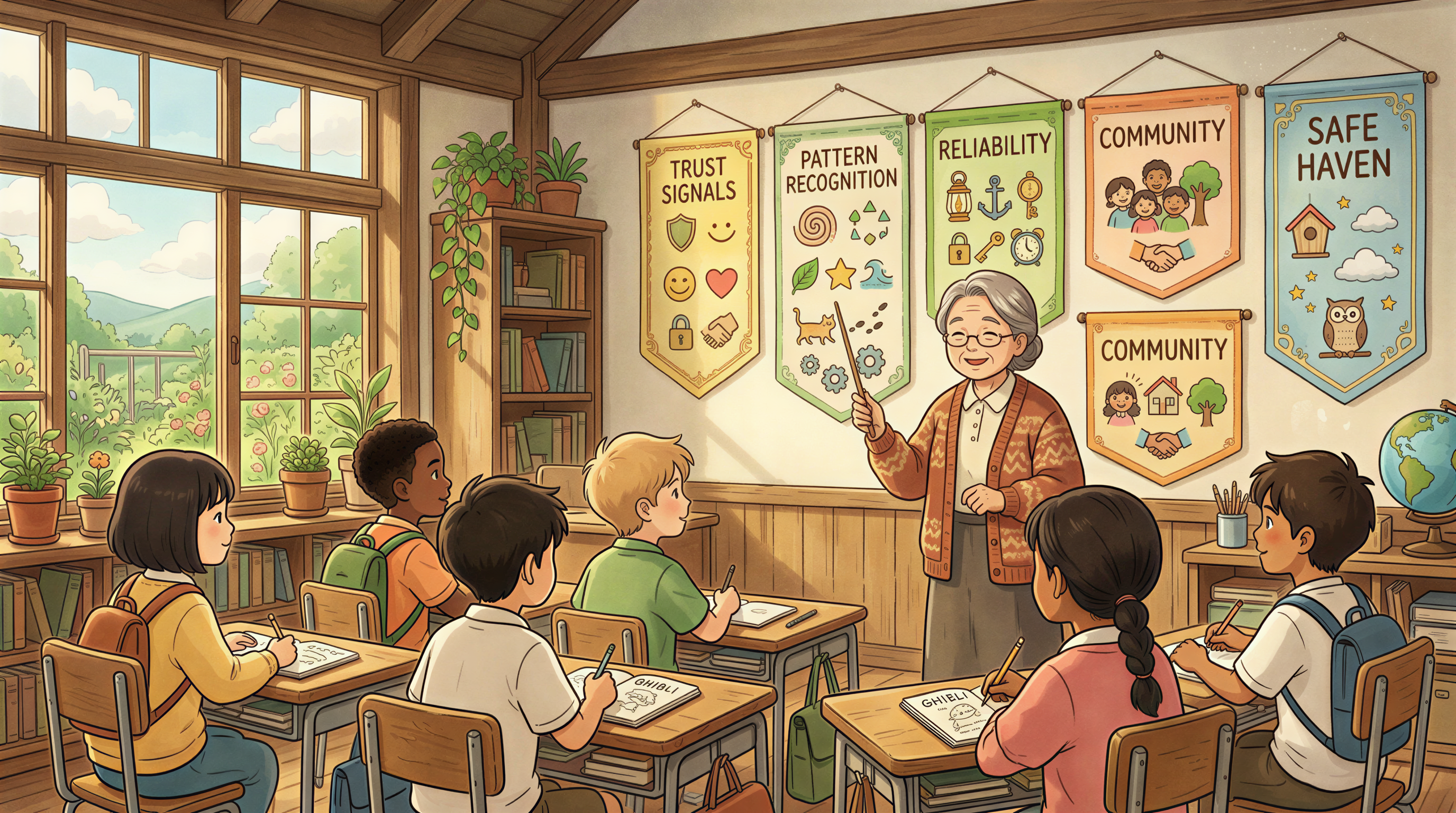
Students learn by pattern recognition.
When every lesson banner uses the same style:
- Students recognize "course content" instantly in their inbox
- The course feels intentional and professional
- Completion rates correlate with perceived production quality
When banners drift across lessons:
- The course feels patched together
- Students subconsciously discount the content
- Drop-off increases
This isn't superficial. Visual consistency is a trust signal.
The "Banner Pack" Concept
A banner pack is:
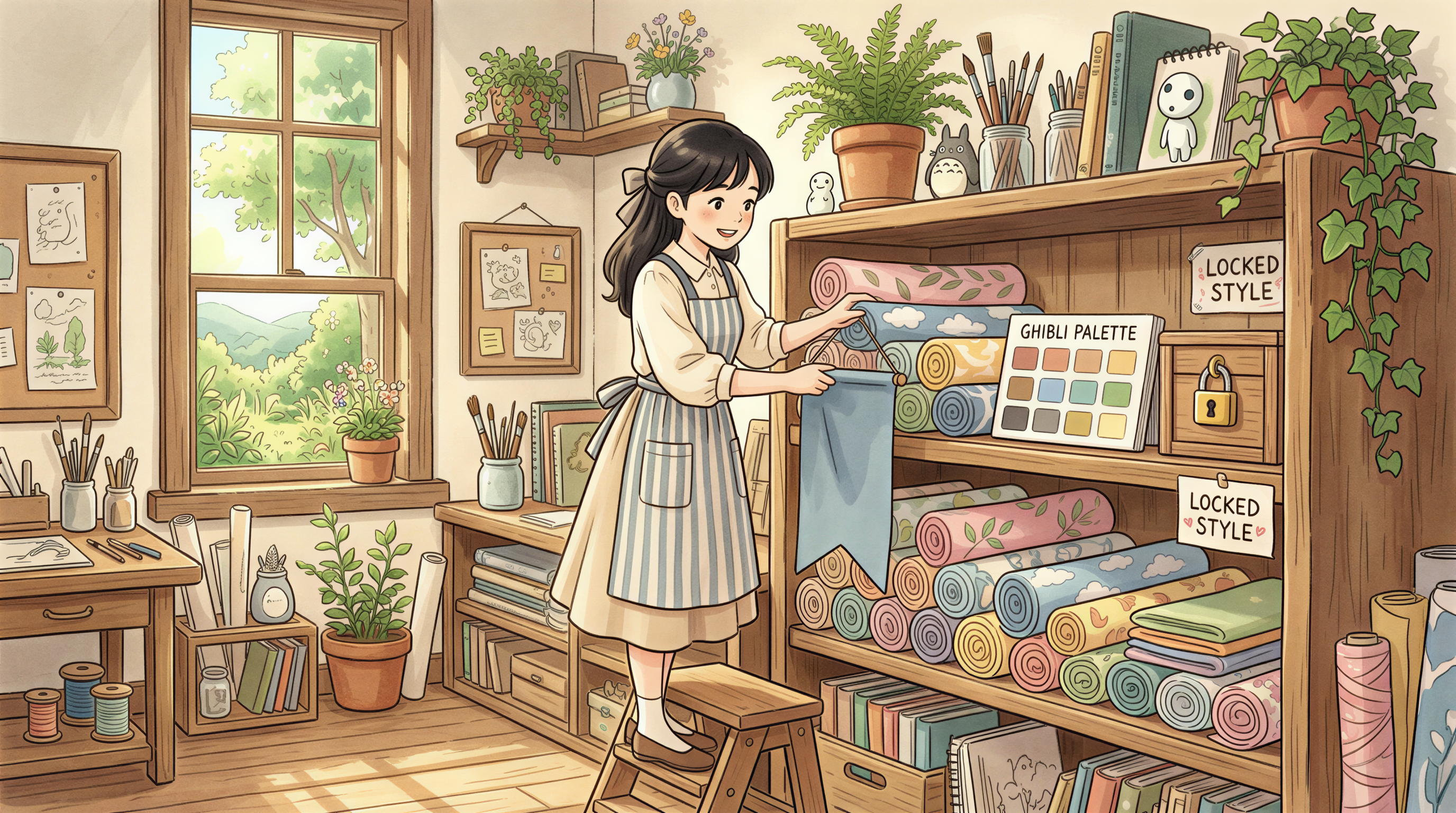
- One locked visual style
- One color palette
- One composition rule
- A library of pre-generated banners ready to use
Generate the whole pack at the start of building the course. Drop in as you ship lessons.
Picking the Style
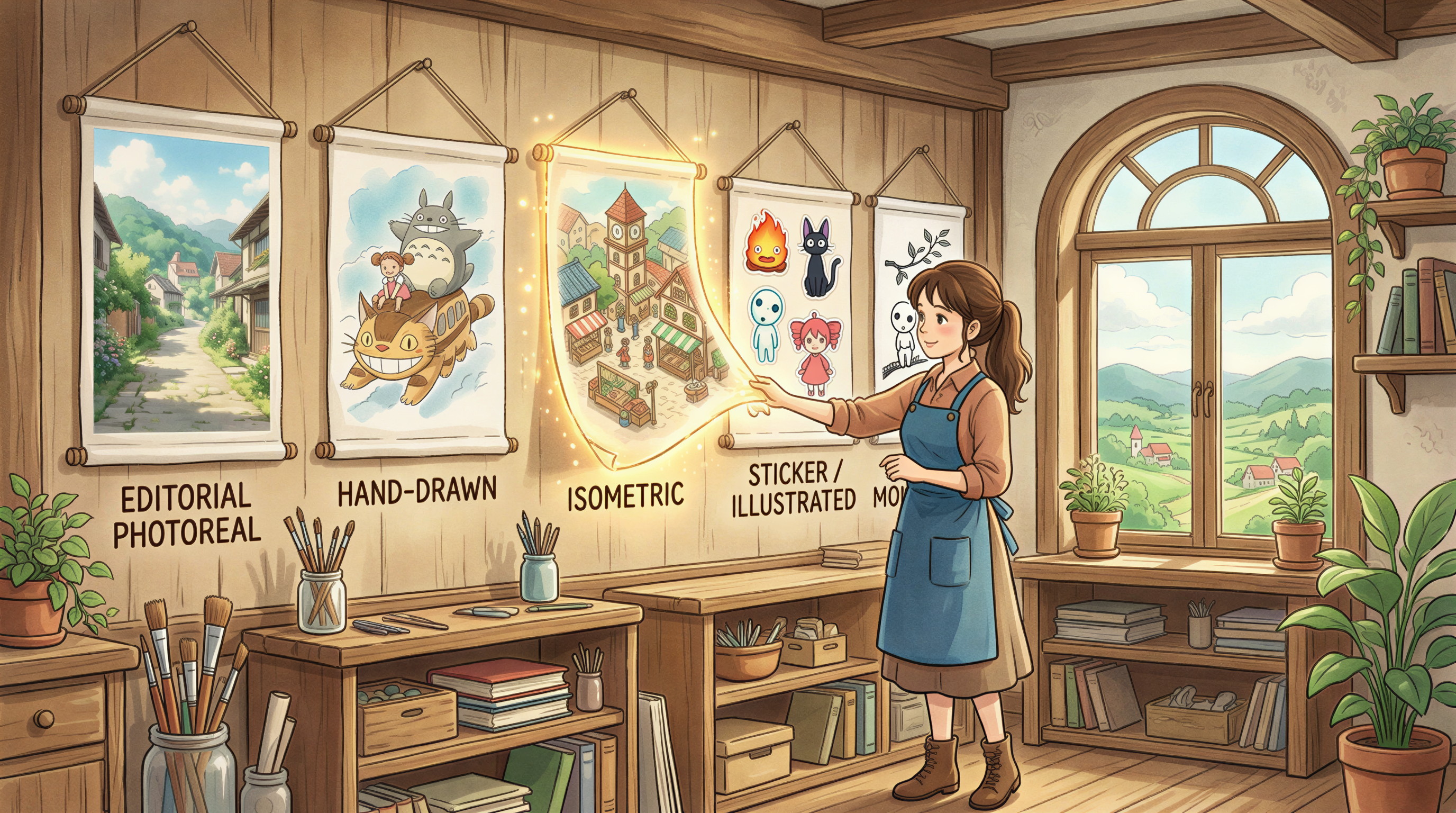
For courses, the styles that hold up best:
1. Editorial photoreal
Magazine-grade, calm, professional. Best for adult-learner courses.
2. Hand-drawn / sketch
Warmer, more "personal teacher" feel. Best for solo creator courses.
3. Isometric
Tech / SaaS / dev courses. Reads as professional + technical.
4. Sticker / illustrated
Younger audiences, beginner-friendly courses, casual content.
5. Minimal monochrome
Premium / serious topics. Adult education, professional dev.
Pick one. Lock it for the entire course.
The Generation Workflow (One Sitting)
Sit down once, generate the pack:
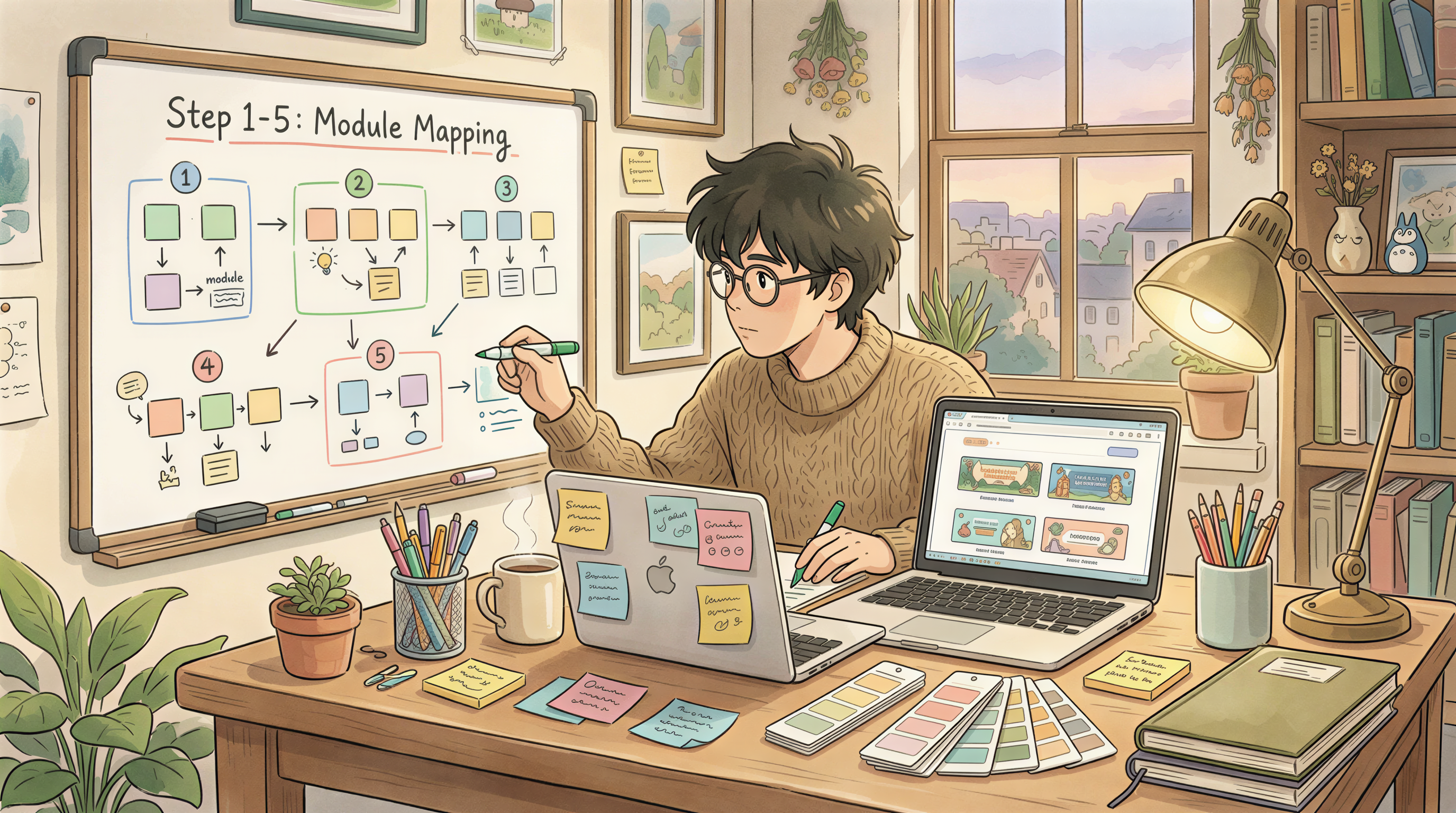
Step 1: Map your modules + lessons
List every lesson title in a spreadsheet.
Step 2: Save your style snippet
In Postpix or your tool of choice. Includes style + palette + composition rule.
Step 3: Batch generate
Paste each lesson title + your snippet. Generate. Pick best of 3. Save with a clear filename.
Step 4: Organize
Folder per module, file per lesson. Numbered for clarity.
Step 5: Drop into LMS
Upload as you publish lessons. No mid-course design work.
For a 60-lesson course: ~4 hours of focused work. Then nothing for the rest of the course.
What "Locked Style" Saves You
Compare two approaches:
Approach A: Design as you go
Pick a different style per module. Spend 30+ min per banner. Result: 60 banners × 30 min = 30 hours.
Approach B: Banner pack upfront
Lock style once, batch generate. 60 banners × 4 min = 4 hours.
Time saved: 26 hours. That's a working week.
The Per-Module Variation Trick
If you want subtle variety without breaking style:
- Same image style across all
- Slightly different color accent per module (one hue shift)
- Same composition
Reads as "themed sections within one course" not "5 different courses."
Subtle is the goal.
When Static Banners Aren't Enough
If your platform supports them:
- Animated banners (Lottie / SVG) for hero sections
- Short loop video previews
For LMS platforms, static banners are usually all that's supported. Don't over-engineer.
Common Course-Banner Mistakes
- Stock photos - dates the course immediately
- Free Canva templates - students recognize them
- Module-specific styles - looks like 12 different courses
- Title text inside the banner - illegible in LMS thumbnails
- Too-detailed scenes - lost when scaled down in lesson lists
File Sizes for LMS
Most platforms (Teachable, Thinkific, Podia, Kajabi) want:
| Slot | Size |
|---|---|
| Course header | 1920 x 1080 |
| Lesson banner | 1200 x 630 |
| Thumbnail | 800 x 450 |
Generate at 2400x1350 master and downscale to each. WebP if supported, JPG otherwise. Keep under 300 KB.
How This Scales to a Whole Curriculum
If you teach multiple courses:
- Each course gets its own locked style
- Within a course: total style consistency
- Across courses: distinct visual identities
Students taking your second course should feel "this is a different course" - but each individual course should feel cohesive internally.
The Email + Social Layer
Banner packs cross-post well:
- Lesson banner → blog post hero (if you cross-post lessons)
- Module banner → email newsletter header
- Course banner → social announcement
Generate once, deploy everywhere.
Build Your Pack This Saturday
Block 4 hours. Pick a style. Map your lessons. Batch generate.
Ship the pack to a folder. Drop banners in as you publish.
Postpix for educators. Pricing when ready.
Generate Your First Blog Banner
Join thousands of content creators who save hours every week with AI-generated blog images.
Pay for credits when you need them. No monthly fees.
Use your credits whenever you need them. No rush.
Use images for any project—personal or commercial.