How to Add Ghibli-Style Images to Your WordPress Blog
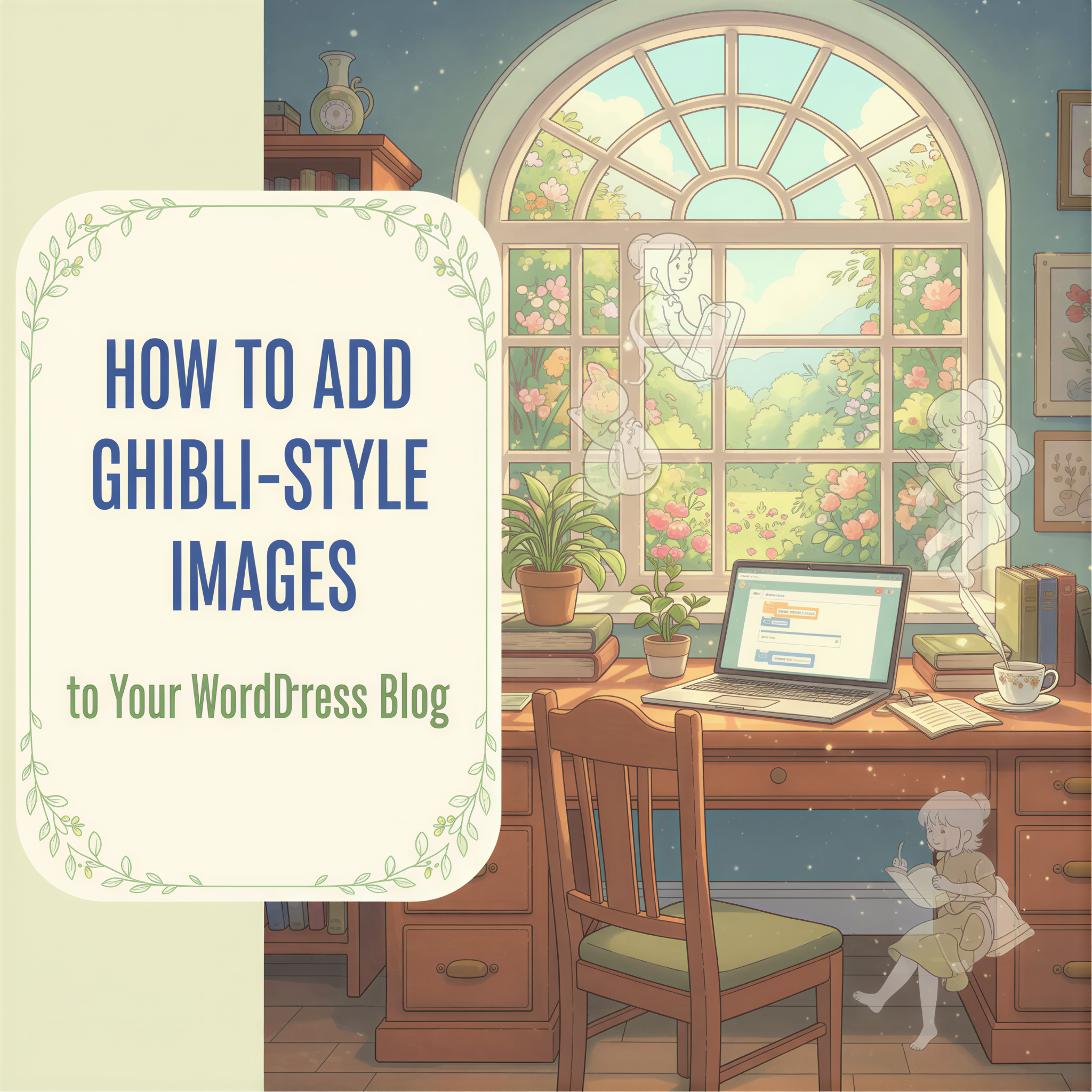
Your WordPress blog doesn't need more plugins. It needs images that actually match your words.
Let's be honest.
Your WordPress blog looks... fine. The theme is clean. The content is solid. But the visuals? Generic stock photos. Boring placeholder graphics. Or worse — no images at all.
You've tried the usual fixes:
- Canva templates (too corporate)
- Unsplash photos (everyone uses the same ones)
- AI image generators (endless prompt tweaking)
- Hiring a designer ($$$ per image)
None of them fit your vibe. None of them feel like you.
What if your blog images could feel like stepping into a Miyazaki film?
Table of Contents
- Why Ghibli-Style Images Work for Blogs
- The WordPress Blogger's Image Problem
- How Postpix Works with WordPress
- Setting Up Your WordPress Blog for Postpix
- Real Examples: Before and After
- Why This Beats Other Solutions
- Tips for WordPress Bloggers
- The Cost Breakdown
- Getting Started Today
- Why WordPress Bloggers Are Switching
- Your Blog Deserves Better
Why Ghibli-Style Images Work for Blogs
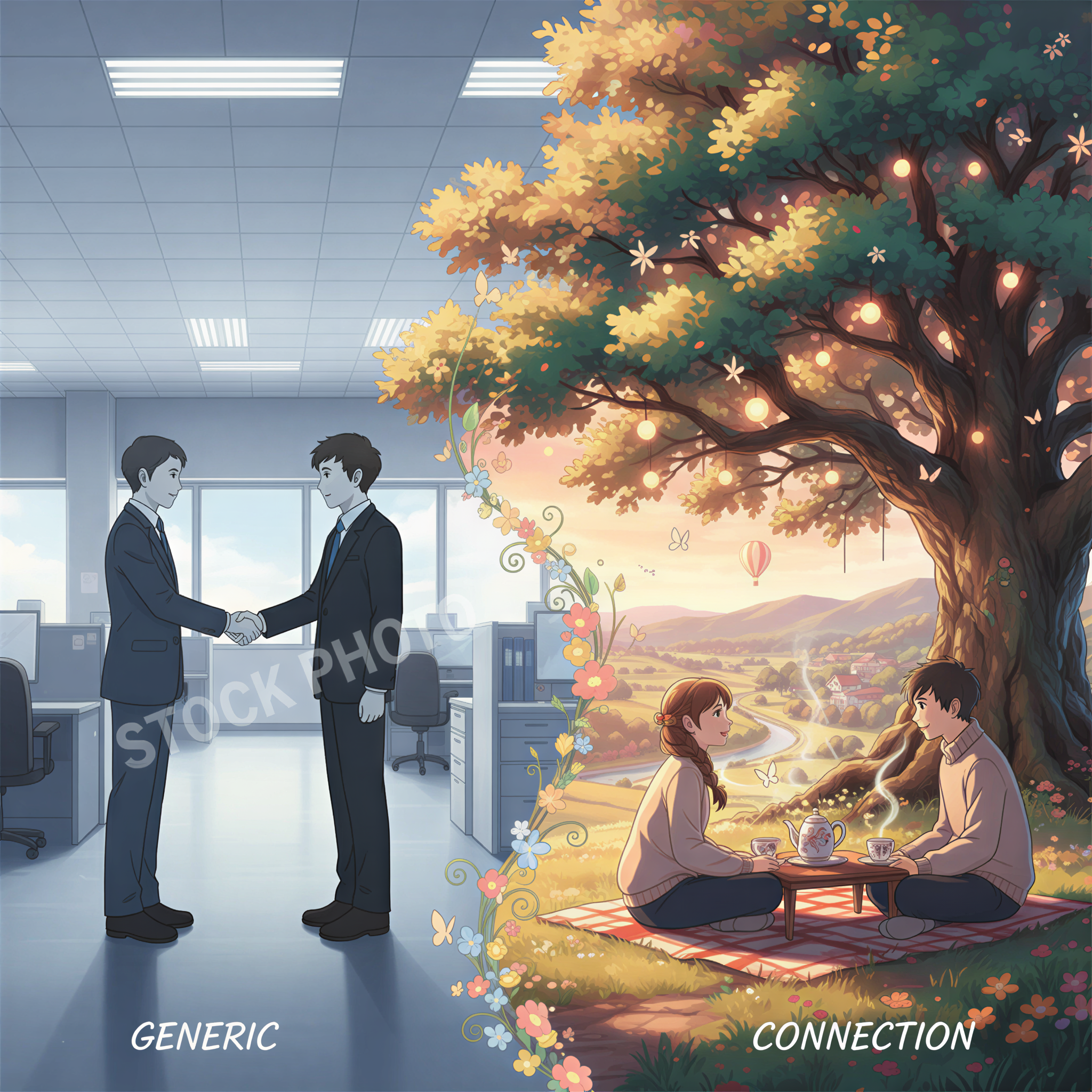
There's something special about Studio Ghibli's aesthetic.
It's warm. It's inviting. It makes you want to stay a while.
That's exactly what you want for your blog.
Stock photos scream "I grabbed this in 5 seconds."
Ghibli-style images whisper "someone actually cared about this."
The difference?
- Higher time-on-page
- More social shares (people actually want to click)
- A cohesive brand that readers remember
Your words deserve visuals that match their quality.
The WordPress Blogger's Image Problem
Most WordPress bloggers fall into one of three camps:
Camp 1: No Images
You just... skip them. Less hassle. But your posts feel like walls of text.
Camp 2: Stock Photo Roulette
You grab whatever looks vaguely related. A handshake photo for business posts. A laptop for tech posts. It works, but it's forgettable.
Camp 3: Design Rabbit Hole
You spend 45 minutes in Canva. Adjust the font size 12 times. Finally settle on "good enough." Lose your writing momentum entirely.
None of these are actual solutions.
How Postpix Works with WordPress
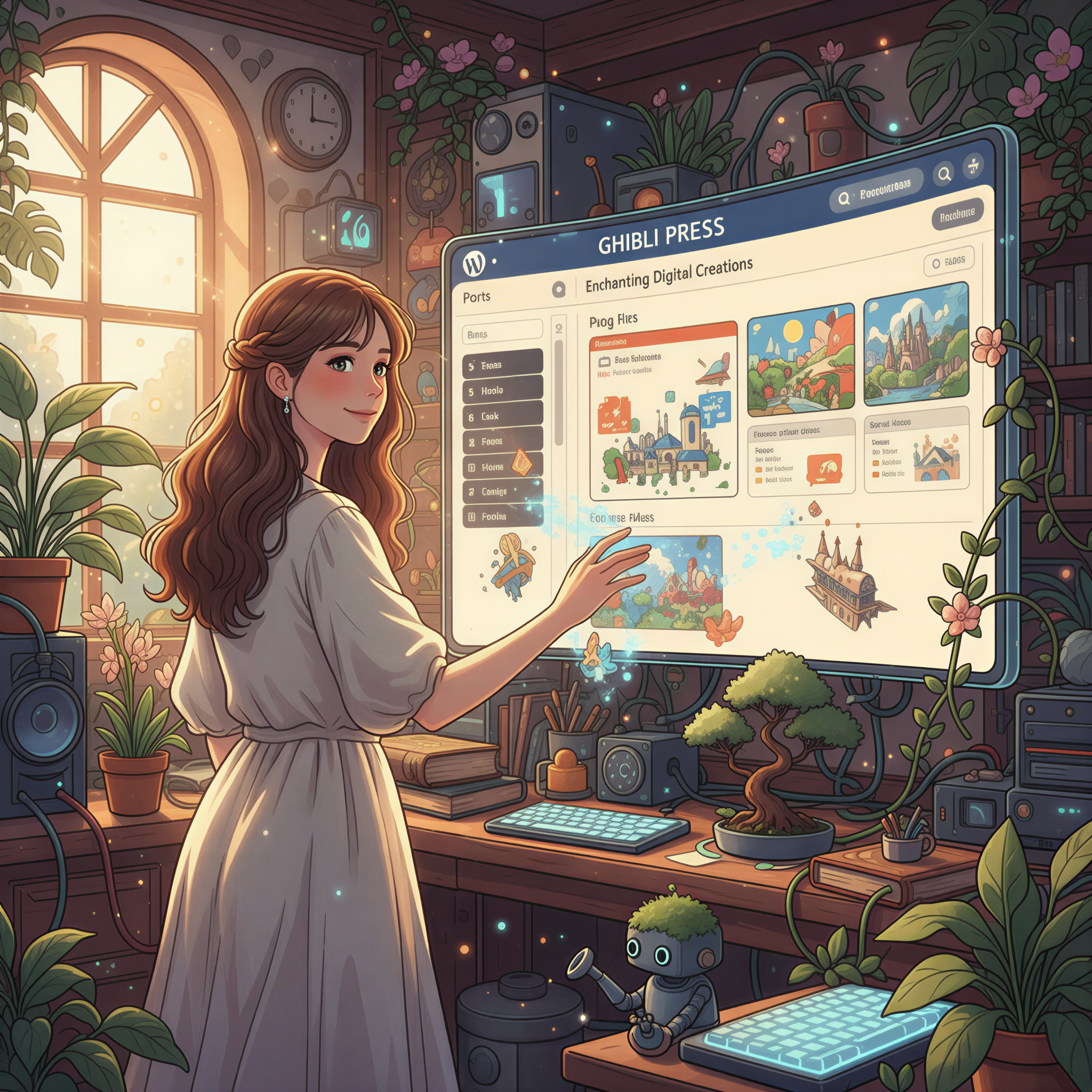
Here's the workflow that changed everything for me.
Step 1: Write Your Post
Just write. Don't worry about images yet. Focus on the words.
Step 2: Drop It Into Postpix
Copy your draft (markdown or plain text) and paste it in. The app reads your headings, understands your content structure, and figures out where images should go.
Step 3: Generate
One click. Postpix creates:
- A banner image for your featured image
- Section illustrations that match each heading
- All in that distinctive Ghibli-inspired style
Step 4: Export Back to WordPress
Copy the updated markdown with images already embedded. Paste into your WordPress editor. Done.
Total time: Under 2 minutes.
Setting Up Your WordPress Blog for Postpix
A few tips to make the workflow seamless:
Use a Markdown-Friendly Editor
Classic Editor or block-based — doesn't matter. But if you write in markdown, Postpix fits naturally into your flow.
Recommended plugins:
- WP Githuber MD (full markdown support)
- Jepack (markdown in classic editor)
- Or just write in Notion/Obsidian and paste into Postpix first
Set Your Featured Image
Postpix generates a banner specifically sized for WordPress featured images. Just download and upload to your media library.
Keep Image Sizes Reasonable
The generated images are optimized for web. No need to compress further. WordPress will handle the rest.
Real Examples: Before and After
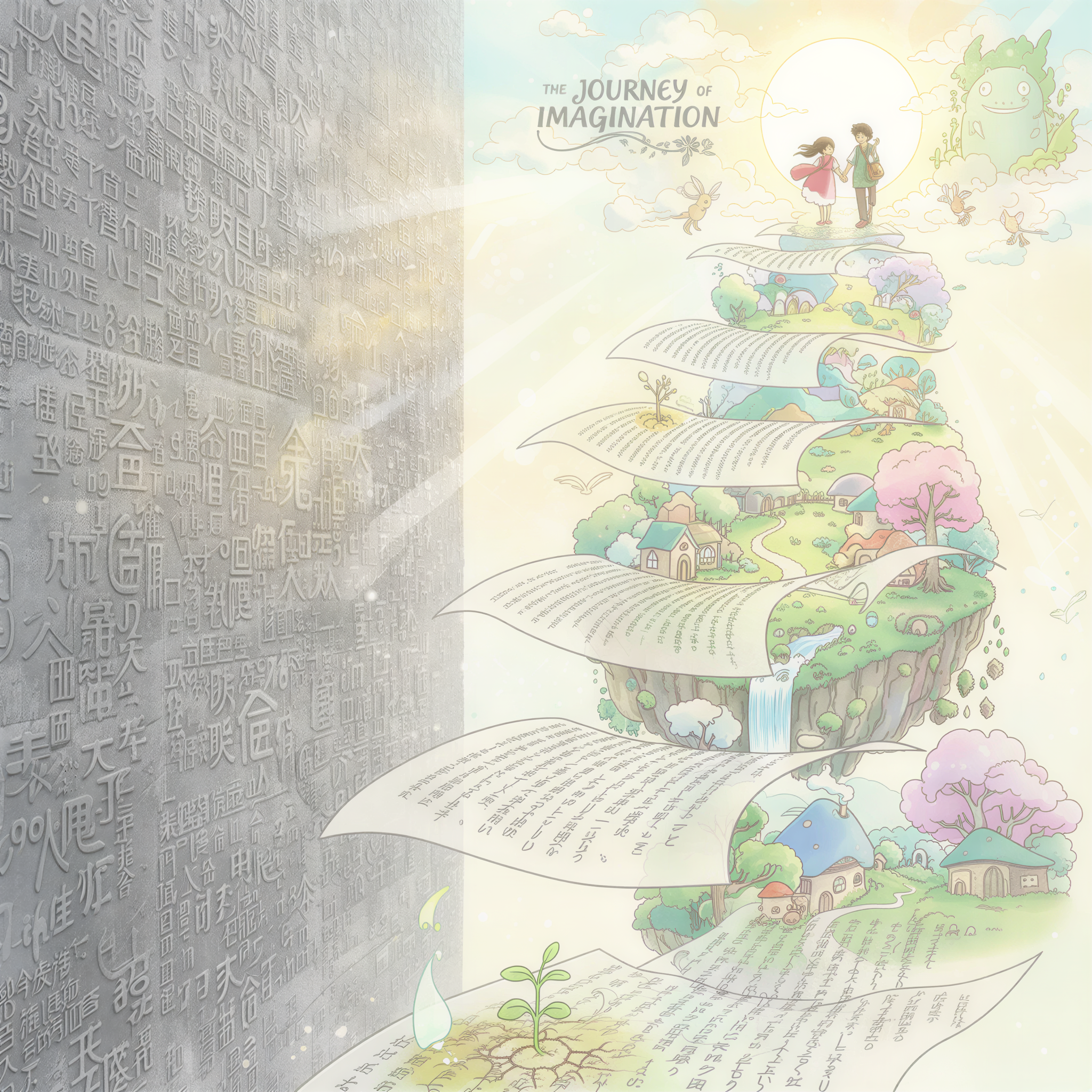
Before:
A 2,000-word post about productivity tips. Wall of text. Maybe one stock photo of someone at a desk.
After:
The same post with:
- A whimsical banner showing a character organizing their day
- Section dividers that visualize each tip
- A cohesive visual story that readers actually scroll through
Same words. Completely different impact.
Why This Beats Other Solutions
vs. Canva
Canva is great for social graphics. But for blog images? You're starting from scratch every time. No contextual understanding of your content.
Postpix: Reads your actual words. Generates relevant images. No template hunting.
vs. Midjourney/DALL-E
Powerful tools. But you're basically a prompt engineer now. 40 minutes of "no, not that" before you get something usable.
Postpix: One click. Context-aware. Consistent style every time.
vs. Hiring a Designer
Beautiful results. But $50-200 per blog post adds up fast when you're publishing weekly.
Postpix: Credit-based pricing. Pennies per image.
Tips for WordPress Bloggers
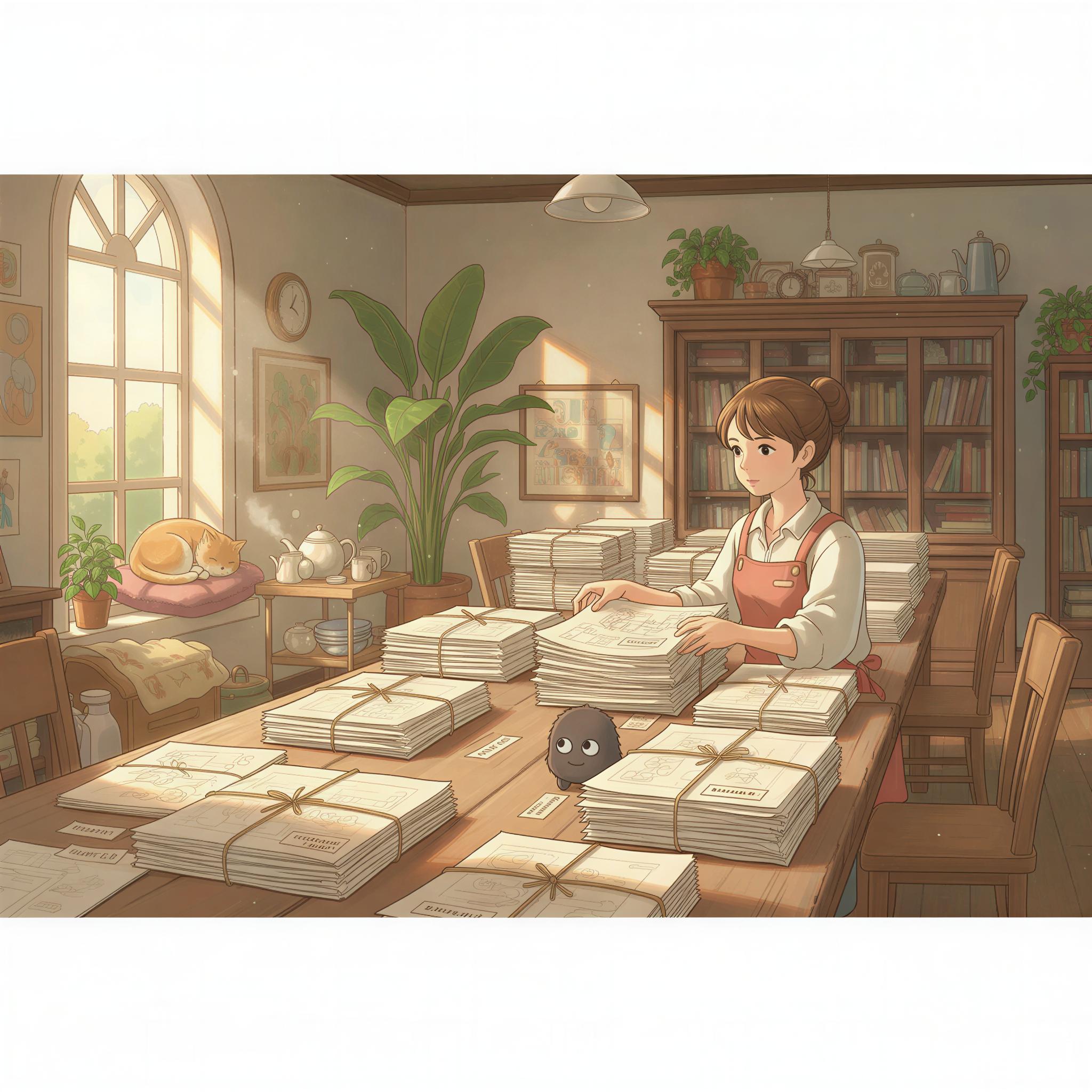
Batch your content.
Write 3-4 posts. Run them all through Postpix in one session. Upload the images to your media library. Schedule your posts.
Build a visual library.
Save your generated images. Reuse them for related content. Build a consistent aesthetic across your entire blog.
Use images strategically.
You don't need an image every paragraph. But:
- Banner at the top (always)
- After your intro hook
- Between major sections
- Before your CTA
That's the sweet spot.
The Cost Breakdown
Let's do the math.
Stock photo subscription: $29-99/month. Thousands of images you'll never use.
Designer per blog post: $50-200. Gets expensive fast.
Postpix credits: ~$0.20 per image. Buy what you need. No subscription.
If you publish 4 posts a month with 4 images each, you're looking at:
- Stock: $29-99/month
- Designer: $200-800/month
- Postpix: ~$3.20/month
The math isn't even close.
Getting Started Today
Here's your action plan:
- Grab your latest draft. Whatever you're working on right now.
- Paste it into Postpix. Takes 10 seconds.
- Hit generate. Watch the magic happen.
- Export and publish. Your WordPress post is now illustrated.
That's it. No plugins to install. No settings to configure. No learning curve.
Your blog goes from "text with stock photos" to "illustrated story" in under 2 minutes.
Why WordPress Bloggers Are Switching
The feedback I keep hearing:
"I actually look forward to publishing now. My posts feel complete."
"Readers comment on the images. That never happened with stock photos."
"I'm publishing more because the image bottleneck is gone."
The images aren't just decoration anymore. They're part of the experience.
Your Blog Deserves Better
You put hours into your writing.
Your research. Your insights. Your unique perspective.
Why surround all that effort with generic stock photos?
Give your words the visuals they deserve.
Ghibli-style images that feel warm, intentional, and unmistakably yours.
Your WordPress blog will thank you.
Generate Your First Blog Banner
Join thousands of content creators who save hours every week with AI-generated blog images.
Pay for credits when you need them. No monthly fees.
Use your credits whenever you need them. No rush.
Use images for any project—personal or commercial.