WordPress Featured Image Sizes: A 2026 Cheatsheet
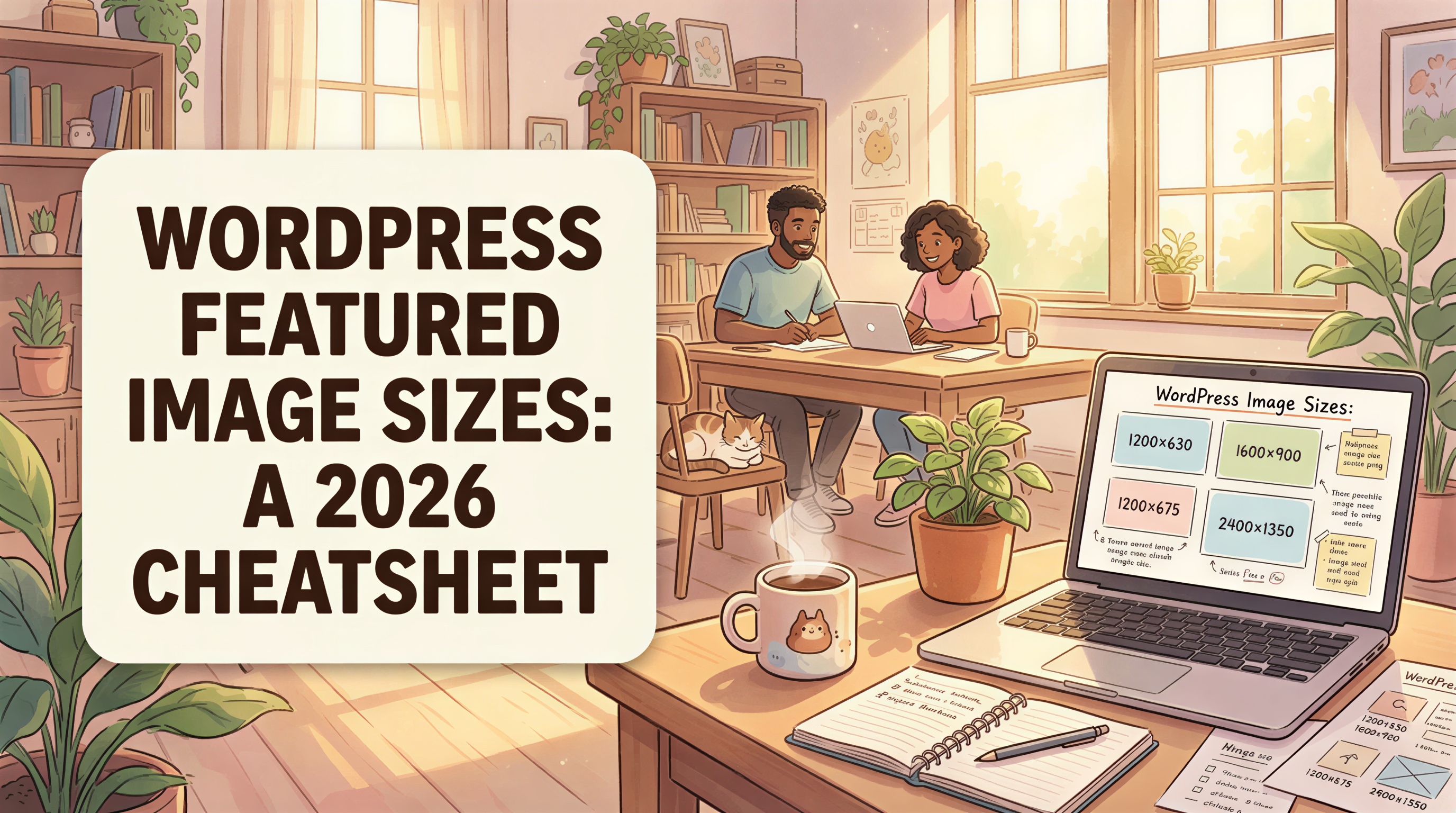
If you Google "WordPress featured image size" you'll get 14 different answers from posts written in 2018.
Here's the 2026 version. One cheatsheet. The sizes that actually matter today.
Table of Contents
- TL;DR Cheatsheet
- Why Themes Disagree
- The
srcsetStory (Skip Manual Resizing) - OG and Twitter Cards: Where Most Bloggers Mess Up
- Lazy Load Behavior in 2026
- Retina (2x) - Do You Still Need It?
- Compression and File Size Targets
- Common Mistakes
- Featured Image Workflow That Just Works
- How This Connects to AI-Generated Images
- Cross-Link: WordPress + Ghibli
- Bookmark This
TL;DR Cheatsheet
Use these as defaults:
| Slot | Size | Aspect ratio |
|---|---|---|
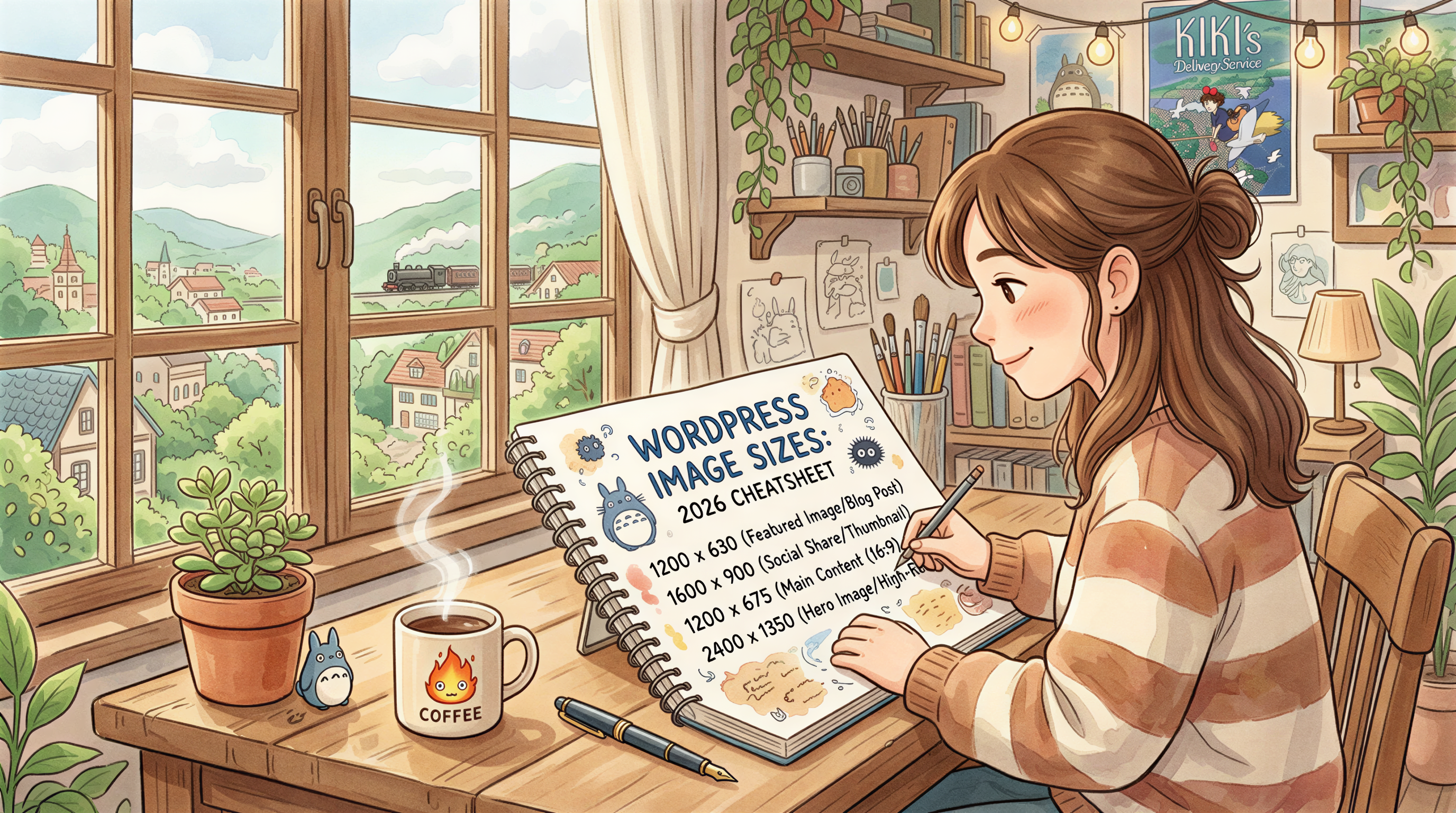
| Featured image (default) | 1200 x 630 | 1.91:1 |
| Header / hero | 1600 x 900 | 16:9 |
| OG / social share | 1200 x 630 | 1.91:1 |
| Twitter card large | 1200 x 675 | 16:9 |
| Inline blog image | 1200 wide | flexible height |
| Retina-ready hero | 2400 x 1350 | 16:9 (downscaled) |
If you ship images at 1200 x 630, they'll work everywhere except hero sliders. Add a 2400 x 1350 for any theme using full-bleed hero blocks.
Why Themes Disagree
WordPress doesn't enforce one featured image size - themes do. Astra, GeneratePress, Kadence, Blocksy, Twenty Twenty-Five all crop differently.
The fix: ship one big high-quality master image. Let WordPress's built-in srcset handle the rest.
The srcset Story (Skip Manual Resizing)
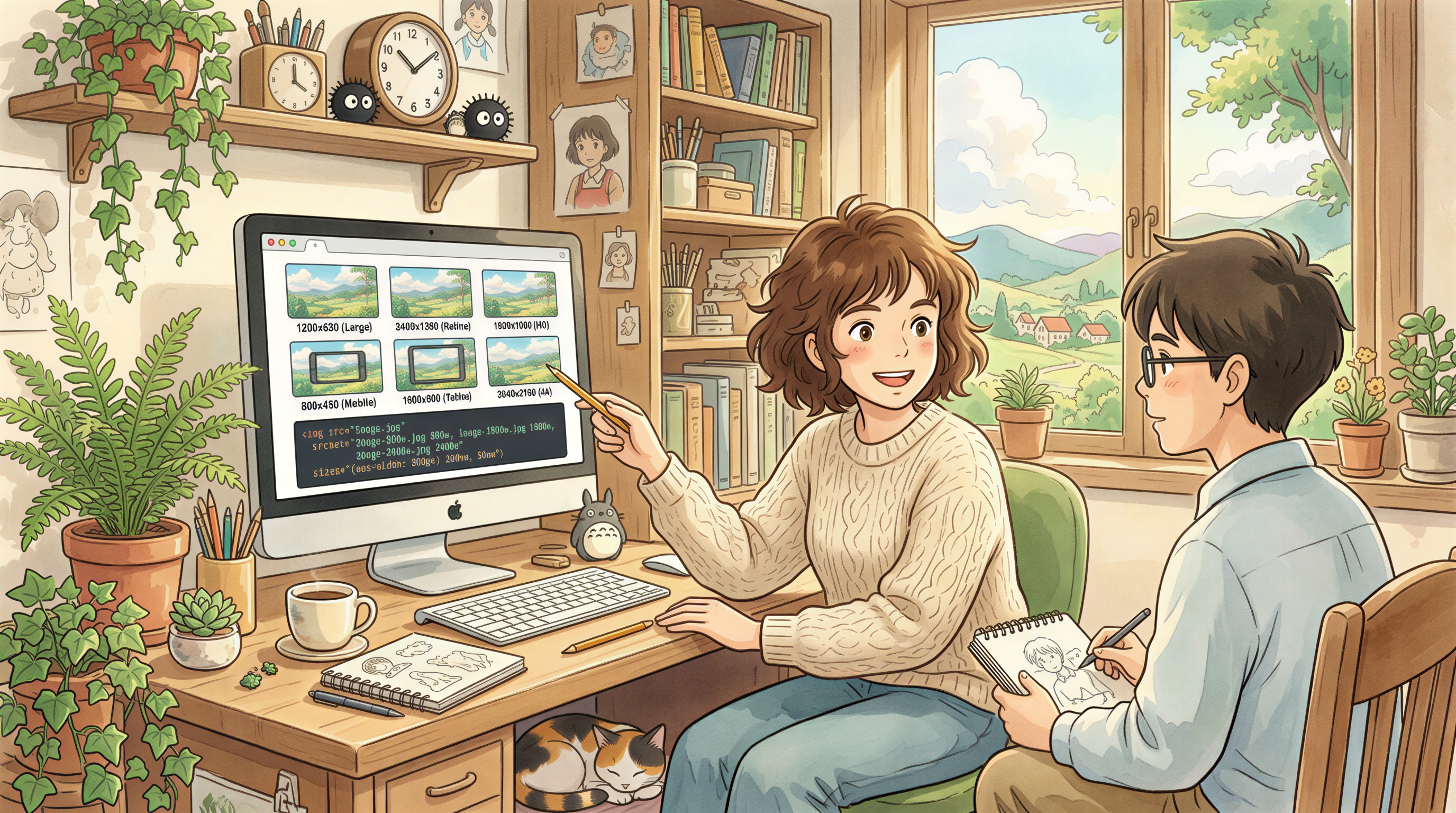
Since WordPress 4.4, the platform auto-generates multiple sizes when you upload one. By 2026, every modern theme uses srcset to pick the right size for each device.
Practical: upload one image at 2400px wide. WordPress generates everything from thumbnail to large automatically.
Don't ship 5 sizes manually. It's 2018 thinking.
OG and Twitter Cards: Where Most Bloggers Mess Up
WordPress doesn't set OG by default. Plugins do (Yoast, Rank Math, AIOSEO).
Two rules:
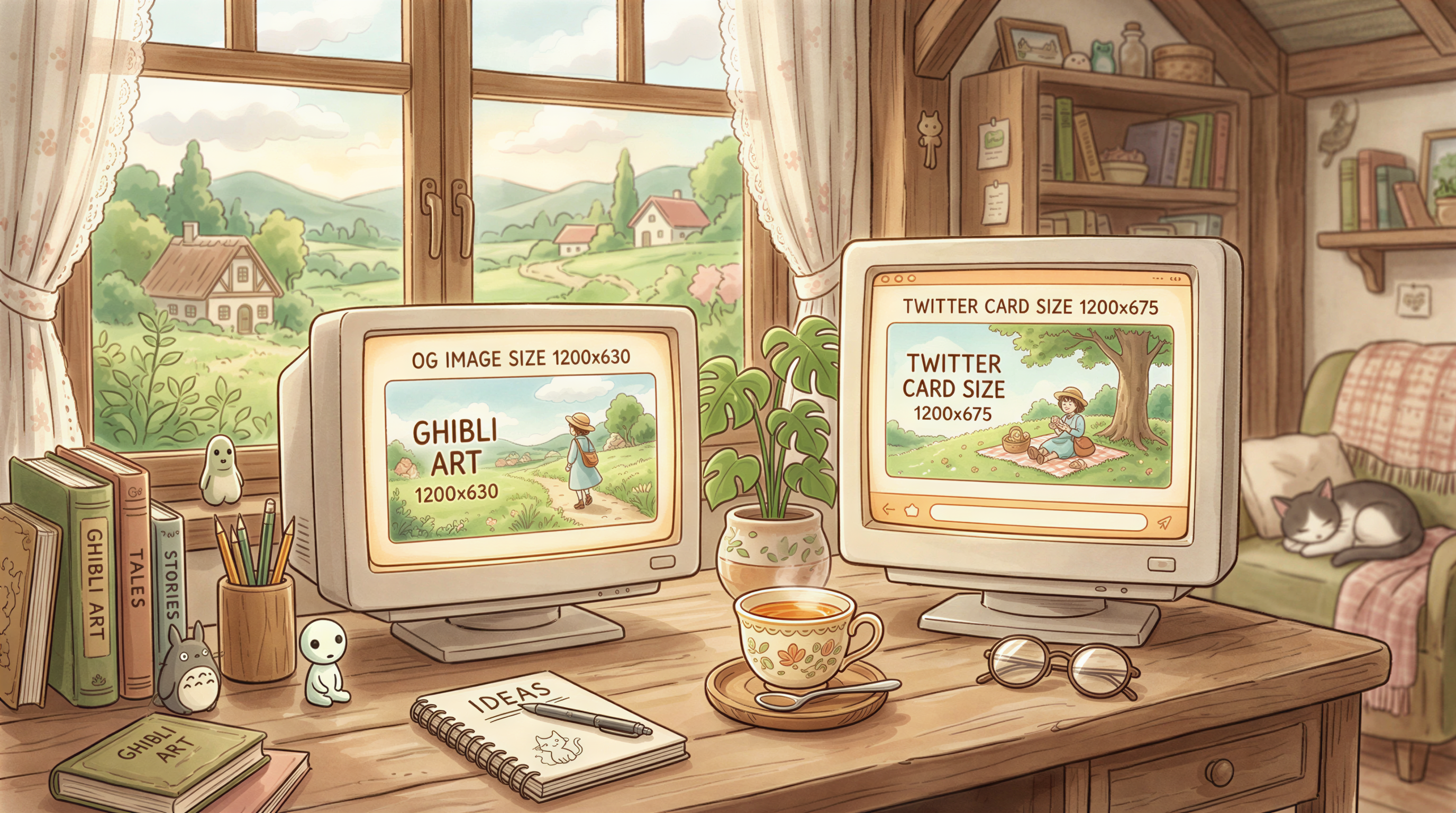
- OG image = 1200 x 630
- Twitter large card = 1200 x 675
Different aspect ratios. Slightly. Most plugins use the same image for both, which means a small crop on Twitter. Acceptable trade-off.
Lazy Load Behavior in 2026
Native loading="lazy" is universal. Don't disable it. Don't install lazy-load plugins on top of native lazy-load.
The one tweak: keep your above-the-fold featured image at loading="eager" so it doesn't delay LCP.
Retina (2x) - Do You Still Need It?
Yes, but only at the top.
- Hero / featured image: ship at 2x (e.g., 2400x1350)
- Inline content images: 1.5x is fine (e.g., 1800px wide)
- Sidebars/thumbnails: 1x (no oversize)
Bigger isn't better below the fold - it's just heavier.
Compression and File Size Targets
Goal: under 150 KB for inline images, under 300 KB for featured/hero.
Tools:
- WebP / AVIF preferred (most themes support them now)
- ImageOptim, Squoosh, or your CDN's auto-conversion
If you're using Cloudflare or BunnyCDN, enable auto-WebP. Done.
Common Mistakes
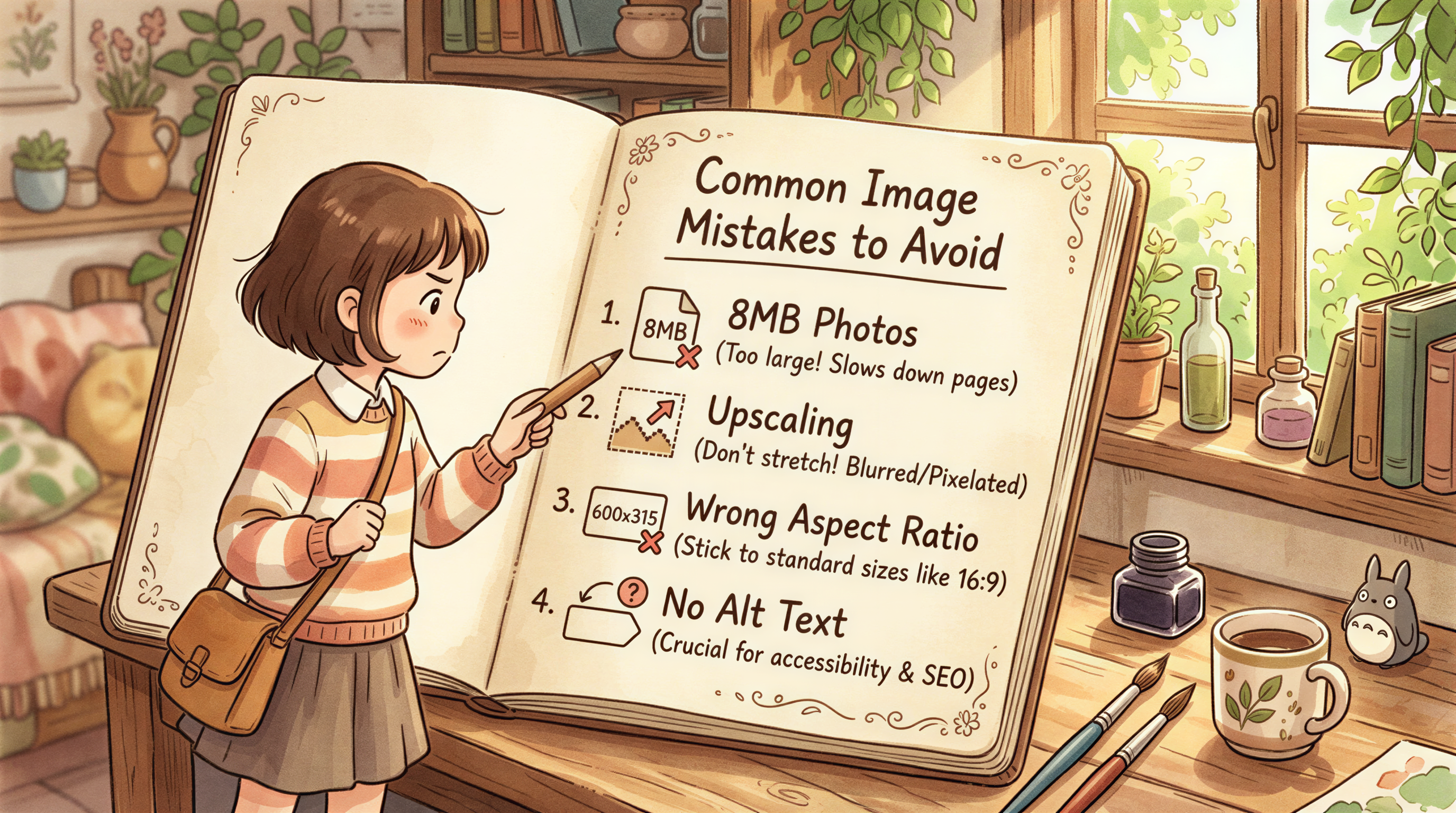
- Uploading 8MB phone photos - kills page speed
- Letting WordPress upscale - never works
- Featured image set to 600x315 because that's what your theme demo used - underweight for retina
- No alt text - 30% of theme demos still skip it
Featured Image Workflow That Just Works
For weekly bloggers:
- Generate at 1200 x 630 in Postpix
- Set as Featured Image
- Skip OG override (Yoast/Rank Math will use Featured by default)
- Publish
For higher-end blogs with full-bleed hero:
- Generate at 2400 x 1350
- Set as Featured Image
- Add a separate 1200 x 630 OG image in Yoast/Rank Math
- Publish
How This Connects to AI-Generated Images
If you're generating with Postpix, you can output multiple sizes from one generation in a single click. Saves the "open Photoshop just to crop" step.
Cross-Link: WordPress + Ghibli
If you're going for the Ghibli aesthetic on a WordPress blog, our older WordPress Ghibli Images post covers the style end. This post covers the size end.
Together, they're the full setup.
Bookmark This
Sizes don't change as often as themes do. This cheatsheet should hold through most of 2027.
Pricing for image generation when you're ready.
Generate Your First Blog Banner
Join thousands of content creators who save hours every week with AI-generated blog images.
Pay for credits when you need them. No monthly fees.
Use your credits whenever you need them. No rush.
Use images for any project—personal or commercial.