New Year, New Header: Refresh Your Whole Blog in 1 Day

Most "new year resets" are vibes.
You write a Notion page about goals. You don't actually change anything. Three weeks later you're back to the same routine.
Here's a real reset that takes one day and pays off all year: refresh every blog header in your archive.
Table of Contents
- Why "Visual Reset" Is the Right Reset
- The 1-Day Playbook
- What This Buys You
- What This Doesn't Buy You
- The Cross-Channel Surface
- Common Mistakes
- When to Skip the Refresh
- What to Keep, What to Update
- Block the Day Now
Why "Visual Reset" Is the Right Reset
A year-end content audit (covered here) is the bigger move. But if you only have one day, the visual refresh is the highest-leverage subset.
Why this specifically:
- Every visitor sees the homepage / archive page
- Inconsistent images across old posts signal "this blog has phases"
- A one-day refresh kicks in for the whole year of compounding traffic
Output: a blog that visually feels like one blog, not three.
The 1-Day Playbook
Block 8 hours on a quiet Saturday. Run this:
Hour 1: Audit (90 min)
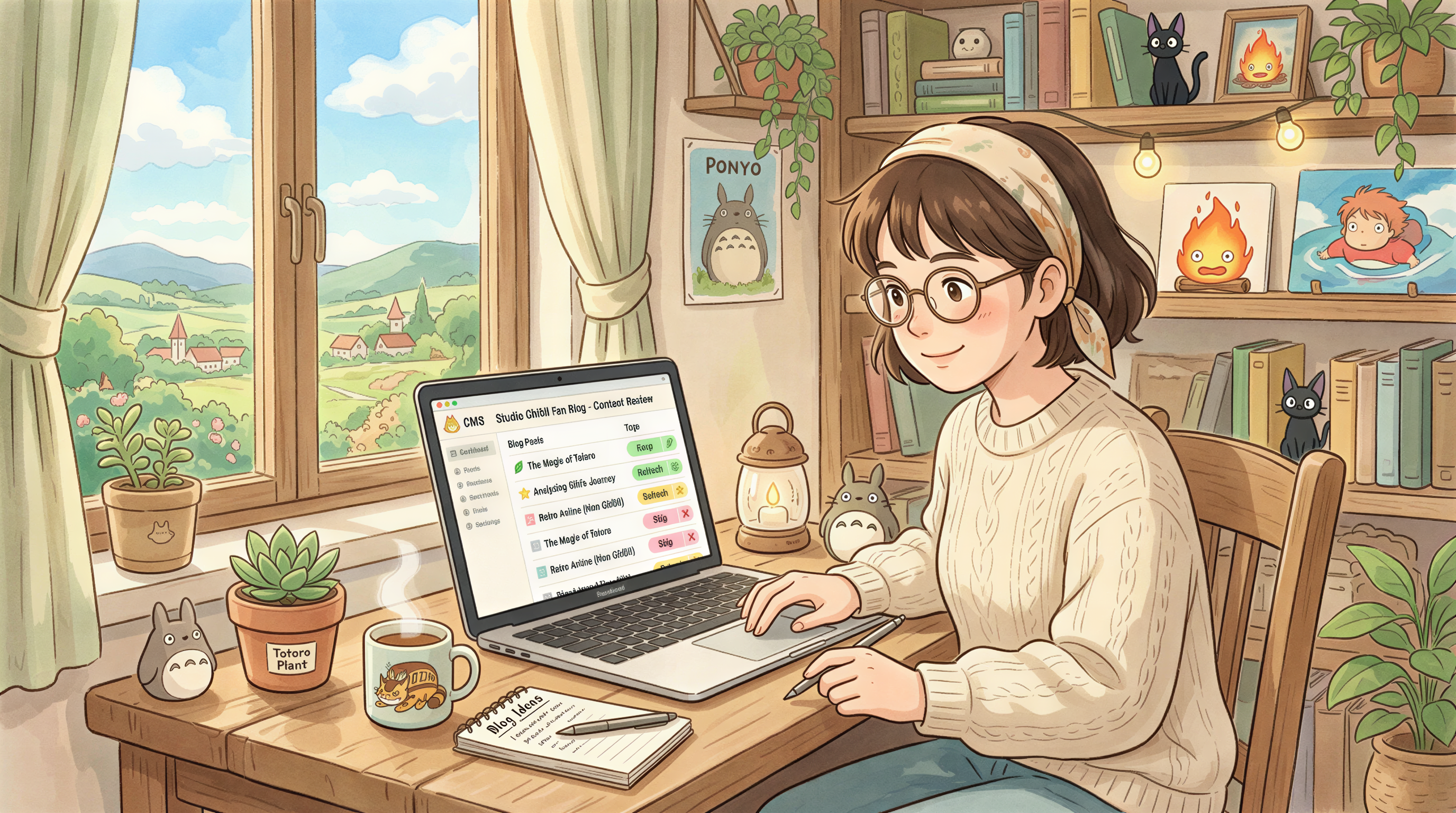
Open your CMS. Pull a list of every published post.
Categorize each post:
- Keep - current locked-style image, still works
- Refresh - stock photo, old style, off-brand
- Skip - too niche to bother
For most blogs with 30-50 posts, "Refresh" is 10-25 of them.
Hour 2: Lock the style (60 min)
If you don't have a locked style yet, this is when you pick.
Three options:
- Use what most of your "Keep" posts already have
- Pick a fresh style (options here)
- Combine: same vibe as Keep, slight 2027 evolution
Save the prompt snippet somewhere durable.
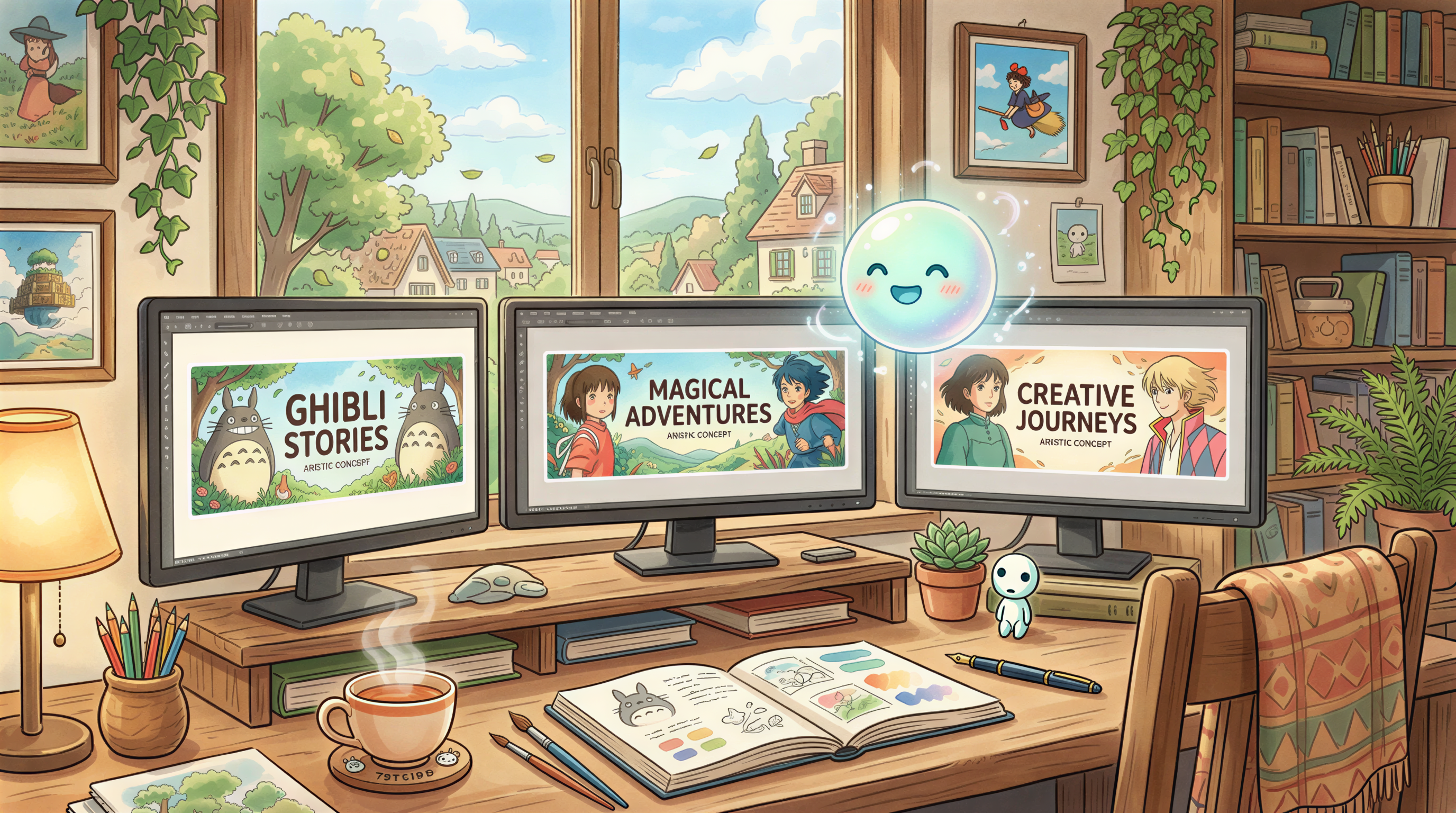
Hour 3-5: Generate (3 hours)
Open Postpix. Batch through your refresh list.
Per post:
- Paste post title
- Generate in locked style
- Pick best of 3
- Save with clear filename
15 posts × 5 minutes = ~75 minutes. Plus breaks. Round up to 3 hours.
Hour 6: Replace in CMS (60 min)
For each post:
- Replace featured image
- Replace OG image (Yoast / Rank Math / etc.)
- Update Twitter card if separate
- Save & republish (most CMS push this without changing publish date)
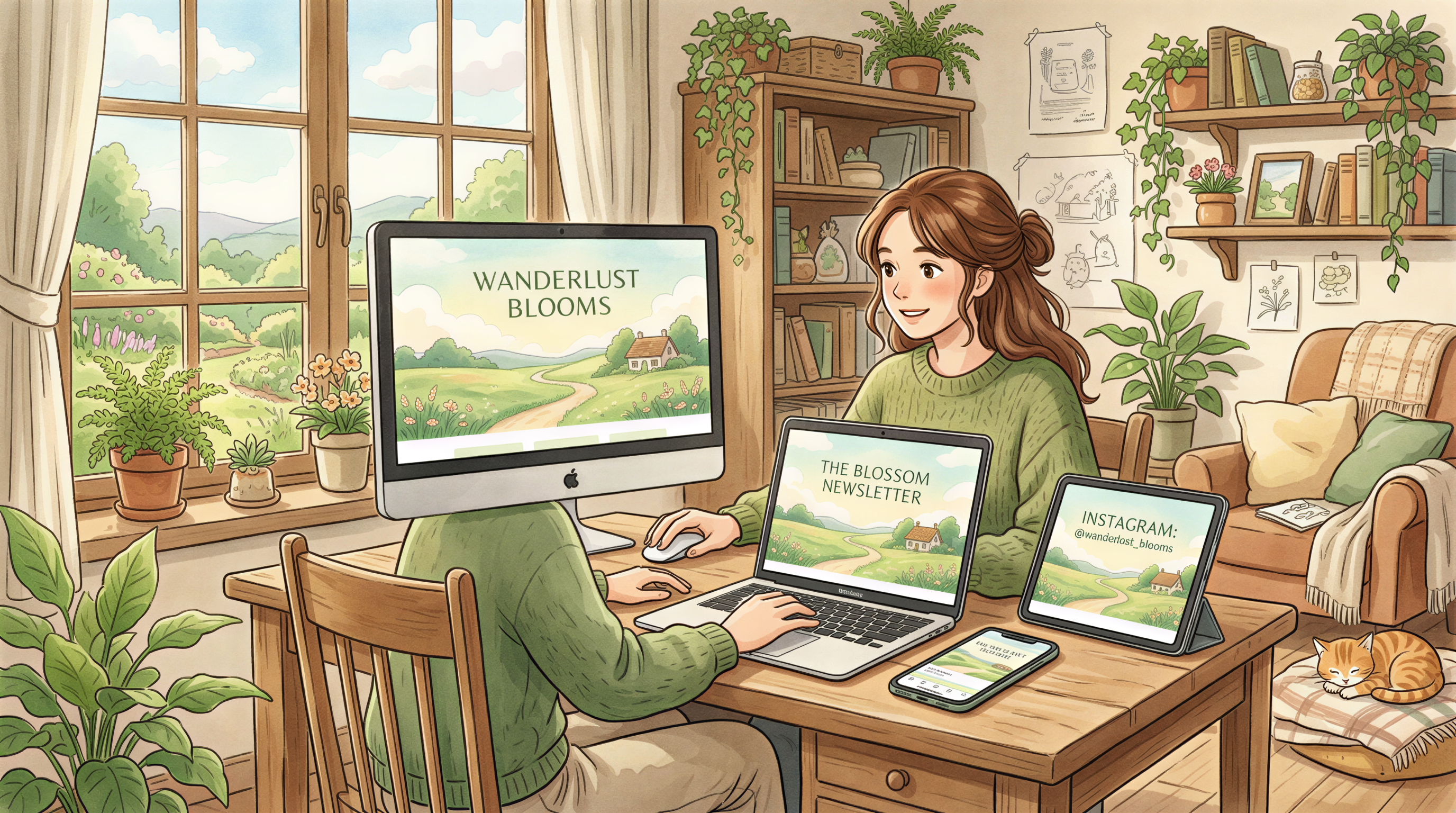
Hour 7: Updates + cross-channel (60 min)
The often-skipped step:
- Update your blog homepage hero (if it shows post thumbnails - they auto-refresh from featured)
- Update your newsletter banner template
- Update your social profile / cover headers
- Update your landing page hero illustration if it's stylistically off
Hour 8: Submit for re-crawl (30 min)
Open Google Search Console. URL Inspection. Request indexing for each refreshed post.
Repeat for any major changes (homepage, etc.).
What This Buys You
Modest but real:
- 10-20% lift in social CTR on refreshed posts (visual coherence + freshness)
- Slight bump in time-on-page on the homepage
- Newsletter subscribers re-noticing your brand
- Your future-self not having to redo this for ~12 months
What This Doesn't Buy You
Honest:
- Won't move rankings significantly (image refresh isn't a content change)
- Won't make a bad blog good
- Won't replace the bigger content audit refresh
It's a visual layer. The content has to do its own work.
The Cross-Channel Surface
If you do the refresh, do it everywhere on the same day:
| Surface | Update |
|---|---|
| Blog (per post) | Featured + OG image |
| Blog homepage | Pulls automatically from featured (usually) |
| Newsletter template | Header banner |
| Twitter / X | Profile header |
| Banner + Article cover style | |
| Product page | Hero illustration if styled blog-y |
| Pinterest pins | Optional - regenerate if you run Pinterest |
Doing all of these on one Saturday is the difference between "I refreshed my blog" and "I refreshed my brand."
Common Mistakes
- Picking a totally new style - confuses returning readers
- Refreshing only the header, not OG image - social shares look stale
- Forgetting newsletter template - inbox shows the old style
- Doing it across two weekends - momentum dies
- Not requesting re-crawl - bot might wait weeks
When to Skip the Refresh
If:
- Your locked style is less than 6 months old
- You did a similar refresh in October
- Your blog is under 10 posts
Save the day for actual writing.
What to Keep, What to Update
Things that hold up:
- Your tone / voice
- Your post structure
- Your URLs (always)
- Your tag system
Things to refresh:
- Image style (the lever)
- Bio / about copy (small wins)
- Footer / sidebar (often outdated)
Block the Day Now
If you're reading this on Dec 29, you have a few days. Block Saturday January 3rd.
Wake up. Coffee. 8 hours. Done.
Postpix does the heavy lifting. Pricing for the credits to do this in one batch.
Welcome to 2027.
Generate Your First Blog Banner
Join thousands of content creators who save hours every week with AI-generated blog images.
Pay for credits when you need them. No monthly fees.
Use your credits whenever you need them. No rush.
Use images for any project—personal or commercial.