Holiday Blog Banner Templates: Christmas, NYE, Hanukkah
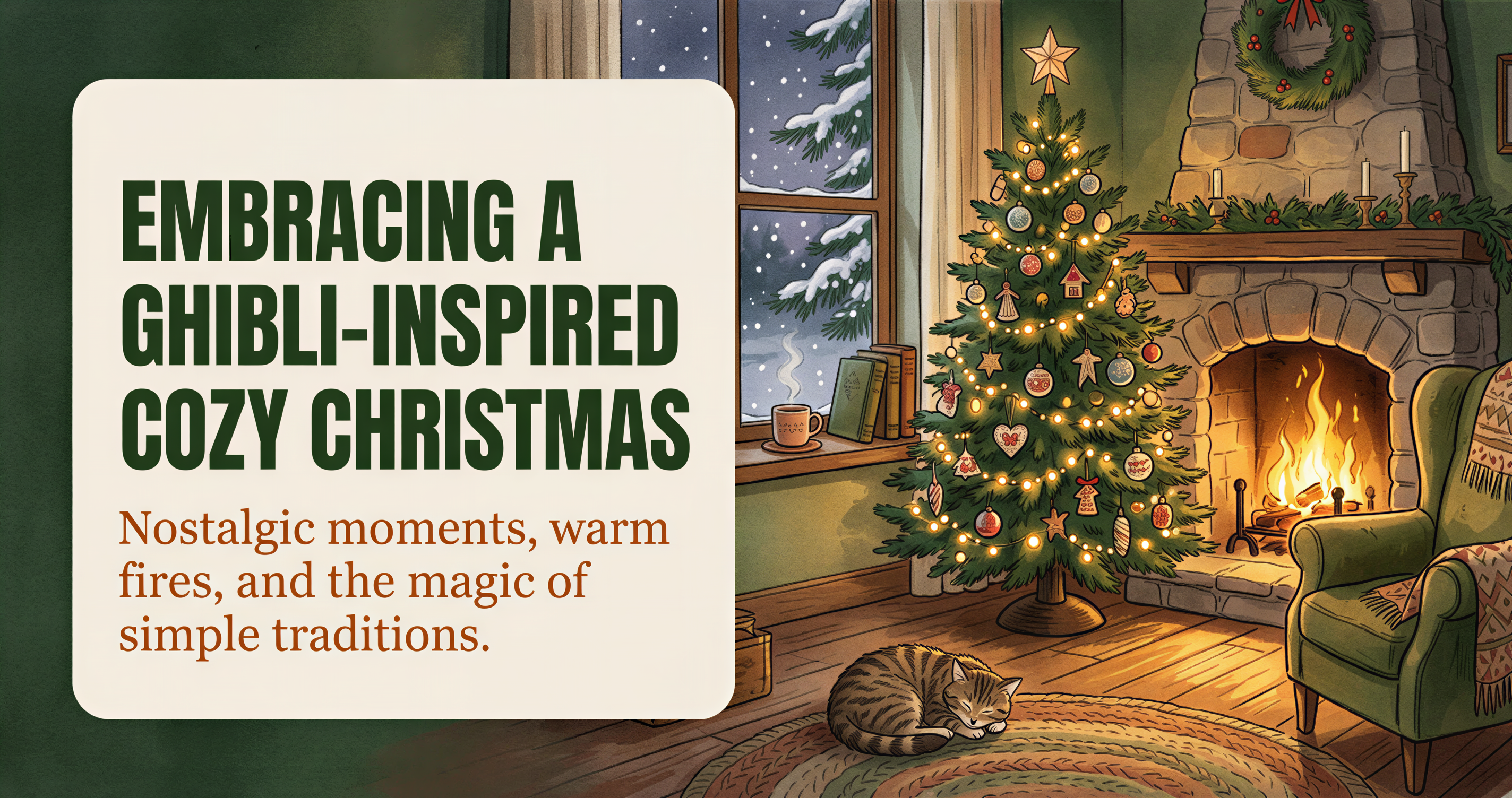
December's here. The holiday content calendar is real.
Default holiday banner: red text on green, sparkles, bow graphic. Looks like a 1998 Christmas card.
Here are three locked prompts that get the seasonal feel without the cliché.
Table of Contents
- The "Festive Without Tacky" Rule
- How to Use These Prompts
- Prompt 1: Christmas / Cozy Winter
- Prompt 2: New Year's Eve / Fresh Start
- Prompt 3: Hanukkah / Light & Family
- Prompt Customizations
- Cross-Channel Reuse
- Mistakes to Avoid
- When to Skip Holiday Banners Entirely
- A Working December Cadence
- Cross-Reference: Earlier Seasonal Pack
- Generate This Week's Banner Now
The "Festive Without Tacky" Rule
Three signals to avoid:
- Saturated red + green next to each other
- Bow / ribbon graphics
- Sparkle clusters
Three signals that work:
- Warm low light (candles, fireplaces, lamps)
- Specific seasonal objects in soft color (pine, ornaments, gift-wrap edges)
- Snow or atmospheric haze
The first set screams "holiday template." The second set says "this post happens to be in December."

How to Use These Prompts
In any AI image tool that supports detailed style direction, paste the prompt and add your post topic.
In Postpix, drop the prompt into the style field along with your post title. Generate at 1200 x 630.
For best consistency across the holiday season, lock one of the three prompts for the entire month rather than rotating.
Prompt 1: Christmas / Cozy Winter
Use for: Christmas content, year-end essays, holiday gift guides, "year in review" posts. Skip the actual word "Christmas" if your audience is mixed-faith.

Prompt 2: New Year's Eve / Fresh Start
Use for: Year-end retrospectives, "lessons learned" posts, planning content, goal-setting posts. Reads as celebratory + reflective.

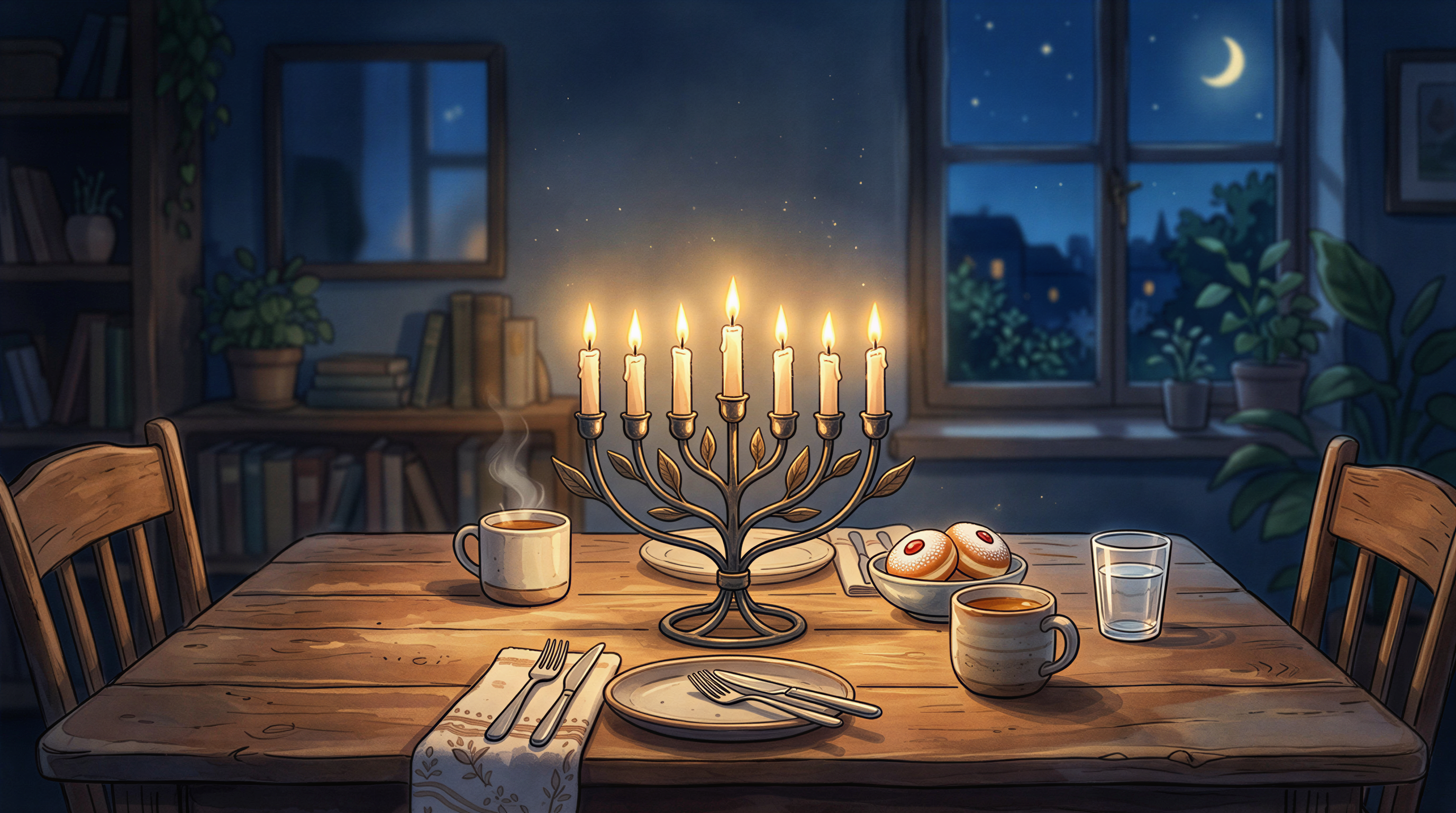
Prompt 3: Hanukkah / Light & Family
Use for: Hanukkah-specific posts, "festival of lights" content, December reflection / family content. Avoids stereotypes by focusing on light and warmth, not symbols-overload.
Prompt Customizations
To match your locked style, you can swap the style line:
- "hand-painted Studio Ghibli illustration style" → "editorial photoreal style with soft natural light"
- → "isometric illustration with warm muted palette"
- → "minimal hand-drawn sketch with watercolor wash"
Pick whichever matches your blog's normal style. The seasonal element is in the content, not the style.
Cross-Channel Reuse
These prompts work for:
- Blog post headers (1200 x 630)
- Newsletter headers (same size)
- Twitter / LinkedIn share images
- Pinterest pins (regenerate at 2:3 vertical with the same prompt)
One prompt, multiple deliverables.
Mistakes to Avoid
- Loud holiday color combos - looks like clip art
- Holiday text in the image - title belongs in the H1
- Generic "Happy Holidays" stock - you can do better
- Switching to a different style for December and back in January - inconsistent
- Using the same banner for every December post - vary the subject inside the locked style
When to Skip Holiday Banners Entirely
If your blog is:
- B2B targeting global / international enterprise (December isn't universal)
- Strictly news / commentary (seasonality looks like distraction)
- Focused on year-round evergreen topics
Stay on your locked style. The seasonal pivot is optional, not required.
A Working December Cadence
If you publish weekly:
- Early December: holiday-themed posts can use Prompt 1
- Mid December: continue with Prompt 1 or shift to Prompt 3 if relevant
- Last week: Prompt 2 (NYE / fresh start) for retrospective posts
- Jan 1: switch back to your normal locked style
Total swaps: 1-2 across the month. Subscribers feel the season; brand stays coherent.
Cross-Reference: Earlier Seasonal Pack
We covered the Halloween prompts in October. Same approach: lock one prompt, vary the subject across posts in that month.
Generate This Week's Banner Now
Pick one of the three prompts. Paste with your post title into Postpix. Ship.
Pricing once you've crossed the free tier.
Generate Your First Blog Banner
Join thousands of content creators who save hours every week with AI-generated blog images.
Pay for credits when you need them. No monthly fees.
Use your credits whenever you need them. No rush.
Use images for any project—personal or commercial.